

Best 3D AI Porn Generators 2026 Realistic Renders Without Filters
By Team AIGN, updated June 2026
Do you want to create adult 3D art that looks like a Hollywood CGI movie? In 2026, AI tools can turn simple text prompts into stunning 3D-style images with realistic skin, perfect lighting, and detailed anatomy. You do not need to learn complex 3D modeling software like Maya or ZBrush. With the right AI models and a simple workflow, anyone can create professional-quality 3D adult art.
This guide covers the best tools, models, and workflows for creating realistic 3D adult content. We focus on free and affordable options that work without content filters blocking your creativity. Whether you want quick results or professional-grade output, we have you covered.
What Is 3D AI Porn Art
3D AI porn art means adult images that look three-dimensional. The characters have realistic body volume, depth, shadows, and lighting. The result looks like a scene from a high-end video game or CGI movie. There are two ways to create this:
Direct AI Generation: You type a prompt into an AI tool and it creates a 3D-style image instantly. Fast but less control over exact poses.
3D Software Plus AI: You pose a 3D character in software like Daz Studio, render a basic image, then use AI to add realistic skin and lighting. Slower but gives you total control over every detail.
Both methods are legal for fictional characters. You can sell the results on adult platforms like Patreon, Fanbox, and OnlyFans. We explain the legal details later in this guide.
Top 5 Tools for 3D Adult AI Art in 2026
1. Juggernaut XL — Best for Photorealistic 3D
Juggernaut XL is the most popular checkpoint model for photorealistic 3D art in 2026. It creates images that look like premium CGI renders. Skin shows visible pores. Lighting looks cinematic. Body anatomy stays correct and natural.
Download the model from Civitai (about 7GB). Run it in Forge or ComfyUI on your local computer. Combine it with cinematic lighting LoRAs to push the quality even higher. This is the gold standard for creators who want professional results.
Best for: Premium quality still images for sale on adult platforms
Speed: 15-30 seconds per image on RTX 3060
Cost: Free model, requires gaming PC
2. DreamshaperXL Lightning — Best for Fast Results
DreamshaperXL Lightning is a faster version of the classic Dreamshaper model. It is optimized to run in just 4 to 8 steps instead of the usual 25 to 30. This means you get a 3D semi-realistic image in about 8 seconds on an RTX 3060.
The skin quality is not as detailed as Juggernaut. But for brainstorming poses, testing styles, and creating quick drafts, it is unbeatable. Many creators use Dreamshaper Lightning to test ideas, then switch to Juggernaut for the final polished version.
Best for: Quick brainstorming and pose exploration
Speed: 8 seconds per image on RTX 3060
Cost: Free model
3. Daz Studio Plus AI — Best for Professional Control
This is the pro-grade workflow used by top creators on Fanbox and Patreon. You get total control over character pose, camera angle, lighting, and anatomy. The AI only handles the final polish of skin texture and lighting.
Here is the step-by-step workflow:
Step 1: Download Daz Studio for free from the official website. Install Genesis 8 Female or Genesis 9 base figure (also free).
Step 2: Pose your character. Use free pose presets or adjust manually. Make sure the pose looks natural with no twisted anatomy. Set your camera angle.
Step 3: Render with Iray at 1024 by 1536 resolution. This takes 5 to 15 minutes. Save as PNG.
Step 4: Load the render into Forge or ComfyUI in img2img mode. Use Juggernaut XL or similar realistic checkpoint.
Step 5: Set denoise strength between 0.4 and 0.55. Above 0.55 you lose the original pose. Below 0.4 the AI does not refine enough.
Step 6: Write your prompt describing skin quality, lighting, and environment. Use a full negative prompt including bad anatomy, blurry, and low quality.
Step 7: Generate 4 variations. Pick the best one. Optionally inpaint the face and hands for extra refinement.
This workflow eliminates the classic AI hand problem because the base geometry comes from Daz, not from the AI guessing. You get perfect anatomy every time.
Best for: Professional creators selling on Fanbox and Patreon
Speed: 5-20 minutes per final image
Cost: Free software, requires gaming PC
4. Blender Plus AI — Best for Advanced Users
Blender is a free open-source 3D software with a massive community. It is more powerful than Daz Studio but has a steeper learning curve. You get free assets from BlenderKit. You can render with Cycles or Eevee engines.
The workflow is similar to Daz: pose in Blender, render a base image, then refine with AI using ControlNet OpenPose plus img2img. With practice, the results can surpass Daz Studio because Blender offers more advanced lighting and camera tools.
Best for: Users who already know Blender or want to learn a robust professional tool
Speed: Varies based on scene complexity
Cost: Completely free
5. Pony V6 with 3D Render Style LoRA — Best for Stylized 3D
For cartoon or semi-realistic 3D styles, Pony V6 combined with a 3D Render Style LoRA delivers results between Pixar and Source Filmmaker quality. This is perfect for stylized adult fanart that does not aim for full photorealism.
The style is popular for game-inspired art and animated-looking characters. You can find the LoRA for free on Civitai. Combine it with Pony V6 base model for best results.
Best for: Stylized adult fanart and cartoon-style 3D
Speed: 10-15 seconds per image
Cost: undress ai remover Free model and LoRA
Hardware Setup Guide
Best Graphics Cards for 3D AI in 2026
For local 3D AI work in 2026, the sweet spot is an NVIDIA RTX 3060 with 12GB of video memory. A used card costs about R$ 1,800 in Brazil. A new one costs around R$ 2,400. This card handles all the models and workflows mentioned above without problems.
If you want faster rendering and higher resolution, upgrade to an RTX 4070 at R$ 4,500 new. It cuts generation time in half and handles larger images easily.
Minimum Requirements:
- 16GB system RAMcumshot ai
- SSD storage (each model is 7GB, you need space for multiple models)
- Windows 10 or Linux
Cloud GPU Options (No Hardware Needed)
If you do not own a gaming PC, rent a cloud GPU. Here are the best options:
RunPod: Rent an RTX 4090 for USD 0.69 per hour (about R$ 3.60). A 5-minute scene costs R$ 0.30. For 50 finished scenes you spend about R$ 15 total. Much cheaper than any monthly subscription.
Vast.ai: RTX 3090 or similar for about R$ 1.50 per hour. Requires international credit card.
Both platforms let you upload ComfyUI templates from Civitai with one click. No setup needed.
Lighting Secrets for Professional 3D Renders
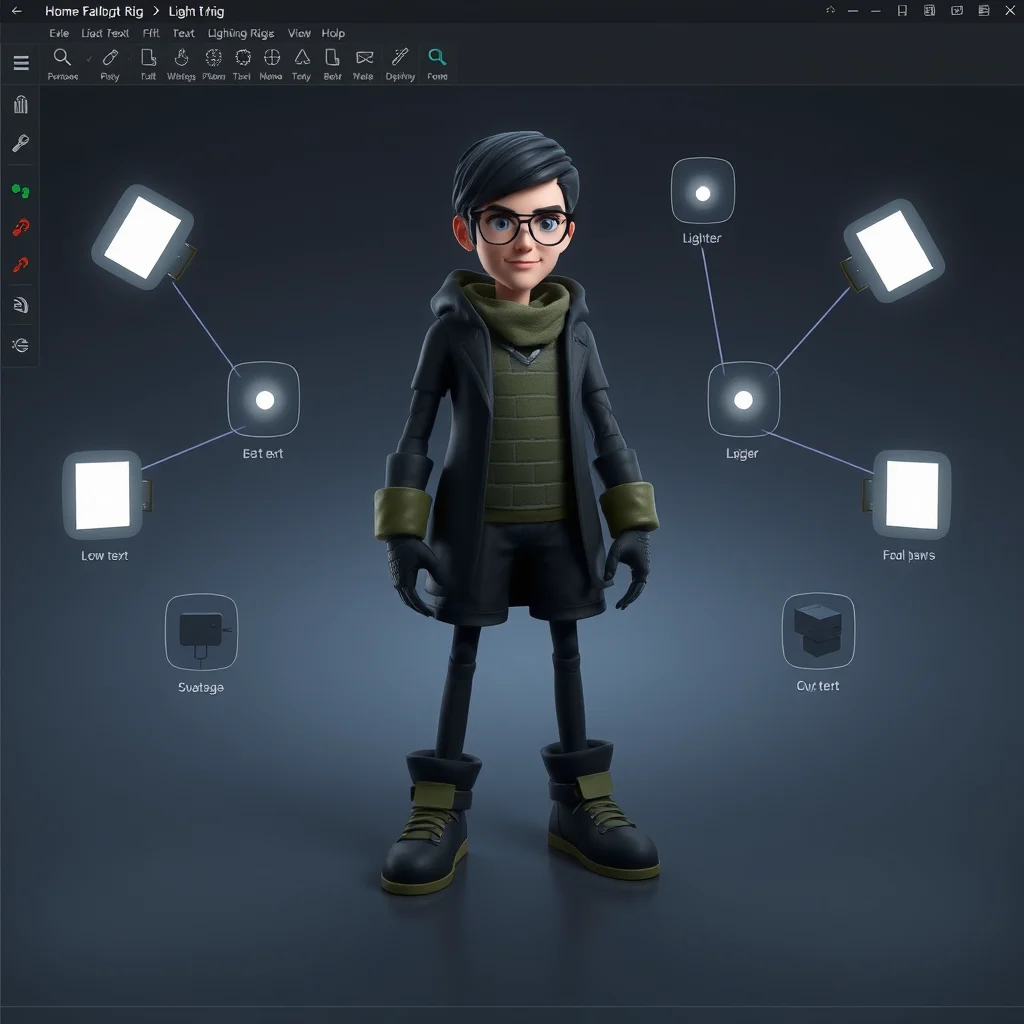
Bad lighting makes even perfect anatomy look cheap. Good lighting makes simple models look like movie stars. Here is the classic 3-point lighting setup that works for every adult scene:
Key Light (60 percent intensity): Place this at 45 degrees from the character’s face, slightly above eye level. This is your main light source and creates the primary shadows.
Fill Light (25 percent intensity): Position this on the opposite side of the key light. It softens the shadows so they are not completely black.
Rim Light (15 percent intensity): Place this behind the character pointing toward the camera. It creates a bright edge around the body that separates the character from the background.
Night Scene Variation: Replace the key light with warm low light at 3200K color temperature. Add a blue cool rim light for color contrast. This creates a cinematic mood perfect for intimate scenes.
AI Prompt Tips for Lighting
When running the AI refinement step, reinforce the lighting in your prompt. Use these terms:
- cinematic lighting
- rim light
- volumetric light
- soft shadows
- detailed skin texture
These words trigger the internal LoRAs in the checkpoint to produce photographic-quality lighting. Use the DPM++ 2M Karras sampler at 30 steps to preserve skin detail. Set CFG scale to 6 so the AI respects the lighting from your 3D render instead of inventing new light sources.
This balance is what separates amateur renders from images that look like professional photography.
Speed and Cost Comparison
| Method | Time Per Image | Quality | Best For |
|---|---|---|---|
| SDXL Direct (Juggernaut) | 15 seconds | Good | Quick generation, high volume |
| Daz Studio + AI | 5-20 minutes | Excellent | Professional quality, controlled poses |
| Blender + AI | 10-30 minutes | Excellent+ | Advanced users, complex scenes |
| Dreamshaper Lightning | 8 seconds | Medium | Brainstorming, drafts |
| Cloud GPU (RunPod) | Same as local | Same as local | No hardware investment |
Legal Guide for 3D AI Adult Content
What Is Legal
Creating 3D adult art of completely fictional characters is legal in most countries. You can sell this art on legitimate adult platforms including Patreon adult, Fanbox, OnlyFans, Loyalfans, SubscribeStar, and Itch.io adult section. Always read the license of your checkpoint models (Pony, Juggernaut) and LoRAs. Most allow commercial use.
What Is Illegal
Creating art inspired by real people without their consent is a crime in Brazil under Law 14.811/24. The punishment is 2 to 6 years in prison. This applies even if the art is 3D rendered. What matters is the source of inspiration, not the rendering technique. Never use photos of real ex-partners, celebrities, or colleagues as reference without explicit written permission.
Platform Rules
Most adult platforms now require you to declare AI-generated content. OnlyFans has required this since 2023. Patreon has similar rules. Always check the current terms of your selling platform before posting.
Frequently Asked Questions
What exactly is 3D AI porn art?
It is adult art that looks three-dimensional with realistic volume, depth, and shadows. It resembles AAA game renders or CGI animation. You create it either directly with AI checkpoints trained in 3D style, or by rendering in 3D software and refining with AI.
Should I use Daz Studio or generate directly with AI?
It depends on your goal. Daz plus AI gives total control of pose, anatomy, and camera angle. You pose the character in Daz, export as reference, and pass through AI to refine skin and lighting. SDXL with a 3D checkpoint is faster but offers limited pose control through prompts and ControlNet. For bulk production, direct SDXL wins. For artisan quality work, Daz plus AI is superior.
Is this completely free?
The software is free. Daz Studio is free. Blender is free. Stable Diffusion is free. The only cost is hardware. An RTX 3060 12GB costs about R$ 1,800 used in 2026. If you have no GPU, cloud rental costs about R$ 2 per hour on RunPod.
What are the best 3D models in 2026?
The most used models are dreamshaperXL_lightning for fast semi-realistic 3D, juggernautXL for photorealistic 3D, copaxTimelessXL for Pixar-style cartoon, and ZavyChromaXL for polished Daz-style renders. All are free on Civitai. Combine with skin detail and cinematic lighting LoRAs for best results.
Can I animate 3D AI art?
Yes. You can use AnimateDiff on top of 3D checkpoints for short animations. For full video, render each frame in Daz Studio and pass every frame through AI for refinement. This is labor-intensive but produces professional-quality animated scenes that look like game cutscenes.
Can I sell 3D AI art commercially?
Yes for fictional characters you created from scratch. Major adult platforms accept 3D AI content. Always verify the license of your models and LoRAs. Most allow commercial use. Never sell art based on real people without consent.
Do LoRAs really help with 3D style?
Yes, dramatically. LoRAs like 3D Render Style, Daz3D Style, and CGI Lighting (all free on Civitai) transform a generic SDXL into a 3D generator instantly. Combine two or three at low weight (0.4 to 0.7) for balanced results. For game engine style like Unreal Engine 5, search for UE5 Render Style on Civitai.
How long does rendering take?
SDXL direct generation takes about 15 seconds per image on an RTX 3060. Daz Studio Iray rendering takes 5 to 30 minutes per frame depending on quality settings. Daz plus AI combined takes about 2 minutes total. For video, Daz plus AI can take hours depending on length and frame count.
Can I pay with PIX in Brazil?
Some Daz asset resellers in Brazil accept PIX, including Daz3D Brasil and AssetsBR. For checkpoints and LoRAs, Civitai and Hugging Face are 100 percent free. For cloud GPU services, payment is usually by international credit card. Some hosted AI services like Zencreator accept PIX but offer lower 3D quality than local pipelines.
Final Recommendations
For quick testing, use our free generator at the top of the site with Juggernaut XL. You can see what 3D AI art looks like without downloading anything.
For production work at scale (selling on Fanbox, OnlyFans), use Juggernaut XL locally with lighting LoRAs. The quality is good enough for professional sales.
For absolute premium quality, use Daz Studio plus AI. The control over pose and anatomy is unmatched.
For stylized cartoon or anime 3D, use Pony V6 with 3D Render LoRA.
In 2026, 3D adult AI art is no longer about having the best tool. Every tool is good enough now. The difference is in your prompts, your lighting setup, and your finishing work. Start with the free options, practice your lighting skills, and upgrade your hardware only when you are making money from your art.
Remember: the tool does not make the artist. Your vision, your prompts, and your attention to detail are what create stunning 3D adult art.