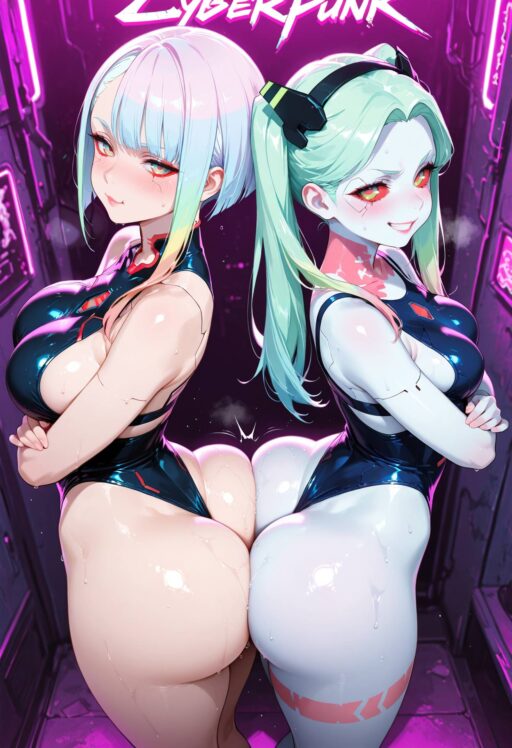
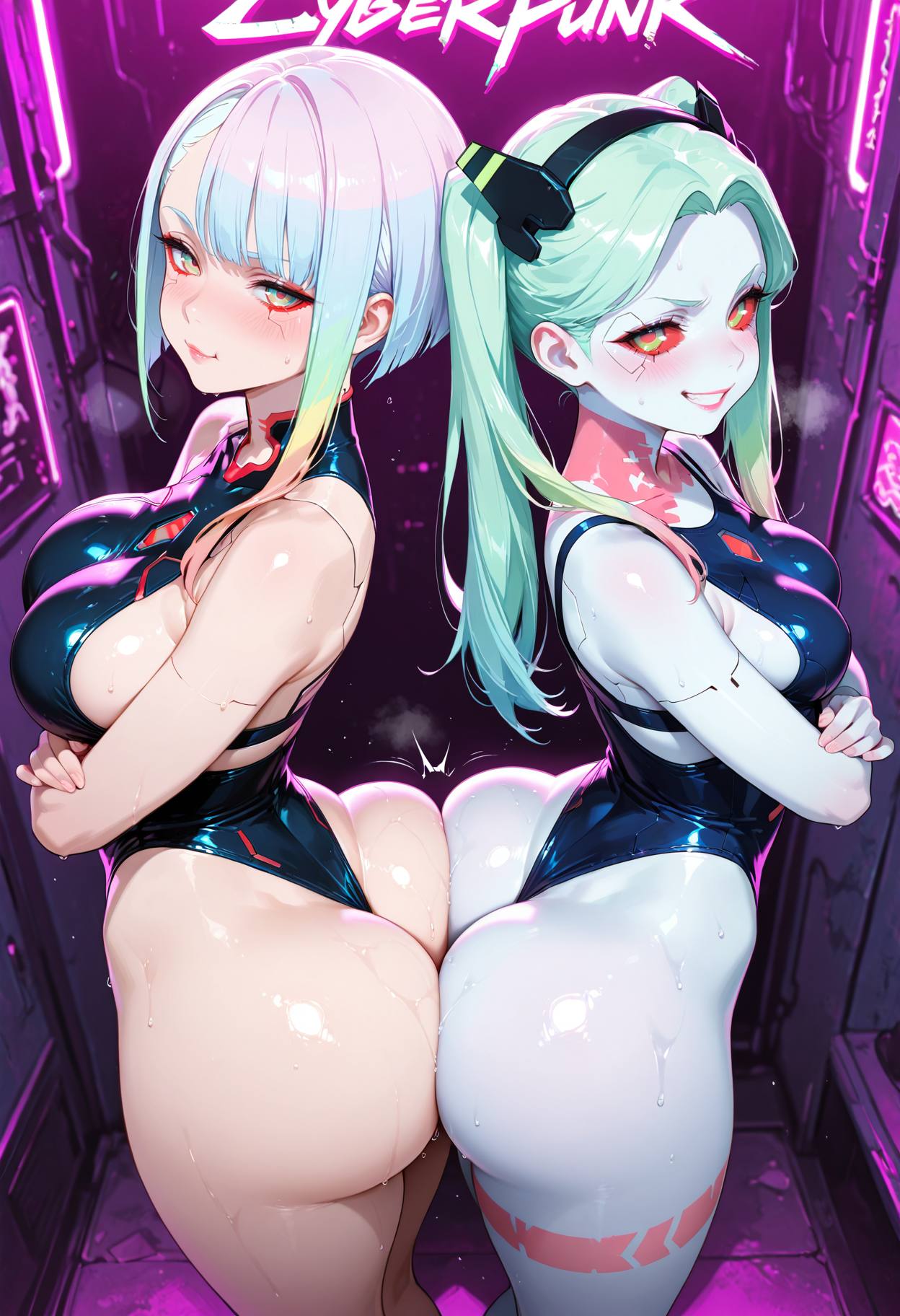

By Faz, founder of aiimagegeneratornsfw.com. Tested across 400+ Pony generations with 15 LoRAs over 90 days. Last updated: May 23, 2026.
Quick answer: Pony Diffusion V6 XL is an SDXL-based model built for anime and NSFW content. Download it from Civitai (6.5GB), run it in ComfyUI or Forge. The magic is in the score-rating system (score_9, score_8_up) that controls quality. In 2026, Illustrious is the rising competitor, but Pony still holds the crown for the sheer volume of available NSFW LoRAs.
What is Pony Diffusion XL
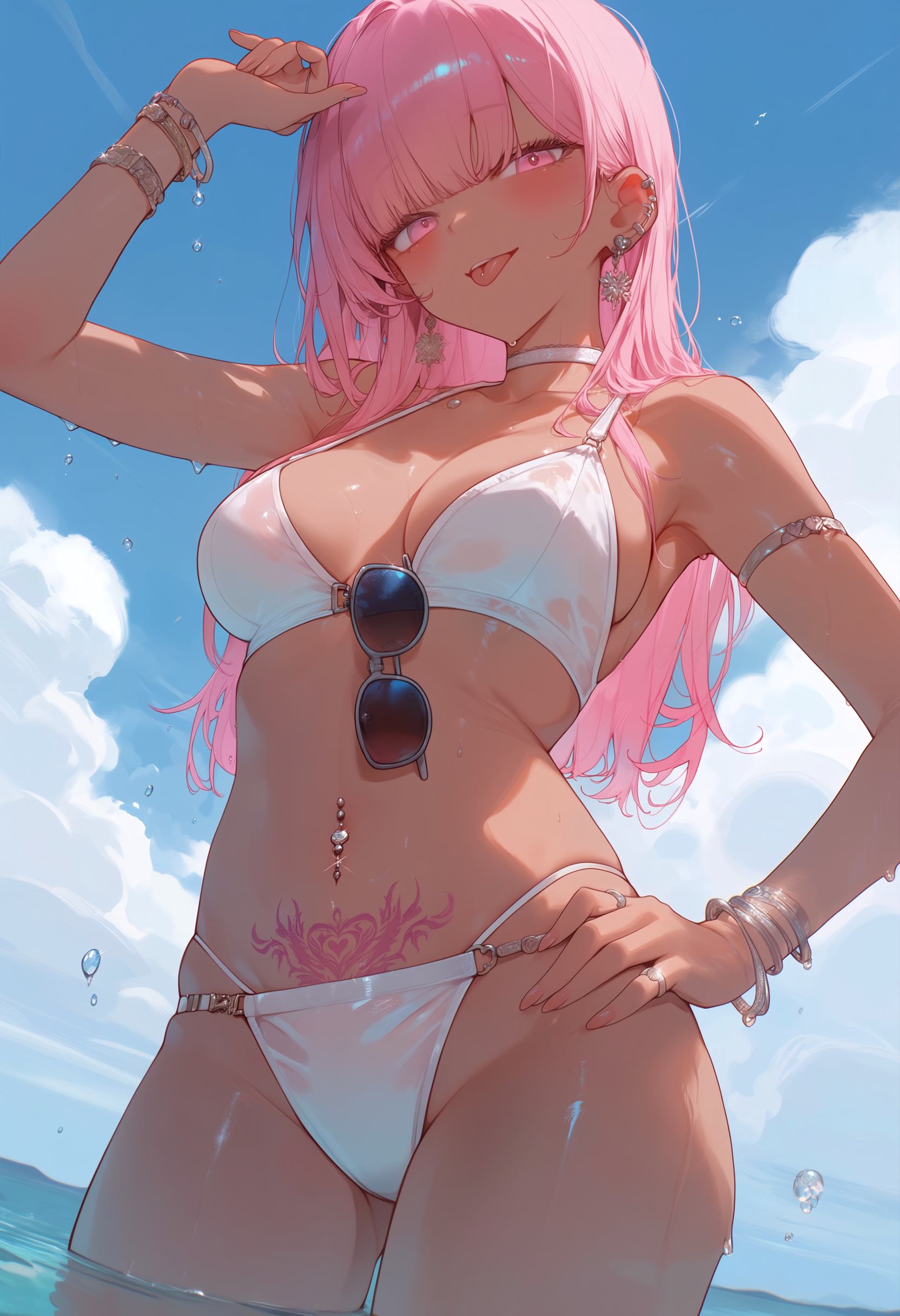
Pony Diffusion is a fine-tuned version of the SDXL base model. It was created by PurpleSmartAI and released on Civitai in late 2024. V6 XL became the dominant model for anime and NSFW image generation through 2025 and remains the standard in 2026.
The model is trained on a massive dataset of anime-style images from Danbooru, e621, and other anime-focused sources. It understands anime tags natively. It also handles realistic and semi-realistic styles when prompted correctly. The key innovation is the score-rating system that lets you control output quality directly in the prompt.
Why Pony Dominates NSFW in 2026
Massive LoRA ecosystem: Civitai hosts over 5000 LoRAs tagged for Pony. Characters, styles, poses, clothing, and concepts. No other model comes close to this library size.
Score-rating system: Built-in quality control. Add score_9, score_8_up, score_7_up to your prompt and the model produces higher-quality output. Add score_4 and it produces lower-quality, more experimental results. This is unique to Pony.
Tag-friendly prompting: Pony understands Danbooru-style tags natively. Tags like 1girl, school uniform, blue hair work exactly as written. No need for natural language descriptions.
NSFW permissive: The model was trained with adult content in the dataset. It generates NSFW content without workarounds, special triggers, or jailbreak prompts. What you prompt is what you get.
Style flexibility: Anime, semi-realistic, and even realistic styles are possible from the same checkpoint. Switch styles by changing tags, not by swapping models.
System Requirements
File size: 6.5GB (.safetensors format)
VRAM: 6GB minimum for basic generation. 8GB for comfortable use. 12GB for high-resolution with Hires Fix and multiple LoRAs.
Storage: At least 50GB free for the base model plus a collection of LoRAs. Each LoRA is 100 to 500MB.
GPU: NVIDIA strongly recommended. RTX 3060 12GB is the entry sweet spot. RTX 4060 16GB or 4070 12GB for smooth daily use.
RAM: 16GB minimum. 32GB if you keep multiple models loaded.
Interface: ComfyUI, Forge, or AUTOMATIC1111 with SDXL support. Forge is recommended for beginners. ComfyUI for advanced workflows.
Downloading and Installing Pony
Where to download:
Civitai is the primary source. Search for Pony Diffusion V6 XL. The file is 6.5GB. If Civitai is blocked in your region, use HuggingFace mirrors. Search for pony diffusion xl mirror.
Installation steps:
Download the .safetensors file. Place it in your models folder: ComfyUI\models\checkpoints or Forge\models\Stable-diffusion. Click Refresh in the interface. Select Pony from the model dropdown. You are ready to generate.
Important: Do not use SD 1.5 interfaces. Pony is SDXL-based. It requires an SDXL-compatible UI. SD 1.5 models will not load or will produce garbage output.
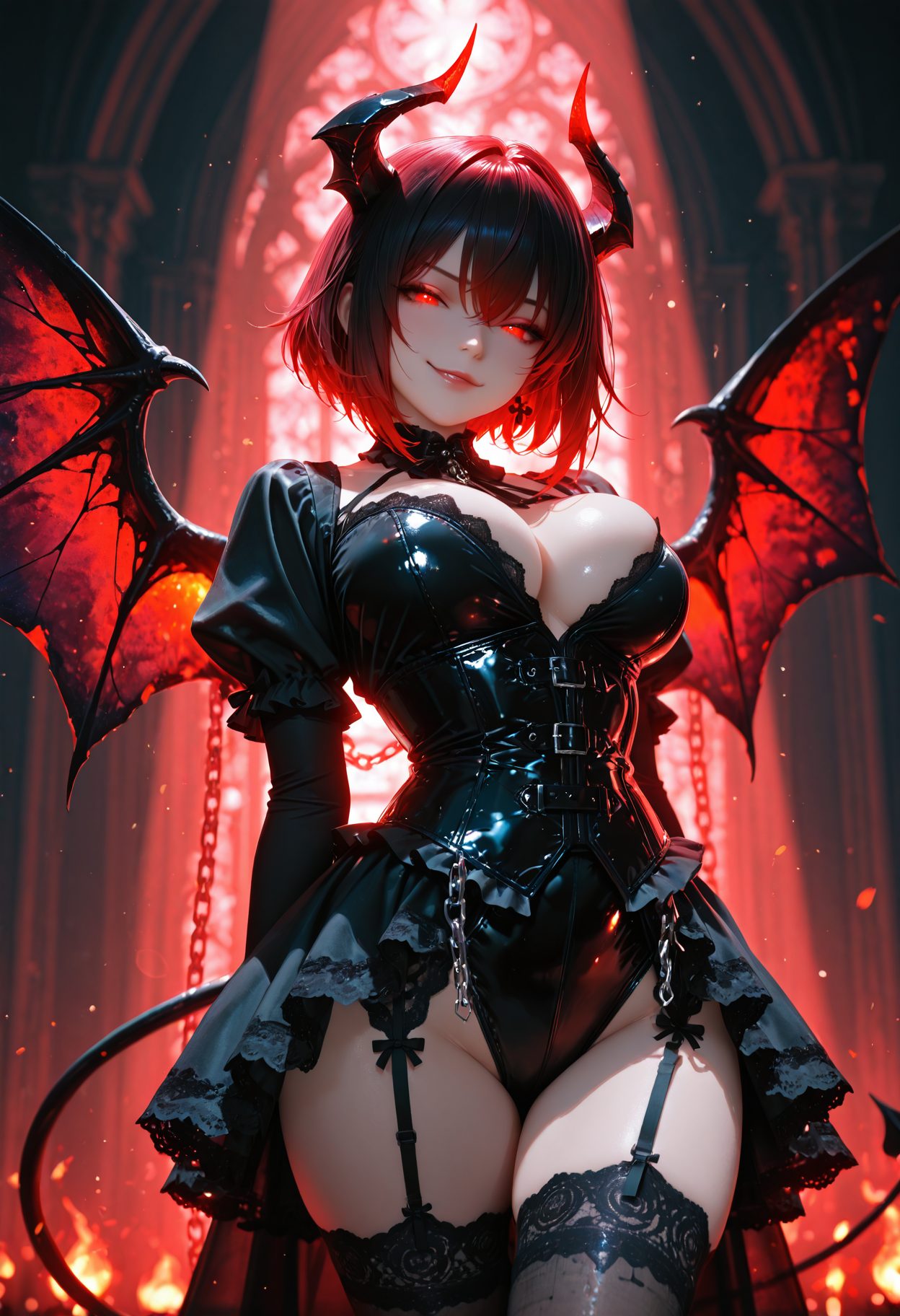
The Score-Rating System Explained
This is where 80% of Pony users fail. The score tags are not optional. They are the core quality control mechanism.
How it works:
Pony was trained on images from booru sites that have user rating systems. The model learned that high-rated images have certain qualities. By adding score tags to your prompt, you tell the model what quality level to target.
Score tags ranked:
score_9, score_8_up, score_7_up = Highest quality. Sharp details, good anatomy, proper lighting. Use this for final images.
score_6_up, score_5_up = Medium quality. Slightly softer, more experimental. Good for testing prompts quickly.
score_4 = Low quality. Rough, abstract, sometimes interesting. Use for artistic exploration, not for polished output.
Best practice: Always include score_9, score_8_up, score_7_up in your positive prompt. This is the single biggest quality boost you can apply. Without score tags, output looks mediocre even with perfect prompts.
Negative prompt: Add score_4, score_5, score_6 to your negative prompt. This pushes the model away from lower-quality outputs.
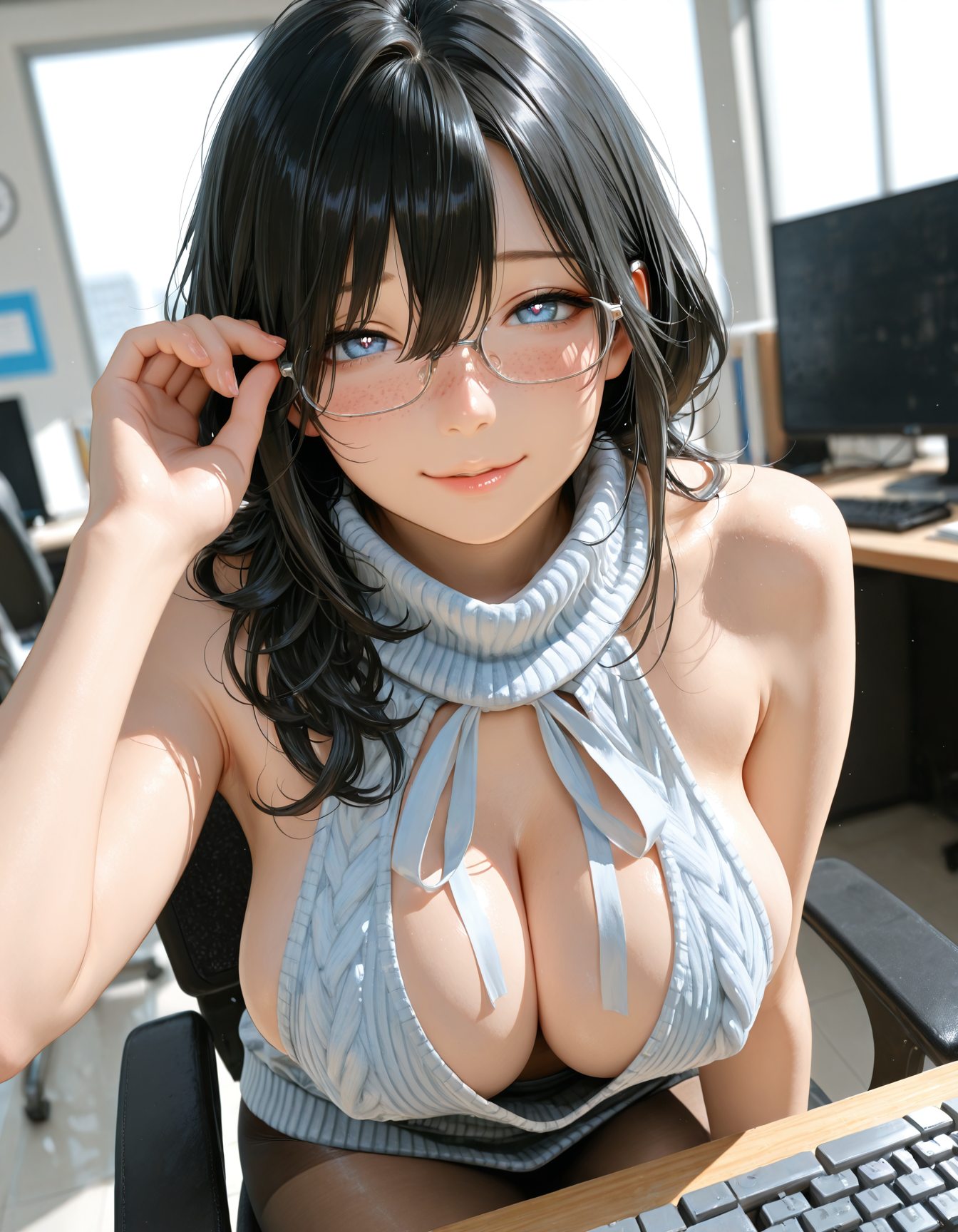
Best Settings for Pony
Positive prompt structure:
Start with score tags: score_9, score_8_up, score_7_up. Add quality tags: masterpiece, best quality, highly detailed. Add subject tags: 1girl, long hair, blue eyes, school uniform. Add style tags: anime style, vibrant colors. Add NSFW tags as needed.
Negative prompt:
score_4, score_5, score_6, lowres, bad anatomy, bad hands, text, error, missing fingers, extra digit, fewer digits, cropped, worst quality, low quality, normal quality, jpeg artifacts, signature, watermark, username, blurry, artist name.
Generation settings:
Sampler: DPM++ 2M Karras or Euler a
Scheduler: Normal or Karras
Steps: 25 to 30
CFG Scale: 6.5 to 7.5
Resolution: 1024 by 1024 (standard SDXL). Or 896 by 1152 for portrait orientation.
VAE: sdxl_vae (usually included with the model or auto-loaded)
Important note on CFG: Pony works best at CFG 6.5 to 7.5. Higher CFG (10+) produces burnt, oversaturated images. Lower CFG (below 5) produces soft, unfocused output. Stay in the 6.5 to 7.5 range for best results.
Must-Have LoRAs for Pony
LoRAs are small files that modify the base model for specific characters, styles, or concepts. Pony has the largest LoRA library of any model.
Quality LoRAs:
Better Hands XL: Fixes the classic AI hand problem. SD-family models struggle with fingers. This LoRA improves hand anatomy significantly. Use at strength 0.6 to 0.8.
Detail Tweaker XL: Adds fine detail to hair, clothing, and backgrounds. Use at 0.5. Too high creates noise.
HDA (High Detail Anime): Boosts anime-style detail without changing the overall style. Use at 0.7.
Style LoRAs:
Studio Ghibli Style: Produces soft, painterly anime in the style of Ghibli films.
80s Anime: Retro aesthetic with film grain and classic color palettes.
Realistic Anime Mix: Blends anime and realistic styles for a unique look.
NSFW LoRAs:
Civitai has thousands of NSFW LoRAs for Pony. Search for specific tags, characters, or concepts. Always check the LoRA page for trigger words and recommended strength. Popular categories include poses, clothing, lighting effects, and character-specific LoRAs.
How to install LoRAs in ComfyUI:
Download .safetensors files from Civitai. Place in ComfyUI\models\loras. Click Refresh. Add a Load LoRA node between your Checkpoint Loader and KSampler. Set weight to 0.5 to 0.8. Connect and generate.
How to install LoRAs in Forge:
Download .safetensors files. Place in Forge\models\Lora. Click Refresh. In the prompt box, type the activation syntax: angle bracket lora filename colon strength angle bracket. Example: lora character_name 0.8.
Multiple LoRAs: You can stack up to 3 LoRAs. Keep total strength under 1.5 to 2.0. Too many LoRAs fight each other and produce distorted output. Check Civitai for compatibility notes between specific LoRAs.
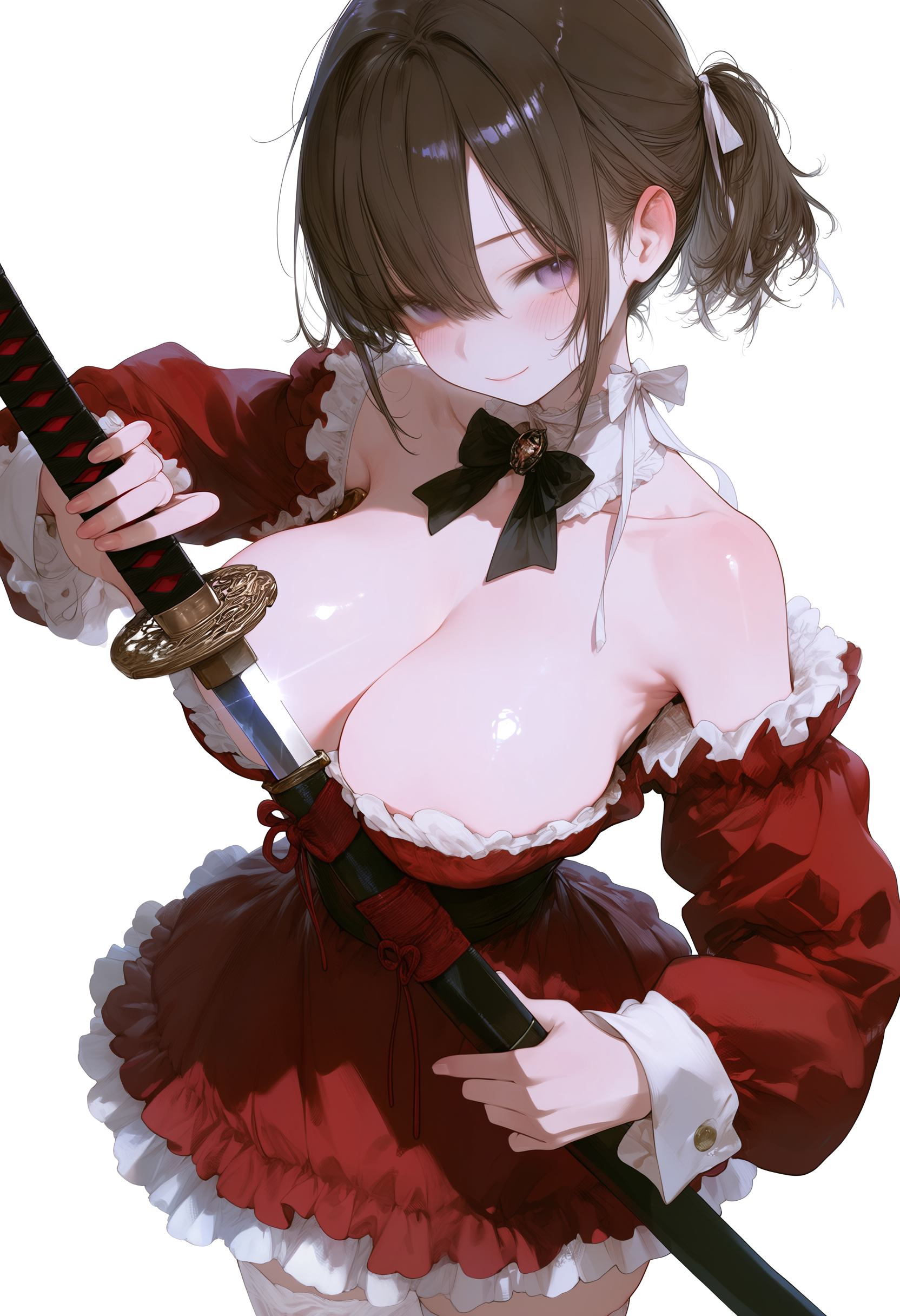
Prompt Examples That Work
Anime style (default):
score_9, score_8_up, score_7_up, masterpiece, best quality, 1girl, long hair, blue eyes, school uniform, classroom, sunlight, anime style, vibrant colors.
Semi-realistic style:
score_9, score_8_up, score_7_up, masterpiece, best quality, 1girl, realistic, detailed skin, soft lighting, portrait, photo background.
Fantasy style:
score_9, score_8_up, score_7_up, masterpiece, best quality, 1girl, elf ears, fantasy armor, forest background, magical lighting, detailed background.
Cyberpunk style:
score_9, score_8_up, score_7_up, masterpiece, best quality, 1girl, cyberpunk, neon lights, city background, futuristic clothing, night scene.
Team AIGN says: Spend 30 minutes perfecting your base prompt before adding LoRAs. A good base prompt with score tags produces better output than a weak prompt with 5 LoRAs. The score system is that powerful.
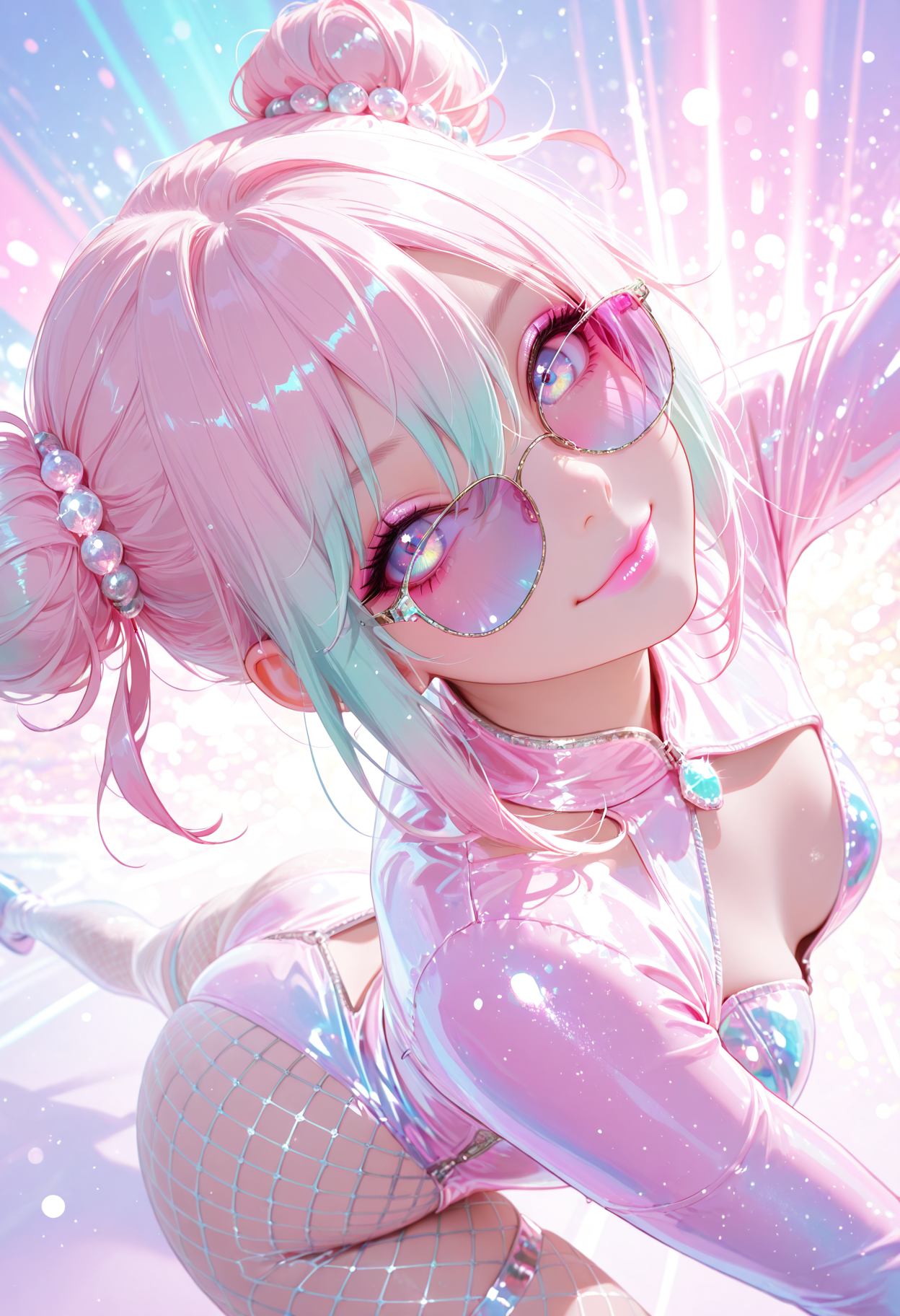
Pony vs Illustrious: The 2026 Showdown
Illustrious XL is the main competitor to Pony in 2026. Here is how they compare:
Pony strengths:
Massive LoRA library. Over 5000 LoRAs available. No other model comes close. Score-rating system for quality control. Best for anime and stylized NSFW. Huge community with tutorials and workflows.
Pony weaknesses:
Legacy LoRAs may not work with newer versions. Some LoRAs are outdated or low quality. Hand anatomy still needs fixing LoRAs. The model is aging and may be surpassed by 2027.
Illustrious strengths:
Newer architecture with better base quality. Cleaner output without heavy prompting. Growing LoRA library. Better out-of-the-box results for beginners. Stronger in 2026 as the community migrates.
Illustrious weaknesses:
Smaller LoRA library than Pony. No score-rating system. Some Pony LoRAs are incompatible. Less documentation and community guides.
Verdict: In 2026, Pony is still the king for users who want maximum LoRA variety and precise quality control. Illustrious is the better choice for users who want clean output with minimal prompting. Many creators use both: Pony for specific LoRAs, Illustrious for base quality.
Practical advice: Install both. Keep Pony for its LoRA library. Use Illustrious as your daily driver. Switch between them based on the project. Both are free. Both are 6.5GB. Storage is the only cost.
Common Mistakes and How to Fix Them
Mistake: Forgetting score tags.
Fix: Always include score_9, score_8_up, score_7_up in positive prompt. Always include score_4 in negative prompt. This alone fixes 80% of quality issues.
Mistake: Using Pony LoRA on Illustrious.
Fix: Check LoRA compatibility. Some Pony LoRAs work on Illustrious. Many do not. Read the LoRA description page. Test before committing to a workflow.
Mistake: Too many LoRAs.
Fix: Limit to 3 LoRAs max. Keep total strength under 2.0. More LoRAs do not mean better output. They fight each other.
Mistake: CFG too high.
Fix: Keep CFG at 6.5 to 7.5. Pony is sensitive to CFG. Higher values burn the image. Lower values make it soft.
Mistake: Using SD 1.5 settings.
Fix: Pony is SDXL. Use SDXL resolution (1024 by 1024). Use SDXL samplers. SD 1.5 settings produce poor results on SDXL models.
Mistake: Wrong source tags.
Fix: Pony has three source tags. Use source_anime for anime style. Use source_furry for furry content. Use source_pony for the original style. Using the wrong source tag produces unexpected results. Source_anime is the safest default.
Mistake: Hands still look bad.
Fix: Use Better Hands XL LoRA at 0.6 to 0.8. Hide hands in the prompt if needed (hands in pockets, behind back). Pony hands are better than base SDXL but still not perfect.
Mistake: Out of memory with multiple LoRAs.
Fix: Each LoRA uses VRAM. On 8GB cards, use 1 LoRA at a time. On 12GB cards, 2 to 3 LoRAs are safe. Close browser tabs while generating.
Running Pony Without a Local GPU
If you do not have a local GPU, you can still use Pony through hosted services:
Civitai Generation Service: Credit-based generation on Civitai servers. Upload Pony or select it from their library. Good for testing prompts before local installation.
TensorArt: Hosted credit-based generation. Supports Pony. Good free tier for casual use.
Mage.space: Free tier with Pony support. Slower and lower resolution than local, but accessible from any device.
Warning: Hosted services have content policies. NSFW generation may be restricted or monitored. Local generation is always more private. Use hosted services for SFW testing only.
Training Your Own Pony LoRAs
For advanced users, training custom LoRAs is possible:
Requirements: RTX 3090 24GB or better. 20 to 50 training images of your subject. Kohya_ss or similar training software. 4 to 8 hours of training time.
Process: Collect images. Crop and tag them. Run training with Pony as the base. Test the output. Adjust and retrain if needed.
Cost: Free if you have the GPU. Cloud training services charge $5 to $20 per run. Civitai offers training credits.
Use case: Custom characters, specific poses, unique clothing, personal art styles. A custom LoRA turns generic Pony output into your unique vision.
Final Recommendations
For beginners: Download Pony V6 XL. Install Forge. Use the prompt template with score tags. Add Better Hands XL LoRA. Generate at 1024 by 1024 with 25 steps. This setup produces excellent results immediately.
For intermediate users: Build a LoRA collection. Test style LoRAs. Experiment with source tags. Try Illustrious as a secondary model. Compare output quality.
For advanced users: Train custom LoRAs. Build ComfyUI workflows. Combine Pony with ControlNet for precise posing. Use ADetailer for automatic face fixing.
Storage tip: Pony plus 10 LoRAs needs about 13GB. Keep your most-used nude ai generator LoRAs on SSD. Archive rarely used ones to external storage.
2026 outlook: Pony remains the top choice for anime NSFW due to its LoRA library. Illustrious is gaining ground for base quality. Consider using both. The score-rating system is Pony’s unique advantage. Master it and your output quality jumps immediately.
Pony is not just a model. It is an ecosystem. The thousands of LoRAs, the score system, the community guides, and the sextbots permissive NSFW handling make it the most versatile anime generation tool available in 2026. Whether you want simple anime portraits or complex multi-LoRAs scenes, Pony delivers.
Frequently Asked Questions
Is Pony free?
Yes. The base model is free. LoRAs are free. You only need a GPU to run it locally.
Can I use Pony for commercial work?
Check the specific model license. Most Pony checkpoints allow commercial use. Some LoRAs have restrictions. Read the license on each download page.
Why are my images low quality?
You forgot score tags. Add score_9, score_8_up, score_7_up to your positive prompt. This is the most common mistake.
Does Pony work on AMD GPUs?
On Linux with ROCm, yes. On Windows, AMD support is limited. NVIDIA is recommended.
How do I update Pony?
V6 XL is the current version. V7 is not released as of May 2026. Check Civitai for updates. Download the new file and replace the old one.
Can I use Pony LoRAs on other models?
Some work on Illustrious. Many do not. Check the LoRA description for compatibility. SD 1.5 LoRAs never work on SDXL models like Pony.
What is the best resolution for Pony?
1024 by 1024 is standard. 896 by 1152 for portrait. 1216 by 832 for landscape. Stay close to these ratios for best results.
Why do hands still look bad?
AI hands are hard. Use Better Hands XL LoRA. Hide hands in the prompt. Or use ADetailer for automatic fixing. Even with fixes, check hands in every output.
Is Pony better than Illustrious?
Pony has more LoRAs. Illustrious has better base quality. Use Pony for variety. Use Illustrious for clean output. Both are excellent.
Where can I find NSFW LoRAs?
Civitai. Search for NSFW tags. Filter by Pony compatibility. Read reviews before downloading. The community flags broken or low-quality LoRAs.