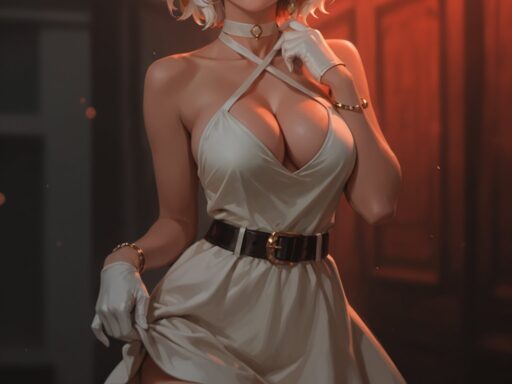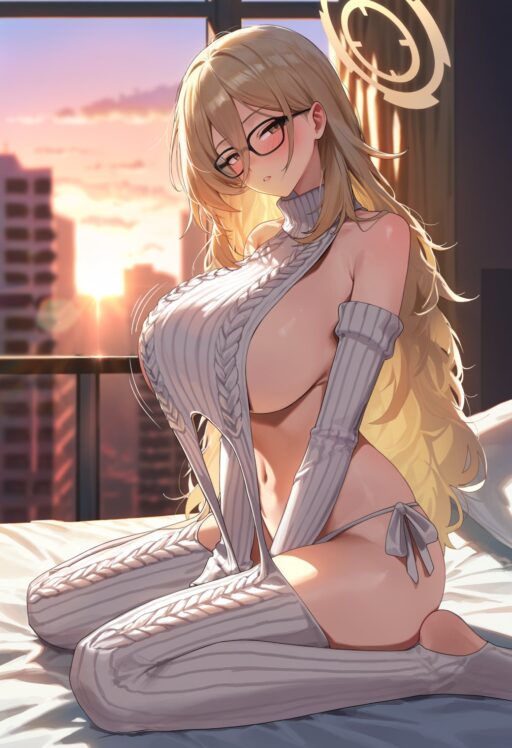

Photorealistic AI NSFW Generation 2026: Complete Guide to Uncensored Realism

Creating photorealistic AI NSFW content in 2026 has reached a level of quality that was impossible just one year ago. The combination of advanced base models like SDXL and Flux, together with powerful tools like Hires Fix and ADetailer, now produces images that are nearly indistinguishable from real photography. This guide covers everything you need to know to achieve professional-grade photorealism in your AI-generated adult content.
Whether you are a beginner just starting with Stable Diffusion or an experienced creator looking to push quality to the next level, this article will walk you through the exact models, settings, and workflows that produce the best results. We will cover model selection, generation parameters, upscaling techniques, face fixing, and the LoRA models that add the final layer of realism.
Choosing the Right Base Model: SDXL vs Flux
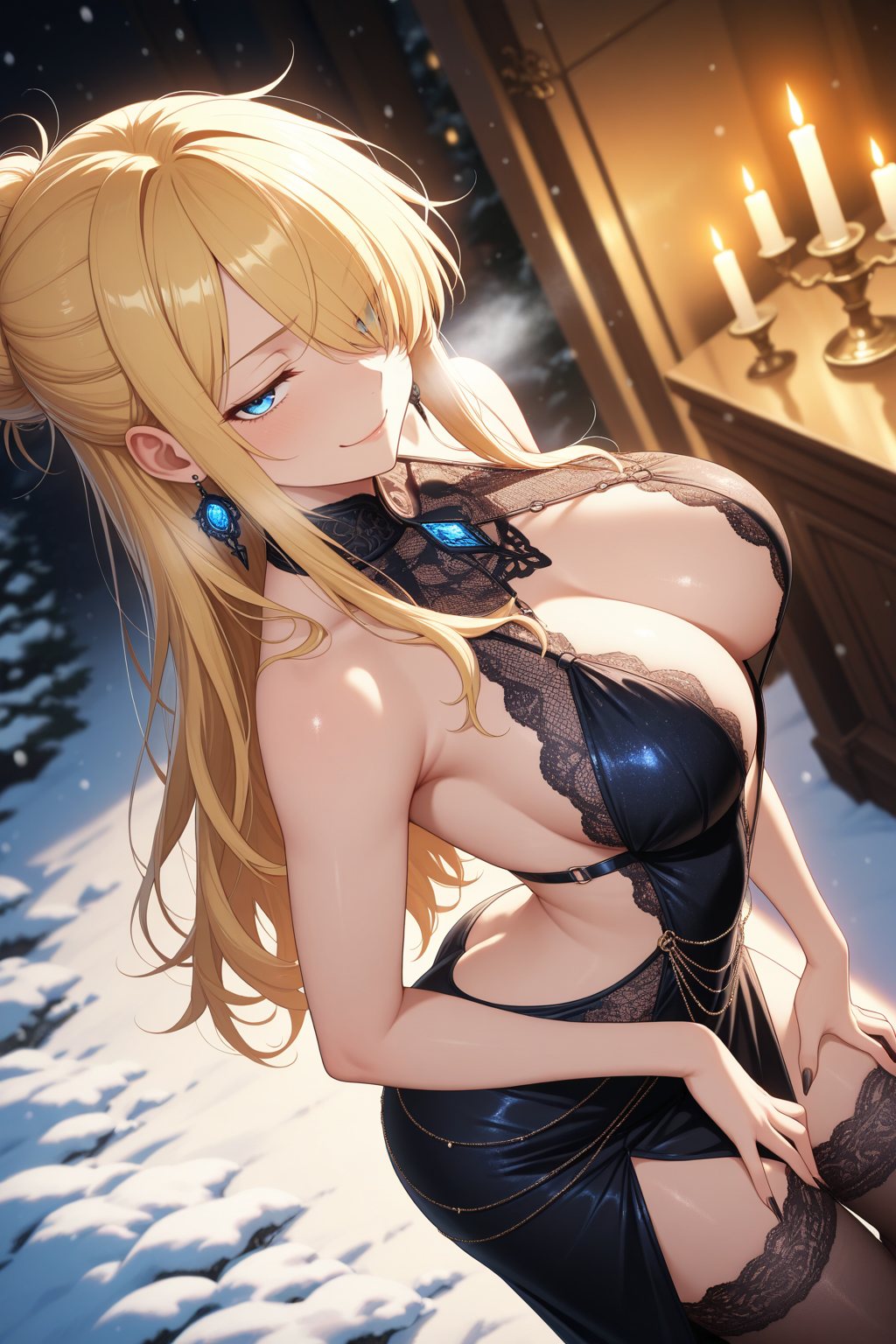
The foundation of photorealistic NSFW content is your base model. In 2026, two models dominate the field: SDXL and Flux. Each has strengths and weaknesses depending on your specific needs.
SDXL: The Versatile Workhorse
SDXL has been the standard for NSFW generation since its release. It offers a massive ecosystem of fine-tuned checkpoints and LoRA models specifically trained for adult content. The model is fast, efficient, and works well on mid-range hardware.
Key advantages of SDXL for NSFW work:
Massive LoRA ecosystem: Thousands of character and style LoRAs are available on Civitai, many specifically created for NSFW content. This gives you unmatched flexibility in creating specific looks and body types.
ControlNet support: SDXL has the most mature ControlNet implementation. You can control poses, depth, and edges with precision using OpenPose and other preprocessors.
Lower VRAM requirements: SDXL runs comfortably on 8GB to 12GB VRAM cards. This makes it accessible to more creators without expensive hardware investments.
Fast generation: Typical generation times are 3 to 5 seconds per image on an RTX 4090, making it ideal for high-volume production.
Best SDXL checkpoints for photorealistic NSFW in 2026 include RealVisXL V5, Juggernaut XL v9, and epiCRealism Natural Sin. These models are specifically fine-tuned for realistic skin textures, natural lighting, and anatomical accuracy.
Flux: The Next-Generation Quality King
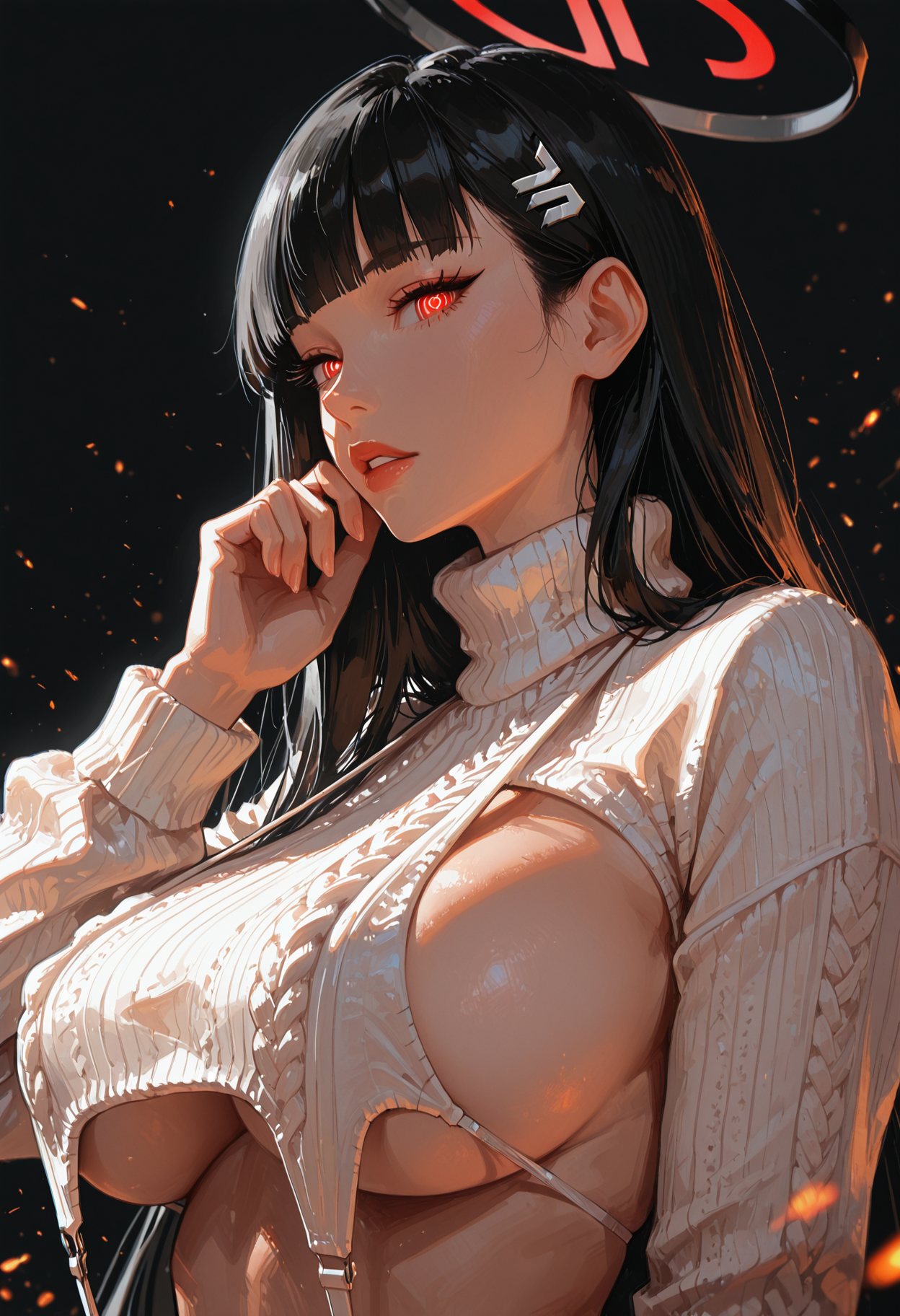
Flux represents the newest generation of AI image models. It uses a 12 billion parameter transformer architecture compared to SDXL’s 2.6 billion parameters. This larger model delivers significantly better photorealism, especially in fine details like hands, fabric textures, and lighting.
Key advantages of Flux for photorealistic work:
Superior prompt fidelity: Flux understands complex prompts better than any previous model. It follows detailed descriptions more accurately, producing exactly what you describe.
Best-in-class photorealism: In blind tests, Flux consistently scores higher for photorealism than SDXL. Skin looks more natural, lighting is more accurate, and materials have proper texture.
Correct anatomy: Hands are rendered correctly in most cases. Faces have natural proportions. The model understands physics and spatial relationships better.
Text rendering: If you need text in your images, Flux is the only model that handles it reliably.
However, Flux has limitations for NSFW work. The base model has limited native NSFW capability due to training girlfriend gpt data filtering. You need NSFW-specific LoRA models or fine-tuned checkpoints to unlock adult content generation. Flux also requires significantly more VRAM, typically 12GB to 24GB for full quality.
Popular Flux NSFW checkpoints include CHROMA and custom fine-tunes available on Civitai. These unlock the full potential of Flux for adult content while maintaining its photorealistic quality.
Which Model Should You Choose
For beginners and creators with mid-range hardware, SDXL is the practical choice. The LoRA ecosystem is unmatched, and you can achieve excellent results with proper settings.
For creators with powerful GPUs who prioritize maximum quality, Flux is the better option. The photorealism improvement is significant, especially for close-up shots and detailed scenes.
Many professional free ai hentai generator creators use both: SDXL for fast iteration and volume production, Flux for final high-quality renders and special projects.
Essential Generation Settings for Photorealism
Getting the right generation settings is critical for photorealistic results. These settings control how the AI interprets your prompt and builds the image.
Resolution and Aspect Ratio
SDXL native resolution is 1024×1024 pixels. For portrait-oriented NSFW content, use 832×1216 or 768×1344. For landscape scenes, use 1216×832. Generating at the native resolution produces the cleanest results with fewer artifacts.
Flux also uses 1024×1024 as its native resolution but handles larger sizes better than SDXL. You can generate at 1024×1024 and upscale later, or generate directly at higher resolutions if your hardware allows.
Important: Never generate at non-standard resolutions like 512×512 with SDXL. This produces distorted anatomy and poor quality. Always use the recommended resolutions for your chosen model.
Sampler Selection
The sampler controls how the AI moves from noise to a finished image. Different samplers produce different quality characteristics.
For SDXL, DPM++ 2M Karras is the recommended sampler for photorealistic work. It produces clean, stable results with good detail. DPM++ SDE Karras is an alternative that adds slightly more texture and detail but can introduce minor artifacts.
For Flux, Euler is the default sampler and works well for most content. The flow-matching architecture of Flux works best with simpler samplers.
Steps: Use 25 to 35 steps for SDXL. This is the sweet spot between quality and speed. More steps rarely improve quality and just waste time. For Flux, 20 to 28 steps is sufficient.
CFG Scale
CFG scale controls how strictly the AI follows your prompt. For SDXL, a CFG of 4 to 7 is recommended for photorealistic content. Lower values produce more natural, less forced results. Higher values can make images look artificial and oversaturated.
For Flux, CFG works differently due to its flow-matching architecture. Start with the default and adjust based on results. Flux is generally less sensitive to CFG changes than SDXL.
Important: Extremely high CFG values above 12 will destroy image quality. The colors become oversaturated, details get burned out, and the image looks unnatural. Keep CFG in the moderate range for best photorealism.
Upscaling: From Good to Stunning
Native generation resolution is rarely enough for final output. Upscaling increases image size while adding detail and sharpening the result. This is where good images become great.
Hires Fix: The Built-In Solution
Hires Fix is the simplest upscaling method. It is built into the txt2img interface in Forge and Automatic1111. When enabled, it generates your image at native resolution, then runs an img2img pass at a higher resolution to add detail.
Recommended Hires Fix settings:
Upscaler: Use 4x-UltraSharp or ESRGAN models. 4x-UltraSharp is the current favorite for photorealistic content because it preserves skin texture without adding artificial detail. ESRGAN models are also excellent but can sometimes over-sharpen.
Hires steps: 10 to 20 steps. Fewer steps than the main generation are sufficient because the image structure is already established.
Denoising strength: 0.3 to 0.5. Lower values preserve the original image more faithfully. Higher values allow more changes but can alter the composition. For photorealistic content, 0.4 is the sweet spot.
Upscale by: 1.5x to 2x. Going beyond 2x in a single pass can introduce artifacts. For larger final sizes, use multiple upscaling stages or tile-based methods.
Advanced Upscaling with Ultimate SD Upscale
For maximum quality, especially at large sizes, use the Ultimate SD Upscale script. This method breaks the image into tiles, upscales each tile individually, and blends them together. It avoids the memory limitations of full-image upscaling and produces sharper results.
Ultimate SD Upscale works best in ComfyUI but is also available as a script in Forge. It is the preferred method for creating poster-size images or prints.
Recommended workflow: Generate at 1024×1024, apply Hires Fix at 1.5x, then use Ultimate SD Upscale for the final 2x to 4x enlargement. This multi-stage approach produces the cleanest results with maximum detail preservation.
ADetailer: Fixing Faces Automatically
Faces are the most challenging part of AI-generated images. Even at high resolutions, faces often appear soft, distorted, or unnatural. ADetailer solves this problem automatically.
ADetailer is an extension that detects faces in your generated image and runs a targeted inpainting pass to improve detail. It requires no manual masking and adds only a few seconds to generation time.
Installing ADetailer
Step 1: Open the Extensions tab in Forge or Automatic1111.
Step 2: Search for ADetailer in the available extensions list.
Step 3: Click Install and restart the UI.
Step 4: Download the detection models from the ADetailer GitHub page or let the extension download them automatically.
Step 5: Place models in the webui/models/adetailer folder if manual installation is needed.
ADetailer Settings for Photorealistic NSFW
Detection model: Use face_yolov8n for general face detection. For close-up portraits, face_yolov8s provides more precise detection. For anime or stylized content, use the corresponding anime face models.
Inpaint denoising: 0.3 to 0.45. Lower values preserve the original face structure while adding detail. Higher values can change the face identity. For photorealistic work, 0.4 is the recommended starting point.
Mask blur: 4 to 8. This controls the transition between the fixed face and the surrounding image. Too low creates visible seams. Too high reduces the effect. Values around 4 to 6 work best for most content.
Prompt: Add specific face quality prompts in the ADetailer prompt box. Examples include detailed face, clear skin, natural makeup, realistic eyes. These prompts guide the inpainting toward higher quality.
Negative prompt: Include deformed face, blurry eyes, bad anatomy in the negative prompt section. This prevents common AI face problems from appearing in the fixed version.
Using Multiple ADetailer Units
For complex scenes, you can run multiple ADetailer passes. One unit fixes the main face. Another unit fixes hands using the hand detection model. A third unit can fix the body or background if needed.
Each unit runs sequentially, so the total time increases but the quality improves dramatically. For professional work, running face and hand ADetailer units is standard practice.
LoRA Models That Add Realism
LoRA models are small add-on files that modify the base model to produce specific styles, characters, or quality improvements. For photorealistic NSFW content, several LoRA categories are essential.
Skin Detail LoRA
Skin Detail LoRA adds realistic skin texture, pores, and subtle imperfections that make AI-generated skin look human instead of plastic. This is one of the most impactful LoRAs for photorealism.
Apply at 0.4 to 0.7 weight depending on the base model. SDXL models typically need 0.5 to 0.7. Flux models may only need 0.3 to 0.5 due to their already superior skin rendering.
Recommended skin detail LoRAs are available on Civitai. Search for skin texture, pore detail, or realistic skin to find the best options.
Lighting LoRA
Lighting LoRA improves the quality of light and shadow in your images. It adds realistic bounce light, subsurface scattering on skin, and natural falloff that makes scenes look professionally lit.
Subsurface scattering is particularly important for skin. It simulates how light penetrates the skin surface and scatters underneath, creating the soft, glowing look of real human skin. Without it, skin looks flat and artificial.
Apply lighting LoRAs at 0.3 to 0.6 weight. Too high can over-light the scene. Experiment with different lighting LoRAs to find the ones that match your preferred style.
Character and Style LoRAs
Character LoRAs let you generate consistent faces across multiple images. This is essential for creating series or maintaining a recognizable persona. Train character LoRAs on 20 to 30 high-quality images of the desired face.
Style LoRAs modify the overall aesthetic. Some add film grain, others add specific color grading, and some create particular artistic styles. For photorealistic work, use subtle style LoRAs that enhance rather than override the realism.
Always use LoRAs at moderate weights. Combining multiple LoRAs at 1.0 weight each will conflict and produce poor results. Total combined LoRA weight should generally stay below 1.5 for stable output.
Hardware Requirements and Performance
Photorealistic generation requires significant computing power. Here is what you need for different quality levels.
Minimum Setup
GPU: NVIDIA RTX 3060 with 12GB VRAM or equivalent. This runs SDXL at 1024×1024 with Hires Fix enabled. Flux will not run at full quality on this hardware.
RAM: 16GB system RAM minimum. 32GB is recommended for comfortable multitasking while generating.
Storage: 100GB free space for models, checkpoints, and generated images. SSD storage is essential for fast model loading.
Recommended Setup
GPU: NVIDIA RTX 4070 Super with 12GB VRAM or RTX 4090 with 24GB VRAM. The RTX 4090 is the current gold standard for AI generation, running both SDXL and Flux at full speed.
RAM: 32GB to 64GB system RAM. This allows running multiple applications while generating and handling large model files.
Storage: 500GB NVMe SSD. Models are large, and you will accumulate many checkpoints and LoRAs over time.
Cloud GPU Alternatives
If local hardware is not an option, cloud GPU services provide access to powerful cards. Vast.ai and RunPod offer RTX 4090 instances for $0.20 to $1.00 per hour. This is cost-effective for occasional use or testing before hardware investment.
Google Colab provides free GPU access with limitations. It is suitable for beginners but not for professional production due to session time limits and queue times.
Complete Workflow for Maximum Photorealism
Here is the complete workflow used by professional creators to achieve the highest quality photorealistic NSFW content.
Step 1: Select your base model. Use SDXL for speed and flexibility, Flux for maximum quality.
Step 2: Write a detailed prompt describing the scene, lighting, camera angle, and subject details. Include quality tags like photorealistic, 8k, detailed skin, professional photography.
Step 3: Set generation parameters. Resolution at native model resolution. Sampler DPM++ 2M Karras for SDXL or Euler for Flux. Steps 30. CFG 5 to 6.
Step 4: Enable Hires Fix. Upscaler 4x-UltraSharp. Denoising 0.4. Upscale 1.5x to 2x.
Step 5: Enable ADetailer. Face detection model face_yolov8n. Inpaint denoising 0.4. Add face quality prompts.
Step 6: Add LoRA models. Skin detail at 0.5. Lighting at 0.4. Character LoRA at 0.6 if needed.
Step 7: Generate the image. Review and adjust prompts if needed.
Step 8: For final output, run Ultimate SD Upscale if larger sizes are needed.
Step 9: Post-process in external software if desired. Minor color correction or sharpening can add the final polish.

Common Problems and Solutions
Problem: Plastic-Looking Skin
Solution: Add Skin Detail LoRA at 0.5 weight. Reduce CFG scale to 5 or 6. Use prompts that specify natural skin texture, pores, subtle imperfections. Avoid over-smoothing in post-processing.
Problem: Distorted Hands
Solution: Use ControlNet with OpenPose to control hand positioning. Add hand-specific negative prompts like deformed hands, extra fingers. For final fixes, use ADetailer hand detection model or manual inpainting.
Problem: Unnatural Faces
Solution: Always use ADetailer with face detection. Adjust inpaint denoising to 0.4. Add detailed face prompts. If the face still looks wrong, try a different checkpoint or add a face-specific LoRA.
Problem: Blurry Details at Distance
Solution: Generate at higher native resolution. Use Hires Fix with 4x-UltraSharp. For very small details, consider generating a close-up separately and compositing in image editing software.
Problem: Inconsistent Character Across Images
Solution: Train a character LoRA on 20 to 30 consistent images. Use the same seed with slight variations. Use ControlNet Reference to maintain style across different poses.
Ethical and Legal Considerations
Creating photorealistic NSFW content comes with responsibilities. Follow these guidelines to stay safe and ethical.
Do not generate images of real people without explicit consent. This includes celebrities, public figures, and private individuals. Deepfake content is illegal in many jurisdictions and banned on all major platforms.
Create original fictional characters instead. Use unique combinations of features that do not match any real person. This gives you full creative freedom without legal risk.
Be cautious with copyrighted characters from games, movies, and anime. While fan art exists in a gray area, selling photorealistic adult content of copyrighted characters can trigger legal action. Original characters are always safer for commercial use.
Follow platform rules. Civitai, Gumroad, and other platforms have specific policies about adult content. Read and follow their guidelines to avoid account bans and content removal.
Age verification is required on platforms like OnlyFans. Even for AI-generated content, you must verify your own age as the creator. Do not attempt to bypass these requirements.
Future Trends in Photorealistic AI Generation
The field is advancing rapidly. Here are trends to watch in 2026 and beyond.
Video generation is the next frontier. Models that can generate short video clips from still images are emerging. This will enable animated NSFW content with the same photorealistic quality as current still images.
3D integration is improving. Tools that convert 2D AI-generated images into 3D models are becoming more accurate. This opens possibilities for VR content and interactive experiences.
Real-time generation is approaching. Hardware and software optimizations are reducing generation times. Within a few years, photorealistic images may generate in real-time as you type prompts.
Model merging is a growing technique. Combining multiple fine-tuned models creates hybrid styles with unique characteristics. Experimenting with model merges can produce distinctive looks that stand out from standard outputs.
Final Thoughts
Photorealistic AI NSFW generation in 2026 is a mature technology capable of stunning results. The combination of SDXL or Flux base models, proper generation settings, Hires Fix upscaling, ADetailer face fixing, and quality LoRA models produces images that rival professional photography.
Success requires attention to detail at every step. Model selection matters. Settings matter. Post-processing matters. The creators who master each stage of the workflow produce the highest quality content.
Start with the basics and add complexity gradually. Master SDXL before moving to Flux. Perfect your prompt writing before adding LoRAs. Get comfortable with Hires Fix before attempting advanced upscaling.
The tools are accessible to everyone, but the results separate beginners from professionals. Invest time in learning, practice consistently, and your output quality will improve dramatically. The future of photorealistic AI content is here, and it is more impressive than ever.