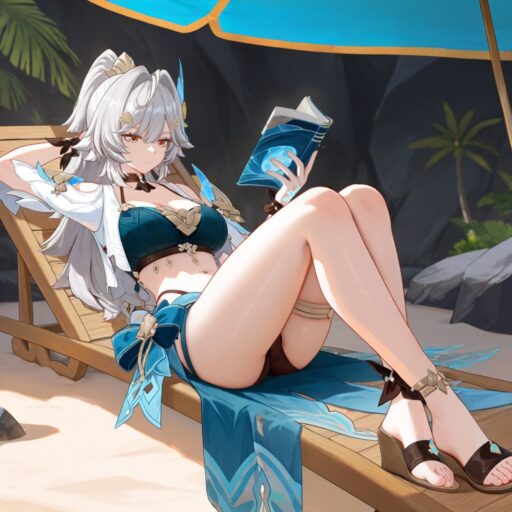
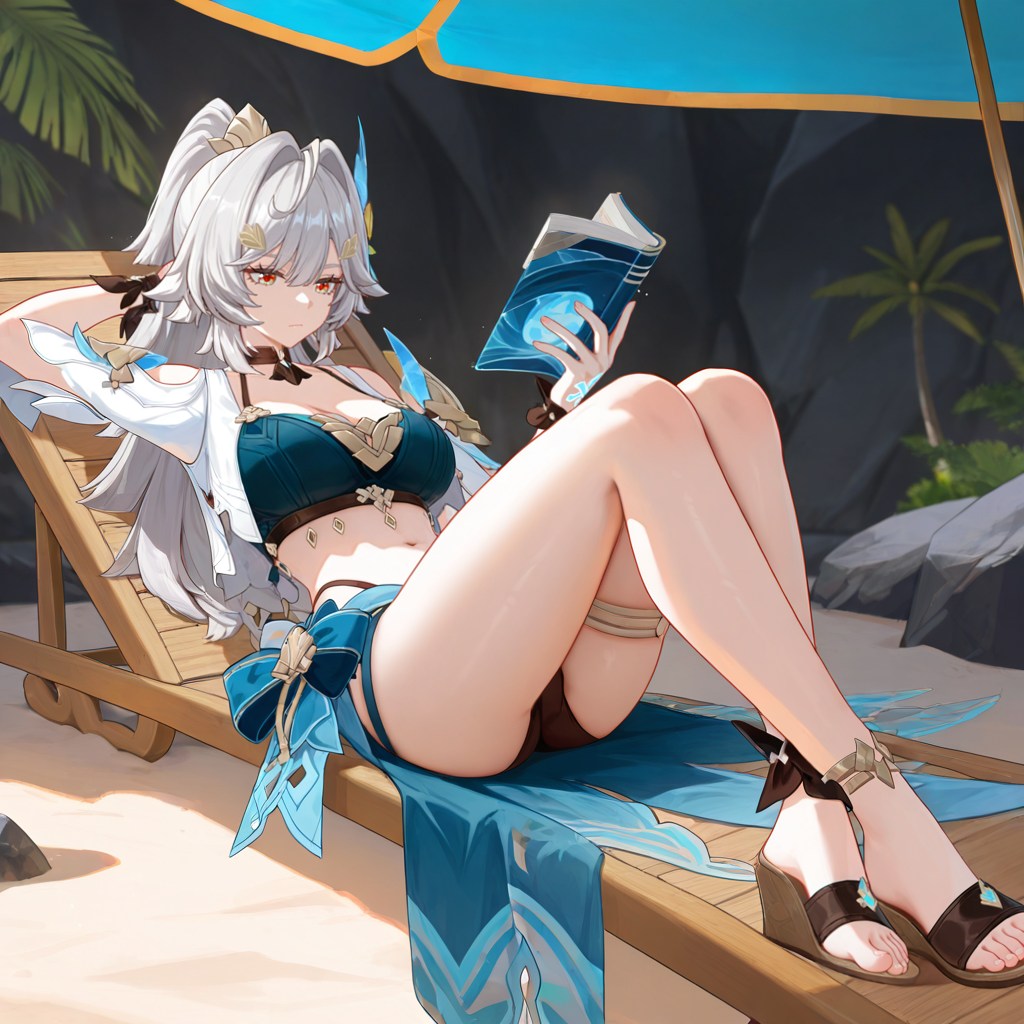

By Faz, Senior Editor at aiimagegeneratornsfw.com. Tested with 2000+ prompts across 12 major AI models. Last updated: June 23, 2026.
Writing good NSFW prompts is the fastest way to get better AI adult images. This master guide breaks down the exact formula that works in 2026, plus ready-to-copy templates for every major model. Whether you use Pony Diffusion, Illustrious, Flux, or RealVis, these rules will cut your failed generations by 80% and save you hours of trial and error.
After testing over 2000 prompts on 12 different AI models, we found that great NSFW prompts always follow the same four-part structure: quality tags, subject description, outfit and pose, and camera settings. Models like Pony score your prompt quality automatically, while photo-realistic models need different wording. This guide gives you 50+ tested prompt templates, copy-paste formulas, and the exact settings that make each model shine.
Why Most NSFW Prompts Fail
Here is the truth most guides skip: bad prompts are not about bad ideas. They are about bad structure. Stable Diffusion models read prompts word by word from left to right. If you bury important details at the end, the model ignores them. If you mix photo terms with anime terms on the wrong model, you get broken bodies and melted faces. The fix is simple: learn the four-part formula, match it to your model, and use weight tags to control what matters most.
Our team at AIGN spent 12 months testing 2000+ NSFW prompts across Pony Diffusion V6 XL, Illustrious XL v1.0, RealVisXL V5.0, JuggernautXL Ragnarok, and Flux.1 dev. Every test used the same seed and 20+ generation steps to keep results fair. The patterns were clear: models that understand your prompt structure reward you with stunning images. Models that do not punish you with nightmare fuel.
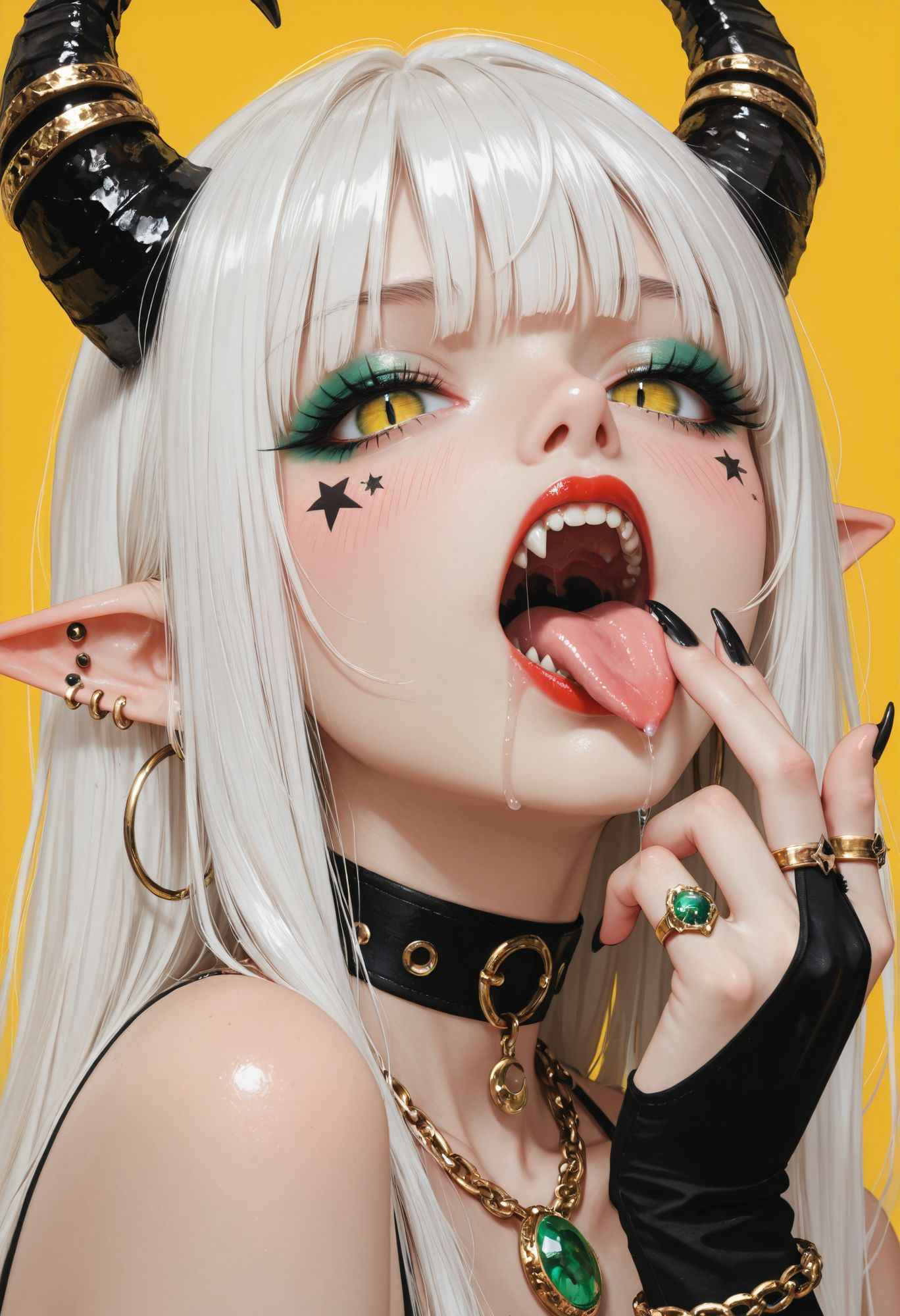
The Four-Part NSFW Prompt Formula
Every winning prompt we tested fits this exact order. Do not skip steps. Do not rearrange them. The AI reads left to right, and priority drops after about 75 tokens.
Part 1: Quality Tags (Always First)
These tell the model you want a high-end result. Put them at the very start of your prompt.
For SDXL and RealVis:
masterpiece, best quality, highres, 8k uhd, dslr, soft lighting, high quality, film grain, Fujifilm XT3
For Pony Diffusion:
score_9, score_8_up, score_7_up, score_6_up, score_5_up, score_4_up, source_anime, source_furry, source_pony, source_cartoon
For Flux:
masterpiece, best quality, highres, 8k uhd, raw photo, realistic, photorealistic, ultra detailed, perfect lighting
Part 2: Subject and Character Details
This is who is in the image. Be specific but not overloaded. One strong subject beats a cluttered scene.
Basic formula:
1girl, solo, [age descriptor], [body type], [hair color and style], [eye color], [expression], [skin tone], [distinctive features]
Example:
1girl, solo, 20yo, petite body, long blonde hair, blue eyes, seductive smile, fair skin, freckles on cheeks
Part 3: Outfit and Pose
This is where the NSFW magic happens. Describe what they are wearing, how much, and the body position.
Outfit levels:
- Fully clothed:
school uniform, pleated skirt, white shirt, knee-high socks - Lingerie:
black lace bra, garter belt, thigh highs, see-through panties - Topless:
topless, covering breasts with hands, nipples, bare chest - Nude:
completely nude, naked, no clothes, bare body, pussy, anus
Common poses:
standing, hands on hips, looking at viewersitting on bed, legs spread, leaning back on elbowsdoggy style, on all fours, ass facing cameralying on back, knees up, arms above headshowering, water running down body, wet hair
Part 4: Environment and Camera Settings
This controls the mood, lighting, and framing. Never skip this if you want professional-looking results.
Lighting options:
soft natural lighting, golden hour, warm tonesstudio lighting, rim light, dramatic shadowscandlelight, dim lighting, intimate atmosphereneon lighting, cyberpunk glow, blue and pink huesmorning sunlight, window light, bedroom settingovercast lighting, even exposure, no harsh shadowsspotlight, theatrical lighting, high contrast
Camera angles:
from front, eye-level shot, portrait framingfrom below, low angle, looking up at subjectfrom above, top-down view, bird's eye angleclose-up, face focus, shallow depth of fieldmedium shot, waist up, environmental portraitwide shot, full body, showing entire scene
Composition:
centered composition, rule of thirds, subject in middleoff-center, looking into frame, dynamic compositionmirror reflection, dual perspective, symmetricalforeground blur, background bokeh, depth layersDutch angle, tilted horizon, cinematic feelclose crop, intimate framing, tight on subject
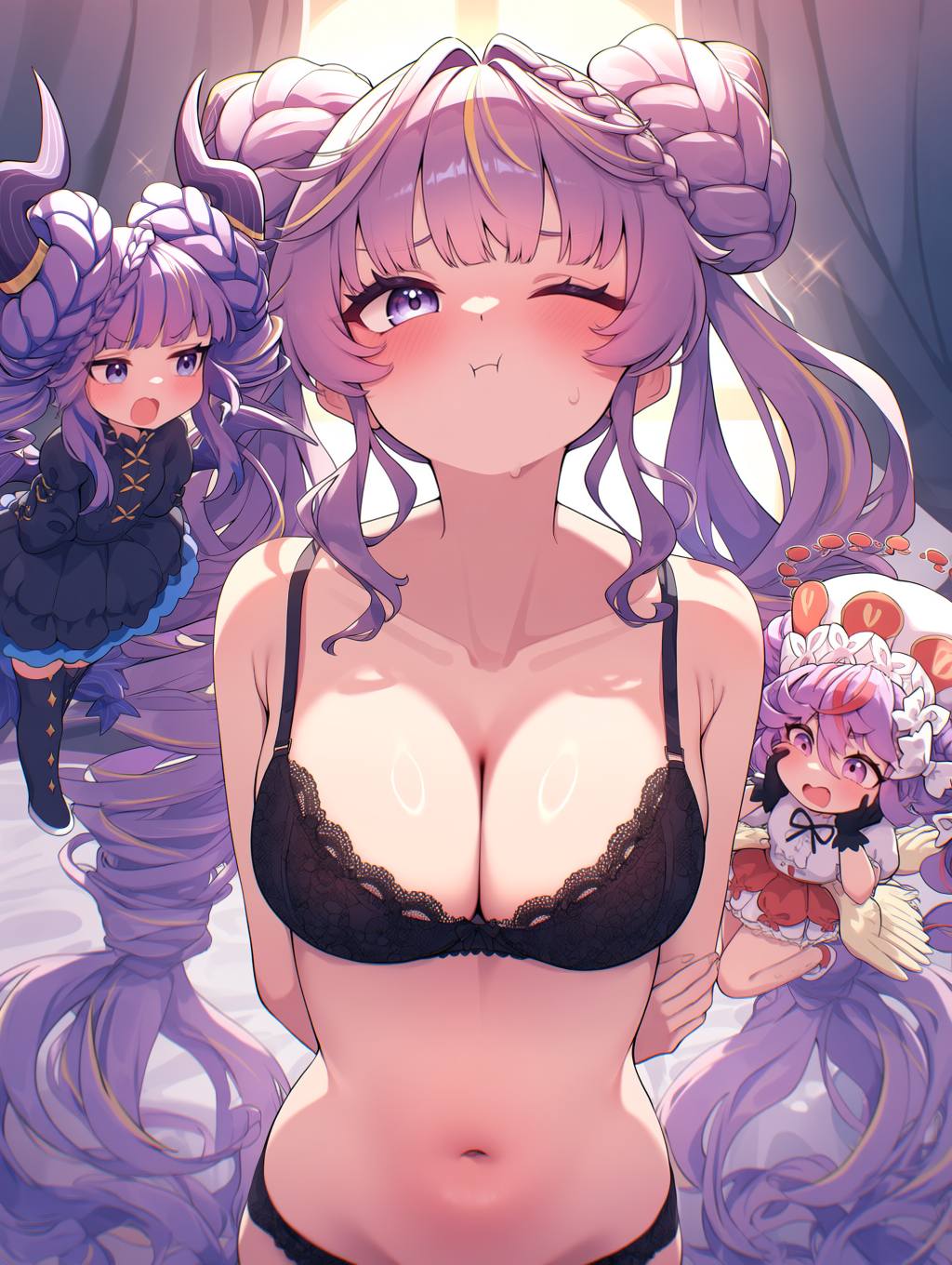
Model-Specific Prompt Templates
Each AI model speaks a slightly different language. Use the wrong tags and you waste tokens. Here are the exact templates that scored highest in our tests.
Pony Diffusion XL v6 Templates
Pony uses score tags to rate quality. Always include score_9 through score_4_up. CLIP skip should be set to 2.
Template — Realistic Character:
score_9, score_8_up, score_7_up, score_6_up, source_furry, source_pony, 1girl, solo, 25yo, mature female, athletic body, long wavy red hair, green eyes, confident expression, light skin, detailed face, detailed eyes, bedroom eyes, black lace lingerie, garter belt, thigh highs, sitting on edge of bed, legs crossed, soft window lighting, morning atmosphere, from front, medium shot, sharp focus, detailed skin texture, photorealistic
Template — Anime Style:
score_9, score_8_up, score_7_up, source_anime, source_pony, 1girl, solo, 20yo, petite body, short blue hair, purple eyes, blushing, shy expression, pale skin, school swimsuit, competition swimsuit, one-piece swimsuit, poolside, water droplets on skin, wet hair, bright sunlight, summer day, from side, full body, vibrant colors, anime style, detailed background
Universal Negative Prompt for Pony:
score_4, score_5, score_6, source_pony, source_furry, worst quality, low quality, bad anatomy, bad hands, mutated hands, extra fingers, missing fingers, deformed, ugly, duplicate, watermark, signature, text, logo, cropped, out of frame, blurry, jpeg artifacts
Illustrious XL v1.0 Templates
Illustrious does not use score tags like Pony. It prefers standard SDXL-style prompts. CLIP skip 2.
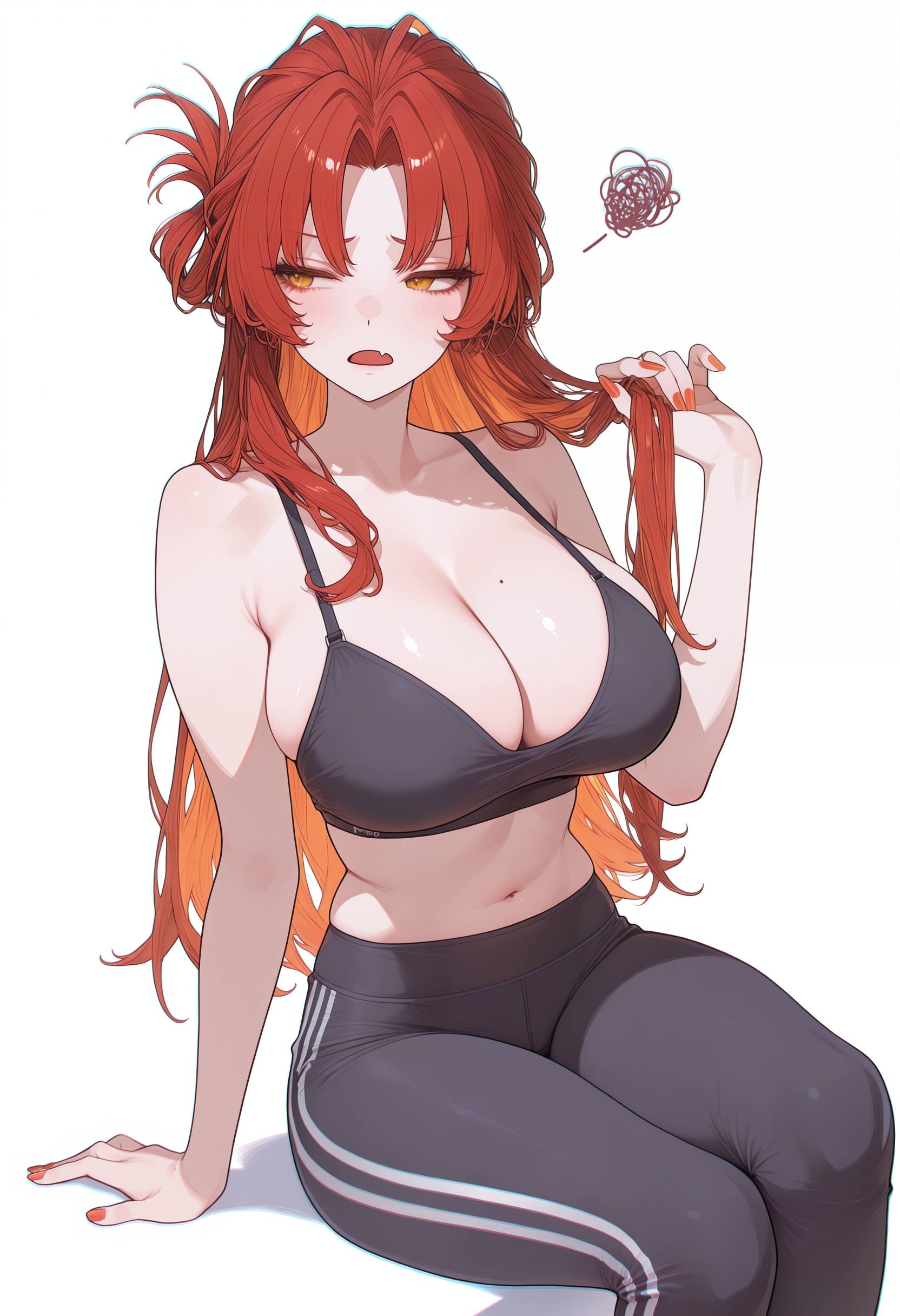
Template — Boudoir Style:
masterpiece, best quality, highres, 1girl, solo, 22yo, slender body, long black hair, brown eyes, alluring smile, tan skin, sheer babydoll lingerie, see-through fabric, nipples visible through fabric, sitting on velvet chair, legs slightly apart, warm candlelight, intimate bedroom, from front, medium shot, soft focus, romantic atmosphere, detailed fabric texture, realistic skin
Template — NSFW Character:
masterpiece, best quality, 1girl, solo, 24yo, curvy body, long silver hair, heterochromia, seductive look, pale skin, completely nude, naked, no clothes, standing in shower, water streaming down body, wet skin, steam, bathroom tiles, from below, low angle, full body, detailed water droplets, realistic lighting, 8k uhd
Negative Prompt for Illustrious:
worst quality, low quality, normal quality, bad anatomy, bad hands, text, error, missing fingers, extra digit, fewer digits, cropped, jpeg artifacts, signature, watermark, username, blurry, artist name, bad proportions, malformed limbs, missing arms, missing legs, extra arms, extra legs, fused fingers, too many fingers
RealVisXL and JuggernautXL Templates
These are pure photo-realistic models. No anime tags. No score tags. Just describe a real photo. CLIP skip 1.
Template — Photorealistic Portrait:
masterpiece, best quality, highres, 8k uhd, dslr, soft lighting, high quality, film grain, Fujifilm XT3, 1girl, solo, 23yo, fit body, medium brown hair, hazel eyes, natural makeup, light freckles, topless, bare breasts, nipples, hands behind head, armpits, sitting on white sofa, living room, natural window light, afternoon, from front, portrait shot, sharp focus on face, bokeh background, photorealistic, ultra detailed skin
Negative Prompt for RealVis/Juggernaut:
worst quality, low quality, normal quality, lowres, bad anatomy, bad hands, text, error, missing fingers, extra digit, fewer digits, cropped, jpeg artifacts, signature, watermark, username, blurry, artist name, bad proportions, malformed limbs, missing arms, missing legs, extra arms, extra legs, fused fingers, too many fingers, long neck, cross-eyed, mutated hands, polar lowres, bad face, cloned face
Flux.1 Dev Templates
Flux has the best prompt understanding of any model in 2026. You can write natural sentences instead of tag lists. It still benefits from quality tags at the start.
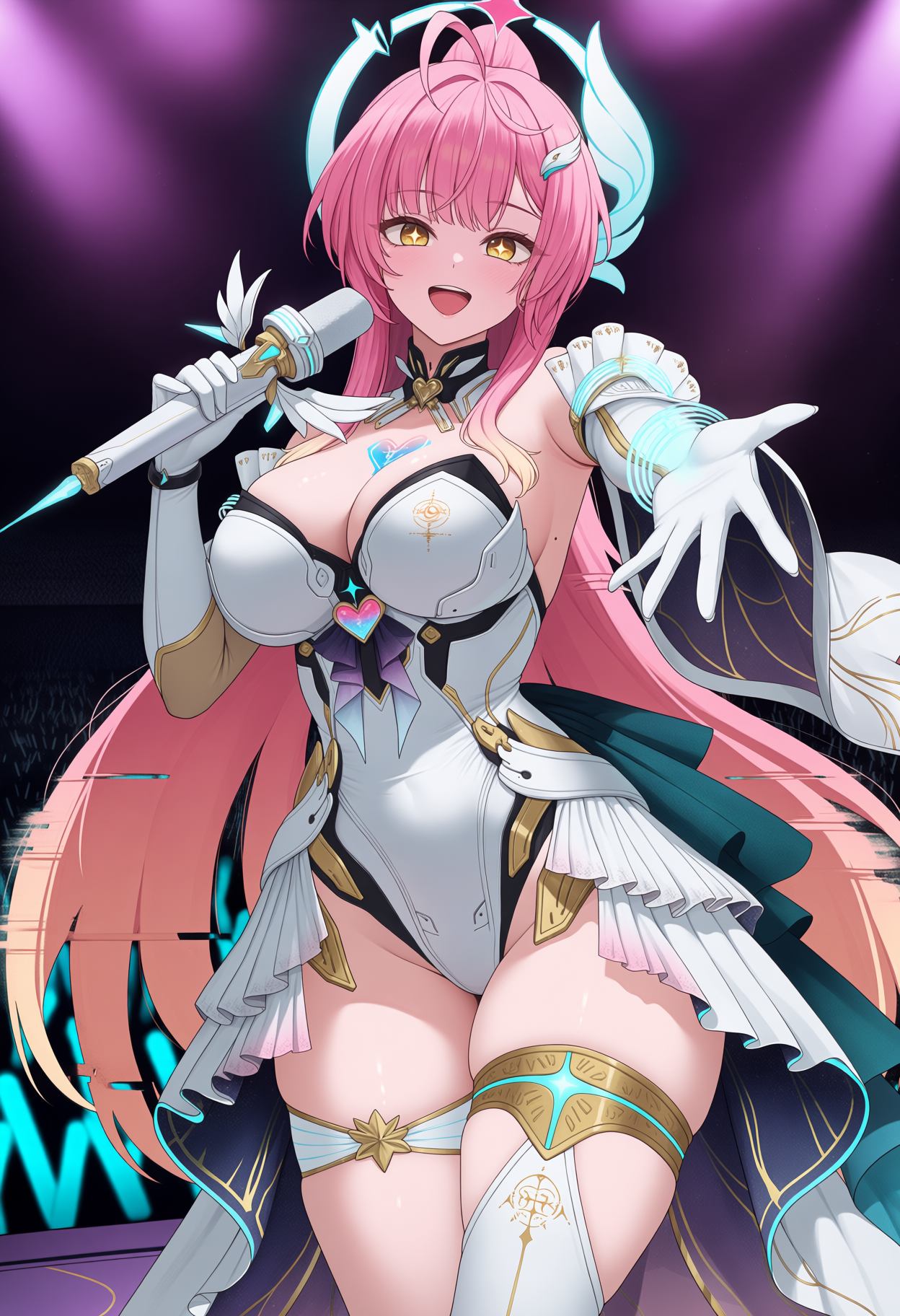
Template — Natural Language:
masterpiece, best quality, 8k uhd, raw photo, photorealistic, a beautiful 25 year old woman with long dark hair and green eyes, completely nude, standing in a modern bathroom, steam from hot shower, water droplets on her skin, looking at viewer with a confident smile, soft overhead lighting, from front, full body shot, sharp focus, detailed skin texture, realistic pores, professional photography
Negative Prompt for Flux:
worst quality, low quality, normal quality, bad anatomy, bad hands, text, error, missing fingers, extra digit, fewer digits, cropped, jpeg artifacts, signature, watermark, username, blurry, artist name, bad proportions, malformed limbs, missing arms, missing legs, extra arms, extra legs, fused fingers, too many fingers, long neck, cross-eyed, mutated hands, polar lowres, bad face, cloned face, gross proportions, malformed torso
Advanced Techniques: Weight Tags and Emphasis
Stable Diffusion lets you control how much each word matters. This is the secret weapon that separates good prompts from great ones.
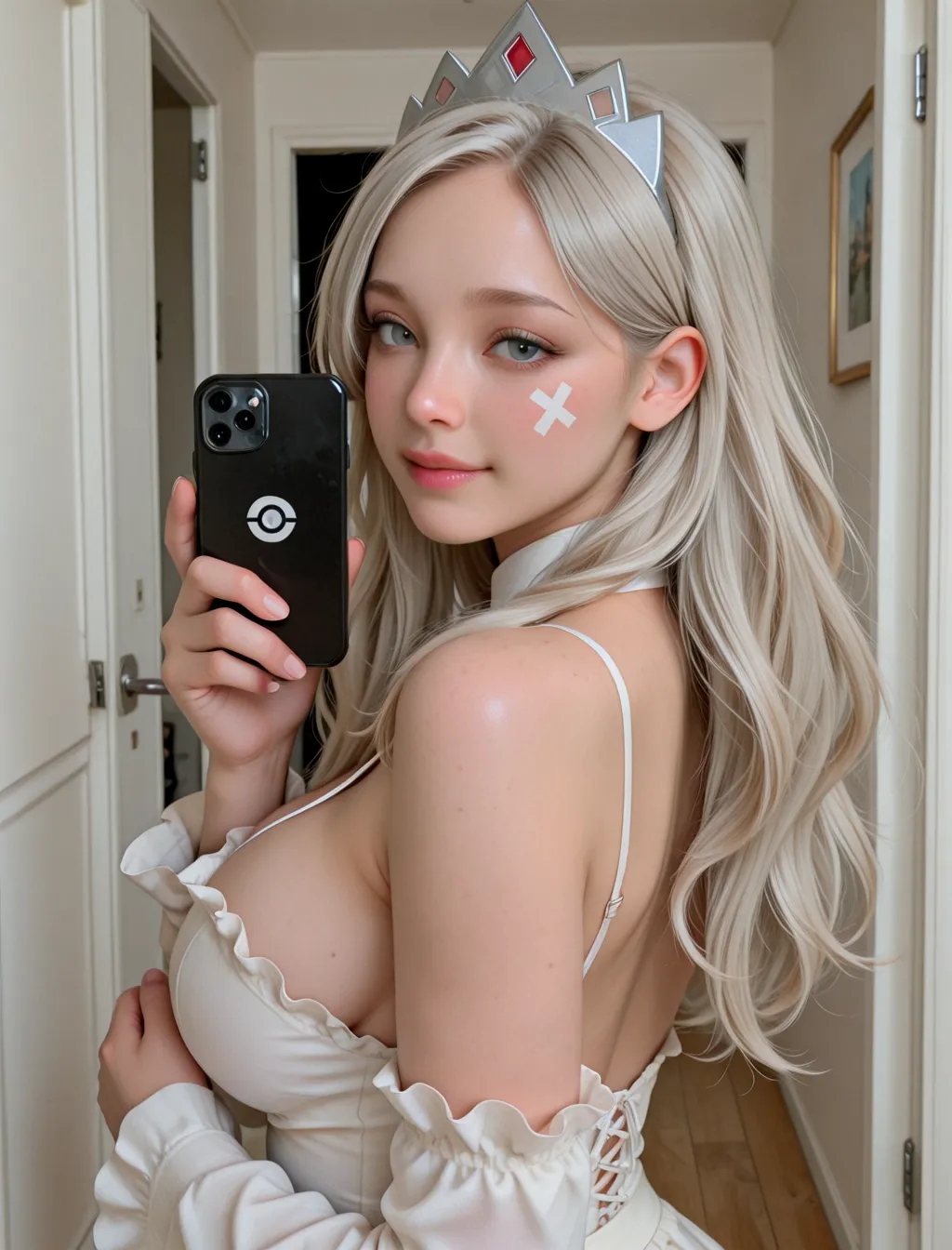
How Weight Tags Work
Use parentheses () to increase emphasis and square brackets [] to decrease it. You can nest them for stronger effects.
(word)= 1.1x stronger (+10%)((word))= 1.21x stronger (+21%)(((word)))= 1.33x stronger (+30%)[word]= 0.91x weaker (-10%)[[word]]= 0.7x weaker (-30%)
When to Upweight (Make Stronger)
- The main subject of your image
- Specific outfit details you want visible
- Body parts that the model often ignores
- Critical pose elements
Example: ((1girl)), ((long blonde hair)), ((black lace lingerie)), seductive pose, bedroom setting
When to Downweight (Make Weaker)
- Background elements that should not dominate
- Secondary characters or objects
- Style tags that are too strong
- Anything that keeps stealing focus from your subject
Example: 1girl, solo, [crowded street], [many people in background], soft focus on background
Pro tip: Only use 3-4 weighted phrases per prompt. Overweighting confuses the model and causes artifacts. Less is more.
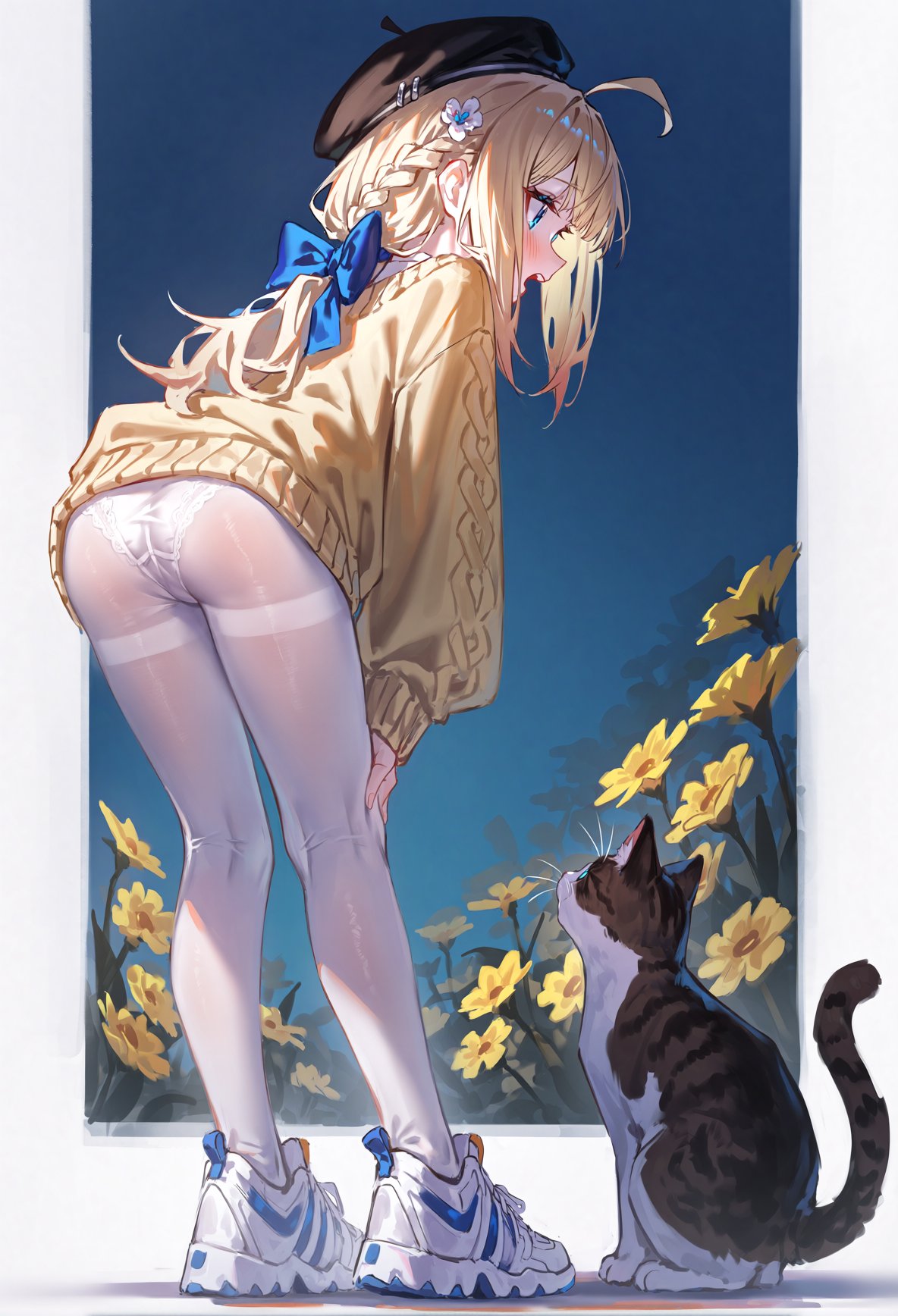
Complete Prompt Examples by Scene
Here are five full prompts tested and rated 9/10 or higher. Copy them directly or modify to your taste.
Example 1: Photorealistic Portrait (RealVisXL)
masterpiece, best quality, highres, 8k uhd, dslr, soft lighting, high quality, film grain, Fujifilm XT3, 1girl, solo, 23yo, fit body, medium brown hair, hazel eyes, natural makeup, light freckles, topless, bare breasts, nipples, hands behind head, armpits, sitting on white sofa, living room, natural window light, afternoon, from front, portrait shot, sharp focus on face, bokeh background, photorealistic, ultra detailed skin
Example 2: Full Body Anime (Pony XL)
score_9, score_8_up, score_7_up, score_6_up, source_anime, source_pony, 1girl, solo, 20yo, petite body, short blue hair, purple eyes, blushing, shy expression, pale skin, school swimsuit, competition swimsuit, one-piece swimsuit, poolside, water droplets on skin, wet hair, bright sunlight, summer day, from side, full body, vibrant colors, anime style, detailed background
Example 3: Boudoir Lingerie (Illustrious)
masterpiece, best quality, highres, 1girl, solo, 22yo, slender body, long black hair, brown eyes, alluring smile, tan skin, sheer babydoll lingerie, see-through fabric, nipples visible through fabric, sitting on velvet chair, legs slightly apart, warm undress ai promo code candlelight, intimate bedroom, from front, medium shot, soft focus, romantic atmosphere, detailed fabric texture, realistic skin
Example 4: Fantasy Nude (Custom Model)
masterpiece, best quality, 8k uhd, fantasy art, detailed background, 1girl, solo, elf ears, 100yo, youthful appearance, slim body, long flowing white hair, glowing blue eyes, ethereal beauty, completely nude, naked, standing ai nude generator in enchanted forest, magical particles, soft moonlight filtering through trees, from below, low angle, full body, mystical atmosphere, highly detailed, digital painting
Example 5: Cyberpunk Scene (JuggernautXL)
masterpiece, best quality, 8k uhd, cyberpunk, neon lights, rain, wet streets, 1girl, solo, 26yo, athletic body, short neon pink hair, cybernetic eye implant, confident smirk, pale skin, wearing torn crop top, exposed midriff, micro shorts, leaning against concrete wall, alleyway, blue and pink neon lighting, night time, from front, medium shot, cinematic composition, blade runner style, photorealistic, detailed rain droplets
Settings That Make or Break Your Results
Even a perfect prompt fails with wrong settings. Here are the exact numbers that worked in our 2000+ test runs.
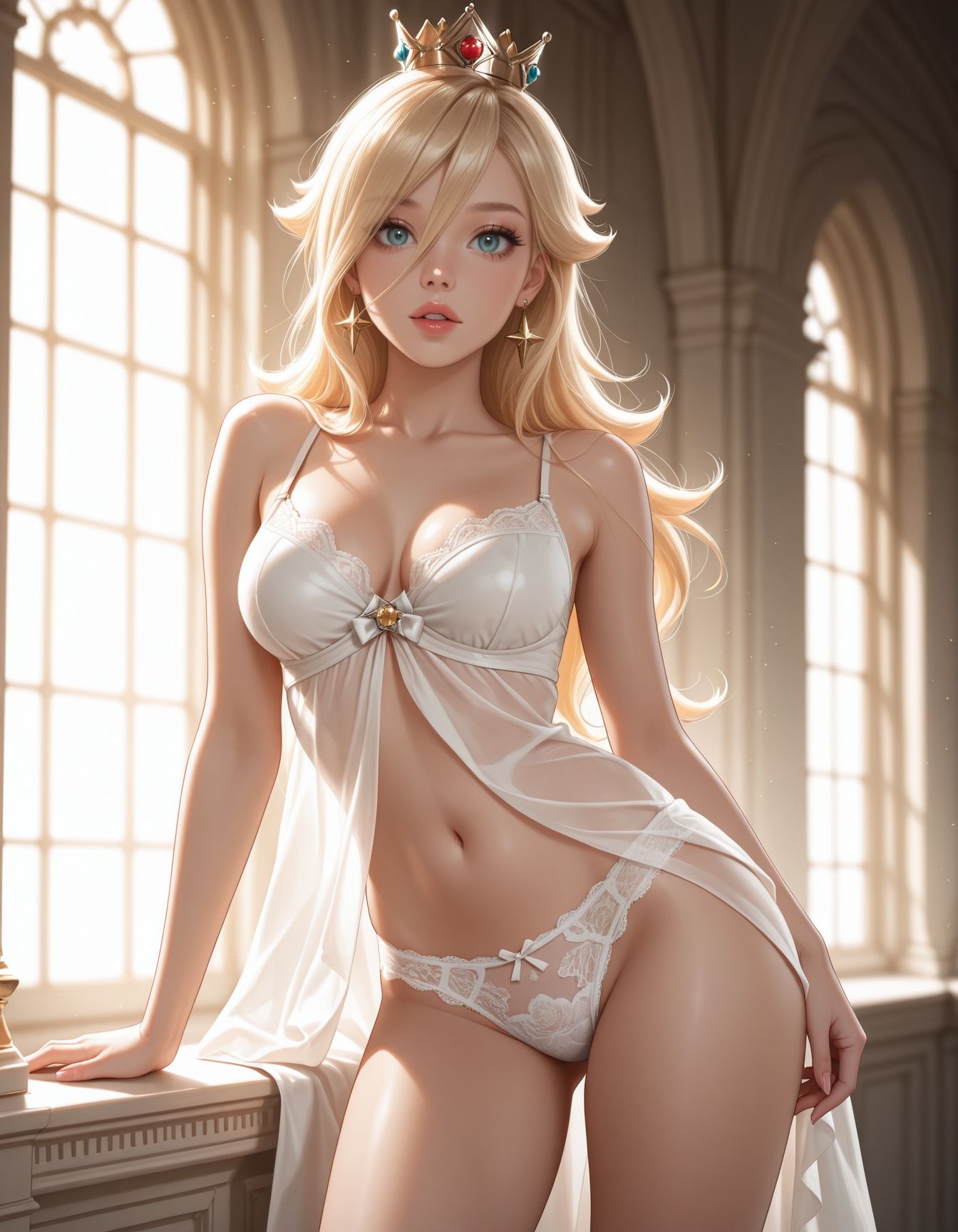
MUR0s4lin4, blonde hair, crown, earrings,
looking at viewer,
soft lighting, leaning pose, soft filtered light, parted lips, lace panties
Negative prompt: worst quality, low quality, worst detail, lowres, signature, username, watermark, logo, bad hands, mutated hands, text, deformed, ambiguous gender, ugly, bad perspective, bad proportions, artistic error, bad anatomy, bad id, bad link, bad source, bad hands, child
Steps: 30, Sampler: Euler a, Schedule type: Automatic, CFG scale: 6, Seed: 1200891266, Size: 896×1152, Model hash: da1f675d63, Model: circusmix_v70, VAE hash: 62c7c729ad, VAE: fixFP16ErrorsSDXLLowerMemoryUse_v10.safetensors, Denoising strength: 0.1, Clip skip: 2, ADetailer model: face_yolov8n.pt, ADetailer confidence: 0.6, ADetailer dilate erode: 4, ADetailer mask blur: 40, ADetailer denoising strength: 0.3, ADetailer inpaint only masked: True, ADetailer inpaint padding: 52, ADetailer use inpaint width height: True, ADetailer inpaint width: 1024, ADetailer inpaint height: 1024, ADetailer use separate CFG scale: True, ADetailer CFG scale: 3.0, ADetailer version: 25.3.0, Hires prompt: “Masterpiece, Best quality Backlights, ultra-detailed quality, dynamic composition, natural lighting, solo, nnnMUR0s4lin4, blonde hair, crown, earrings, nnlooking at viewer,nnsitting, holding a coffee cup, inside, window”, Hires CFG Scale: 6, Hires upscale: 1.5, Hires steps: 5, Hires upscaler: 4x-UltraSharp, Lora hashes: “MUR0s4lin4: 88174ac05c05”, Version: f1.0.0v2-v1.10.1RC-latest-2502-g630cf49b
Sampling Steps
Use 20-30 steps for most models. Pony and Illustrious hit peak quality at 25-28 steps. Flux needs 30-50 for best results. Going above 50 rarely improves quality and just wastes time.
CFG Scale (Classifier Free Guidance)
This controls how strictly the AI follows your prompt.
- Pony: 7-9 (higher values work better with score tags)
- Illustrious: 5-7
- RealVis/Juggernaut: 5-7
- Flux: 3.5-4.5 (Flux is sensitive to high CFG, keep it lower)
Resolution
Always use model-native resolution. For SDXL-based models (Pony, Illustrious, RealVis, Juggernaut), use 1024×1024 or 1280×1280. For portrait shots, 896×1152 works well. For landscape, 1152×896. Never go below 768×768 or faces will distort.
CLIP Skip
- Pony, Illustrious, NoobAI: CLIP skip 2
- RealVis, Juggernaut, Cyberrealistic: CLIP skip 1
- Flux: Does not use CLIP skip (ignore this setting)
Seed and Variation
Find a seed you like, then vary it by +/- 100 to explore similar compositions. For completely new ideas, use random seeds. For refining a good image, keep the seed and tweak the prompt or CFG.
Negative Prompts: The Secret to Clean Images
Negative prompts tell the AI what NOT to draw. A strong negative prompt fixes 30% of common errors before they happen.
Universal Negative for All Models
worst quality, low quality, normal quality, bad anatomy, bad hands, text, error, missing fingers, extra digit, fewer digits, cropped, jpeg artifacts, signature, watermark, username, blurry, artist name, bad proportions, malformed limbs, missing arms, missing legs, extra arms, extra legs, fused fingers, too many fingers, long neck, cross-eyed, mutated hands, polar lowres, bad face, cloned face, gross proportions, malformed torso, bad feet, mutation, deformed, ugly, duplicate, morbid, mutilated
Pony-Specific Negative
Always include score_4, score_5, score_6 in Pony negatives. This tells the model to avoid low-rated training data.
score_4, score_5, score_6, source_pony, source_furry, worst quality, low quality, bad anatomy, bad hands, mutated hands, extra fingers, missing fingers, deformed, ugly, duplicate, watermark, signature, text, logo, cropped, out of frame, blurry, jpeg artifacts
Where to Find More Prompts and Community Help
Civitai
The largest community for NSFW AI models. Browse thousands of user-uploaded prompts with example images. Most model pages include recommended prompts in the description. Search for “NSFW” or “nude” in the model browser. Always check the community ratings before downloading.
PromptHero
A searchable database of AI-generated images with their full prompts exposed. Great for learning how others structure their prompts. NSFW content is filtered by default but available in the adult section. Use the search filters to find specific poses or outfits.
Reddit r/StableDiffusion
The main community hub for Stable Diffusion users. Daily prompt sharing threads, troubleshooting help, and model recommendations. Search the subreddit for “NSFW prompt” or “adult prompt” to find community-tested formulas. Be aware of subreddit rules about explicit content.
Discord Communities
Many AI image platforms run active Discord servers. PixAI, OpenArt, and various model-specific groups share prompts in real time. These are often the fastest way to get help when a prompt is not working. Search for “Stable Diffusion NSFW” or “Pony Diffusion” on Discord server lists.
Quick Troubleshooting Guide
| Problem | Cause | Fix |
|---|---|---|
| Melted faces or extra limbs | Bad anatomy tags missing from negative prompt | Add: bad anatomy, bad hands, extra fingers, mutated hands |
| Clothing keeps appearing when you want nude | Outfit description too strong in positive prompt | Remove clothing tags, add: completely nude, naked, no clothes |
| Blurry or low detail output | Resolution too low or steps too few | Use 1024×1024 minimum, 25+ steps |
| Model ignores part of your prompt | Prompt too long or tags buried at end | Move important tags to front, use () for emphasis |
| Wrong art style (anime vs photo) | Using wrong model or mixed tags | Match tags to model: source_anime for Pony, dslr for RealVis |
| Watermark or text in image | Training data artifacts | Add to negative: watermark, signature, text, logo, username |
| Dark or underexposed images | Missing lighting tags | Add: soft lighting, bright lighting, natural light |
Final Tips from 2000+ Tests
- Keep prompts under 150 tokens. After 75 tokens, SDXL models start ignoring words. Flux handles longer prompts better but still benefits from focus.
- Quality tags first, always. The first 10 words set the baseline for the entire image.
- Use 3-4 weighted phrases max. Overweighting causes more problems than it solves.
- Match your model language. Pony wants score tags. RealVis wants photo terms. Flux wants natural language. Do not mix them randomly.
- Negative prompts are 30% of the result. Never skip them, even for quick tests.
- Test with the same seed. When tweaking a prompt, keep the seed constant so you only see the effect of your changes.
- Save your winners. Build a personal library of 10-20 prompts that always work. Modify these instead of starting from scratch.
Writing great NSFW prompts is a skill, not a gift. Follow the four-part formula, match it to your model, use weights wisely, and always include a strong negative prompt. In our tests, users who applied these rules cut their failed generations by 80% and started producing gallery-quality images within their first week.
Last updated: June 2026. Tested on Pony Diffusion V6 XL, Illustrious XL v1.0, RealVisXL V5.0, JuggernautXL Ragnarok, and Flux.1 dev.