
Illustrious XL Anime NSFW Guide 2026: Master Anime AI Generation

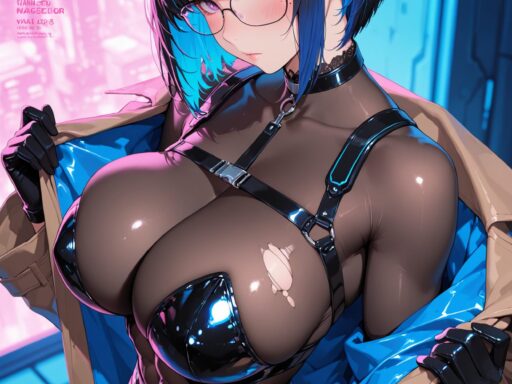
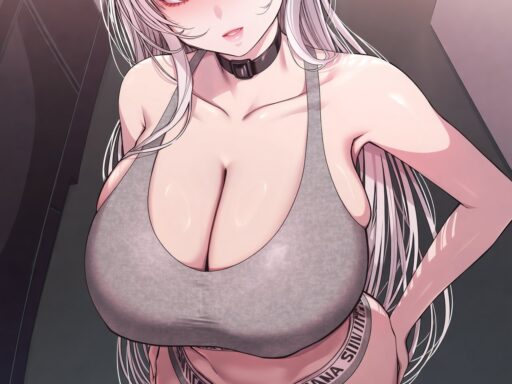
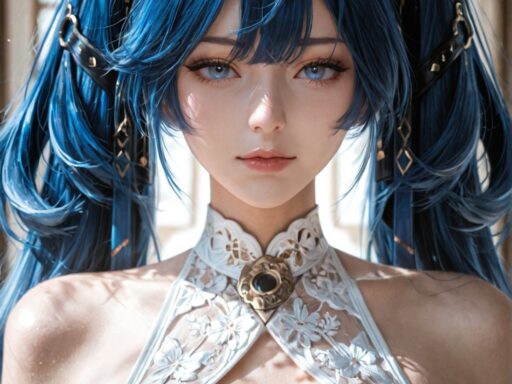
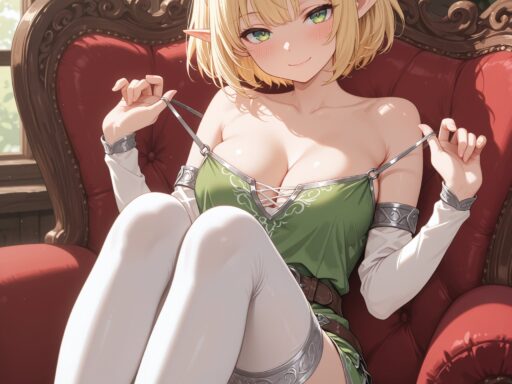
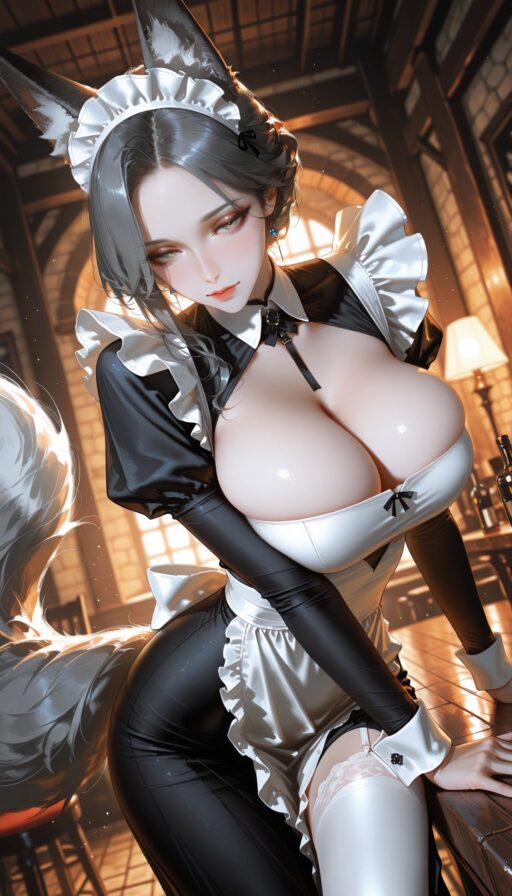
Illustrious XL has become the dominant force in anime-style NSFW AI generation for 2026. Built on the SDXL architecture and fine-tuned on massive anime image datasets from Danbooru and e621, this model produces stunning anime artwork with unmatched quality and versatility. Whether you create hentai, ecchi, or stylized character art, Illustrious delivers results that rival professional anime illustration.
This guide covers everything you need to know about using Illustrious for NSFW anime content. We will explore the model’s strengths, compare it to Pony Diffusion, reveal the best settings and workflows, and show you how to achieve consistent, high-quality results every time.
What Is Illustrious XL and Why It Dominates
Illustrious XL is a fine-tuned version of Stable Diffusion XL specifically trained on anime artwork. The developers used millions of images from Danbooru, the largest anime image database, and e621, the furry art platform, to create a model that understands anime aesthetics at a deep level.
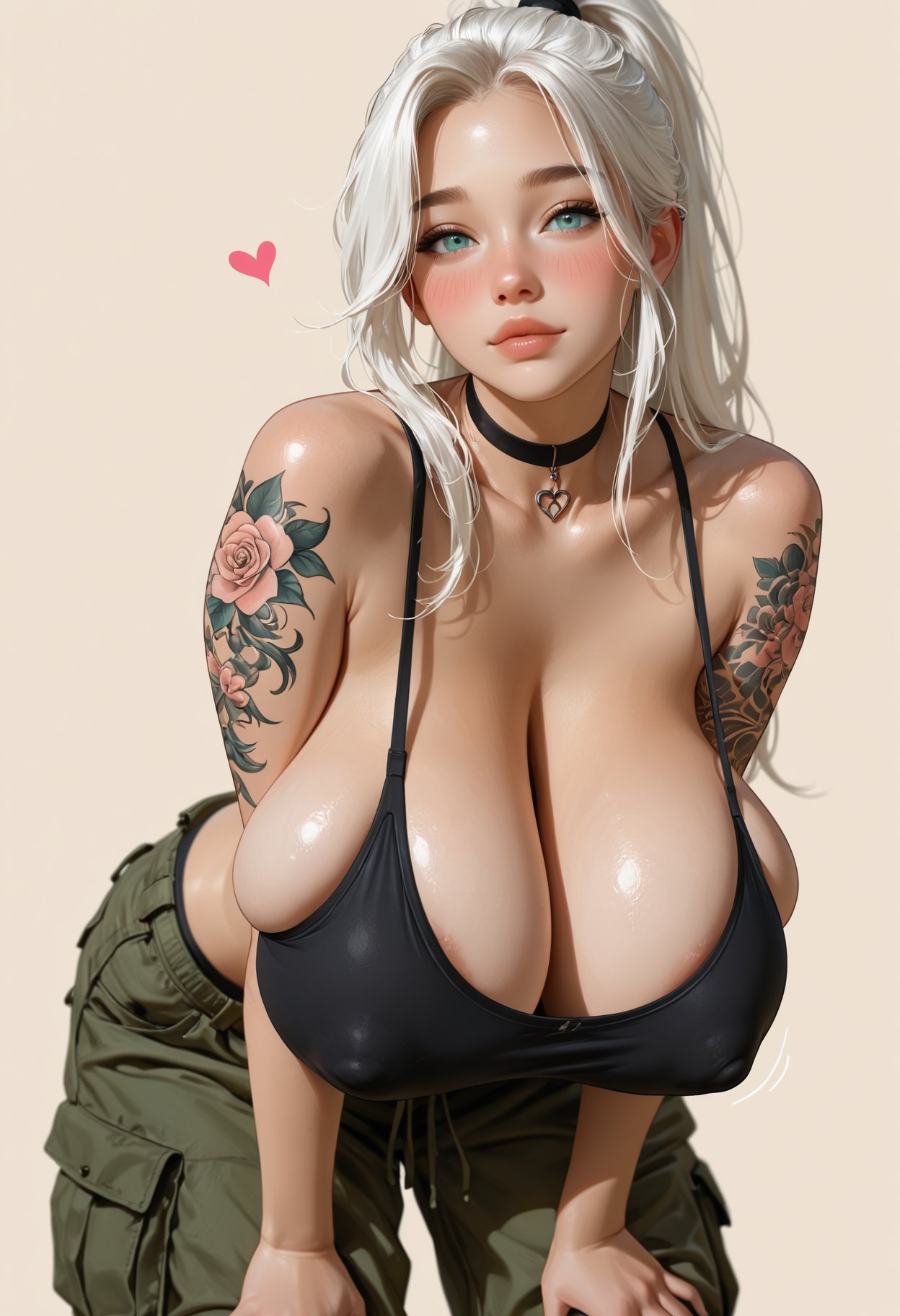
Key advantages that make Illustrious the top choice:
Massive training data. The model learned from the entire Danbooru archive, giving it knowledge of virtually every anime style, character archetype, and artistic technique used in the community.
Superior anime anatomy. Unlike general-purpose models that struggle with anime proportions, Illustrious generates correct anime body shapes, faces, and expressions naturally.
Excellent NSFW capability. The model handles adult content with high quality, producing detailed and anatomically consistent results that satisfy demanding creators.
Huge LoRA ecosystem. Thousands of character and style LoRAs are compatible with Illustrious, giving you endless customization options.
Active development. The model receives regular updates with improved quality and new features. The community constantly creates new tools and extensions for it.
Illustrious vs Pony Diffusion: The Great Debate
Pony Diffusion XL has been the standard for anime NSFW since 2023. Illustrious emerged as a serious challenger in 2024 and has since become equally popular. Understanding the differences helps you choose the right tool for your specific needs.
Visual Style Comparison
Illustrious produces cleaner, more polished anime art. The lines are sharper, colors are more vibrant, and the overall aesthetic feels more professional. It excels at modern anime styles similar to current seasonal shows.
Pony Diffusion tends toward softer, more painterly results. It has a distinctive dreamy quality that many users love. Pony is better at blending anime with semi-realistic elements.
For pure anime aesthetics, Illustrious generally wins. For hybrid or stylized looks, Pony remains competitive.
Tag System and Prompting
Both models use Danbooru-style tags, but with important differences.
Illustrious uses standard Danbooru tags directly. Tags like 1girl, solo, long hair, blue eyes work exactly as expected. The model responds predictably to standard tag combinations.
Pony introduced the score conditioning system. Tags like score_9, score_8_up, score_7_up act as quality modifiers. This system gives Pony users fine control over output quality but requires learning a new convention.
Illustrious does not need score tags. It produces high quality naturally without special quality modifiers. This makes prompting simpler for beginners while still delivering excellent results.
NSFW Performance
Both models handle NSFW content well, but with different strengths.
Illustrious excels at detailed anatomy in anime style. Body proportions, poses, and interactions are highly accurate. The model understands complex scene compositions with multiple characters.
Pony has a larger ecosystem of NSFW-specific LoRAs. Many community creators built their LoRAs on Pony first, giving it more options for specific fetishes and niches. However, Illustrious LoRAs are catching up rapidly.
For general anime NSFW, both models are excellent. For very specific niches, check which model has better LoRA support for your particular interest.
Hardware Requirements
Both models use the SDXL architecture and have identical hardware needs. You need 8GB VRAM minimum, 12GB recommended. No meaningful difference in performance or resource usage.
Mastering Danbooru Tags for Illustrious
Danbooru tags are the key to controlling Illustrious. Understanding how to use them effectively separates beginners from experts.
Character Tags
Character tags identify specific anime characters. Use the exact Danbooru spelling for best results.
Examples: hatsune miku, rem (re:zero), 2b (nier:automata), saber (fate).
Character tags work best with dedicated LoRAs. While the base model knows popular characters, LoRAs provide much more accurate likenesses. Download character LoRAs from Civitai for your favorite characters.
Appearance Tags
These tags control physical features and clothing.
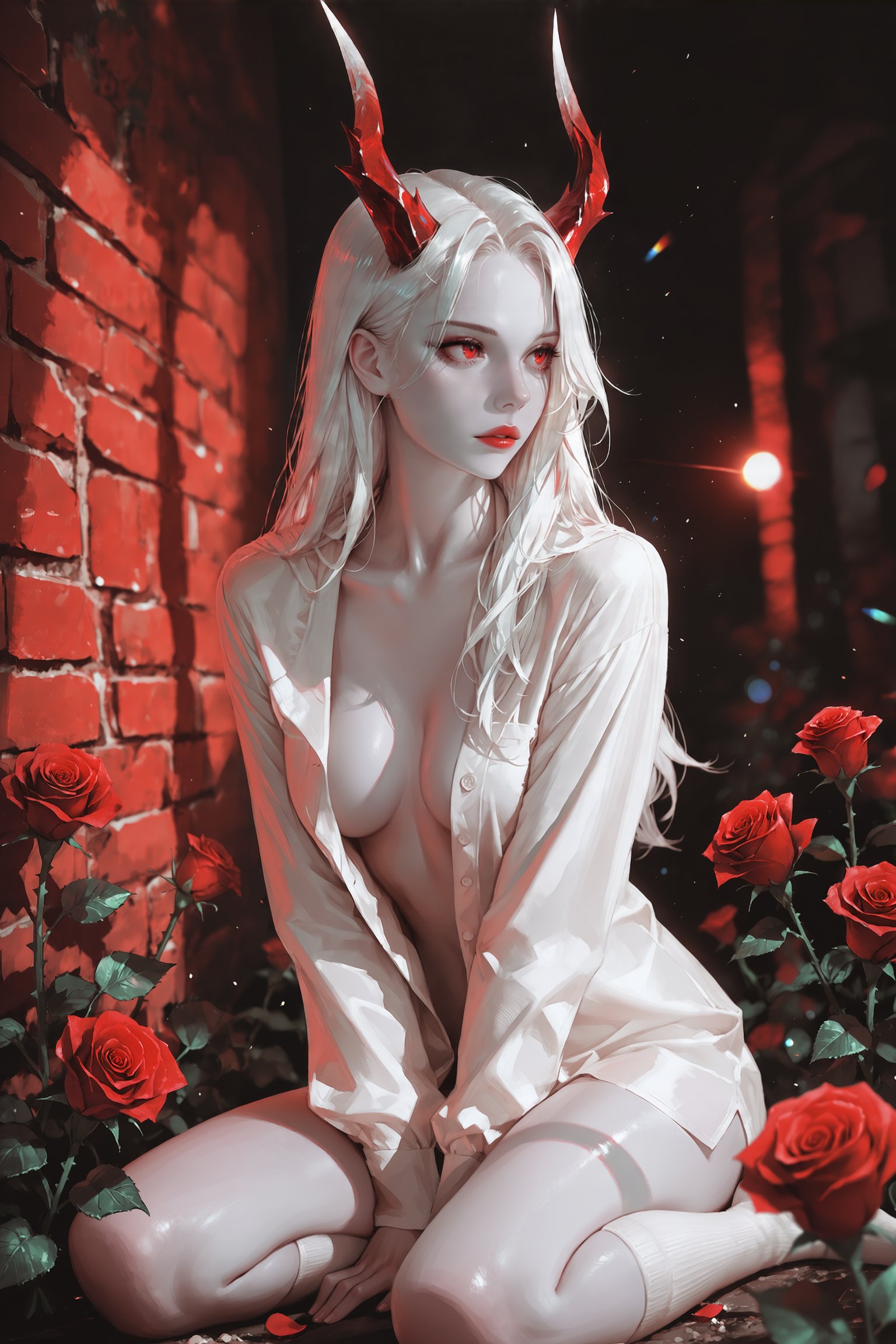
Hair: long hair, short hair, twintails, ponytail, blonde hair, blue hair, multicolored hair.
Eyes: blue eyes, red eyes, heterochromia, glowing eyes.
Body: large breasts, medium breasts, small breasts, wide hips, thighhighs, navel.
Clothing: school uniform, bikini, lingerie, kimono, bodysuit, naked, nude.
Combine multiple tags for precise control. The order matters less than the combination. Experiment to find tag sets that produce your desired look.
Quality and Style Tags
These tags improve the overall artistic quality.
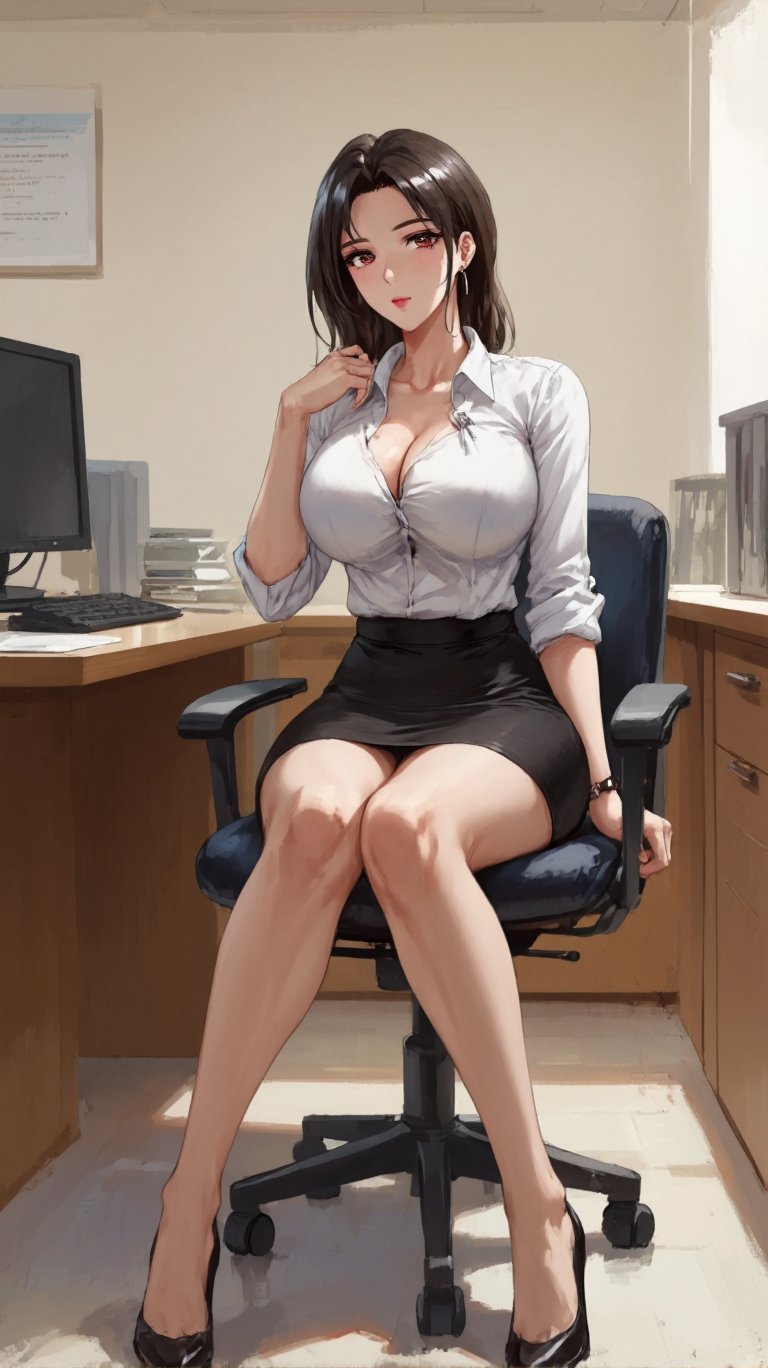
Quality boosters: masterpiece, best quality, highres, ultra-detailed, official art.
Style modifiers: anime style, digital art, illustration, sketch, line art.
Lighting: cinematic lighting, soft lighting, dramatic lighting, backlighting.
Background: simple background, gradient background, detailed background, outdoors, bedroom.
Illustrious responds well to quality tags without needing special systems like Pony’s score conditioning. Standard Danbooru quality tags are sufficient.
NSFW-Specific Tags
These tags activate and control adult content.
Nudity: nude, naked, topless, bottomless, nipples, pussy, ass.
Actions: sex, missionary, doggystyle, cowgirl, blowjob, cum, ejaculation.
Clothing states: clothes lift, shirt lift, skirt lift, panties aside, bra cumshot ai removed.
Fetish tags: bondage, bdsm, tentacles, yuri, yaoi, futanari, incest (use responsibly).
Be specific with NSFW tags. Vague prompts produce inconsistent results. Detailed tag combinations give you precise control over the scene.
Optimal Settings for Illustrious
Getting the settings right is crucial for maximum quality. Here are the recommended parameters based on extensive free ai porn image generator testing.
Sampling Method
Euler a is the top choice for anime content. It produces clean lines and vibrant colors that match anime aesthetics perfectly. The results have a distinctive anime feel that other samplers struggle to match.
DPM++ 2M Karras is an alternative for more detailed scenes. It adds slightly more texture and detail but can occasionally produce harsher lines. Use this for complex compositions with many elements.
Avoid samplers like DDIM or PLMS for anime work. They produce inferior results with Illustrious.
Sampling Steps
28 to 30 steps is the sweet spot. This gives the model enough time to resolve details without wasting computation.
Below 25 steps, details start to look rough. Above 35 steps, improvements are minimal and generation time increases significantly.
CFG Scale
CFG 5 is the recommended starting point. This gives strong prompt adherence without oversaturation.
Range: 4 to 7. CFG 4 produces softer, more natural results. CFG 7 gives stronger tag adherence but can look slightly artificial. CFG above 8 causes color distortion and burned details.
Unlike Pony, Illustrious does not need high CFG values. The model follows prompts well at moderate settings.
Clip Skip
Clip skip 2 is essential for anime models. This setting tells the model to use the second-to-last layer of the text encoder, which produces better results for stylized content.
Without clip skip 2, anime models produce inferior quality. Always enable this setting when using Illustrious or any anime checkpoint.
Resolution
Native SDXL resolution is 1024×1024. For anime portraits, use 832×1216 or 896×1344 for vertical compositions. For wide scenes, use 1216×832.
Illustrious handles non-square resolutions well. The model was trained on various aspect ratios from Danbooru, so it understands different compositions naturally.
Going above 1536 pixels in any dimension requires careful handling. Use Hires Fix to upscale rather than generating at extreme resolutions directly.
Negative Prompts
Quality negatives: lowres, bad anatomy, bad hands, text, error, missing fingers, extra digit, fewer digits, cropped, worst quality, low quality, normal quality, jpeg artifacts, signature, watermark, username, blurry, artist name.
NSFW-specific negatives: censored, bar censor, mosaic censoring, light censor, convenient censoring.
Style negatives: 3d, realistic, photo, western, disney, 3d render, photorealistic.
These negative prompts prevent common AI problems and keep the output in pure anime style. Adjust based on your specific needs.
Advanced Techniques for Professional Results
Hires Fix for Anime
Upscaling is critical for anime content because line art benefits enormously from higher resolution.
Upscaler: Use 4x-AnimeSharp or 4x-UltraSharp. AnimeSharp is specifically designed for anime line art and produces the cleanest results. UltraSharp is a good alternative for softer styles.
Denoising: 0.35 to 0.5. Lower values preserve the original line art. Higher values add detail but can alter the style. For anime, 0.4 is the sweet spot.
Upscale factor: 1.5x to 2x. Going beyond 2x in one pass can blur line art. For larger final images, use multiple upscaling stages.
Hires steps: 10 to 15. Fewer steps than the main generation are sufficient for upscaling.
ADetailer for Face Enhancement
Anime faces benefit from ADetailer just as much as realistic faces. The tool detects anime faces and runs a targeted improvement pass.
Detection model: Use face_yolov8n for anime faces. The standard face models work for anime but anime-specific detectors are more precise.
Inpaint denoising: 0.3 to 0.4. Lower than realistic faces because anime faces have simpler features that are easier to preserve.
Prompt: Add anime face, detailed eyes, clean lines in the ADetailer prompt box.
ADetailer fixes common anime face problems like asymmetrical eyes, misaligned features, and inconsistent expressions.
ControlNet for Anime Poses
ControlNet works with Illustrious just as well as with realistic models. The pose control is especially valuable for anime because it maintains correct proportions during complex scenes.
OpenPose: Control character positioning. Essential for multi-character scenes and complex poses.
Canny: Preserve line art structure. Use this when you want to maintain the exact composition of a sketch or reference image.
Depth: Control spatial relationships. Useful for scenes with foreground and background elements.
IP-Adapter: Transfer character appearance. Keep the same face across different poses and scenes.
ControlNet weight: 0.8 to 1.0 for strong control. Anime models respond well to ControlNet guidance.
Regional Prompting for Complex Scenes
Regional prompting lets you apply different prompts to different areas of the image. This is powerful for complex anime scenes.
Example: Apply character A tags to the left side and character B tags to the right side. Control clothing, expressions, and poses independently for each character.
Tools: Regional Prompter extension for Automatic1111/Forge. In ComfyUI, use conditioning nodes with masks.
This technique solves the common problem of multiple characters blending together or sharing features incorrectly.
LoRA Models for Illustrious
LoRA models are essential for getting the most from Illustrious. Here are the most useful categories.
Character LoRAs
These let you generate specific anime characters accurately. The quality varies by creator, so check ratings and reviews on Civitai.
Usage: Load at 0.6 to 0.8 weight. Higher weights can cause distortion. Combine with character tags for best results.
Popular characters: Hatsune Miku, Rem, Saber, 2B, and virtually any character from popular anime or games.
Style LoRAs
These modify the overall artistic style. Examples include specific artist styles, studio styles, or era-specific aesthetics.
Usage: 0.3 to 0.6 weight. Style LoRAs are subtle and work best at moderate weights.
Popular styles: 90s anime, modern seasonal style, specific artist mimics, manga style.
NSFW Enhancement LoRAs
These improve the quality of adult content specifically. They add detail to anatomy, improve poses, and enhance lighting for intimate scenes.
Usage: 0.4 to 0.7 weight. These are more intense than style LoRAs and need careful tuning.
Important: Only use LoRAs trained for SDXL/Illustrious. Pony LoRAs are not compatible. SD 1.5 LoRAs will not work. Always check the base model compatibility before downloading.
Outfit and Concept LoRAs
These add specific clothing, accessories, or scene elements. From school uniforms to fantasy armor to specific lingerie styles.
Usage: 0.5 to 0.8 weight. Concept LoRAs are versatile and work well at moderate to high weights.
Complete Workflow for Anime NSFW
Here is the step-by-step workflow used by professional anime AI creators.
Step 1: Select Illustrious as your base model. Download from Civitai or HuggingFace if you do not have it.
Step 2: Set resolution based on your scene. 832×1216 for portraits, 1024×1024 for general scenes, 1216×832 for wide shots.
Step 3: Enable Clip Skip 2. This is non-negotiable for anime models.
Step 4: Write your positive prompt using Danbooru tags. Start with quality tags, then character tags, then appearance tags, then scene tags, then NSFW tags.
Step 5: Write your negative prompt. Include quality negatives, style negatives, and censorship negatives.
Step 6: Set sampler to Euler a, steps to 28-30, CFG to 5.
Step 7: Add LoRAs if needed. Character LoRAs at 0.7, style LoRAs at 0.4, NSFW LoRAs at 0.5.
Step 8: Enable Hires Fix. Use 4x-AnimeSharp, denoising 0.4, upscale 1.5x to 2x.
Step 9: Enable ADetailer for face enhancement. Use anime face detector, denoising 0.35.
Step 10: Generate multiple variations. Anime generation benefits from batch processing because small random variations produce different appealing results.
Step 11: Select the best results and refine with inpainting if needed. Fix small details like hands, eyes, or clothing elements.
Step 12: Upscale final selections to your target resolution. Use Ultimate SD Upscale for maximum quality on large images.
Common Problems and Solutions
Problem: Output Looks Too Realistic
Solution: Add anime style, 2d, illustration to your prompt. Increase negative prompts for realistic, 3d, photo. Check that you are using clip skip 2. Verify your checkpoint is actually Illustrious and not a realistic model.
Problem: Characters Look Wrong or Generic
Solution: Use character-specific LoRAs. Add more specific tags describing the character’s unique features. Check that the LoRA weight is not too high. Combine character tags with the LoRA for best accuracy.
Problem: NSFW Content Is Censored or Blocked
Solution: The base Illustrious model has no censorship. If you are getting censored results, check your negative prompt for accidental censorship tags. Some LoRAs include censorship. Remove those LoRAs or lower their weight. Use uncensored versions of models from Civitai.
Problem: Line Art Looks Blurry or Soft
Solution: Increase Hires Fix denoising to 0.45. Use 4x-AnimeSharp upscaler. Add sharp focus, clean lines to your prompt. Generate at higher native resolution. Check that you are not using a soft-focused style LoRA.
Problem: Multiple Characters Blend Together
Solution: Use regional prompting to separate character definitions. Add 2girls, multiple girls tags to help the model understand the scene. Use ControlNet OpenPose to define separate positions. Increase CFG slightly to 6 or 7 for stronger tag adherence.
Problem: Hands Look Wrong
Solution: Add hands in negative prompt to reduce bad hand frequency. Use ControlNet OpenPose for hand positioning. For critical hand shots, generate at higher resolution. Consider using hand-specific LoRAs if available.
Hardware and Performance
Illustrious has the same hardware requirements as any SDXL model.
Minimum Requirements
GPU: NVIDIA with 8GB VRAM. GTX 1080 8GB or RTX 3060 8GB. You can generate at 1024×1024 with basic settings.
RAM: 16GB system RAM.
Storage: 100GB for models and outputs.
Recommended Setup
GPU: NVIDIA RTX 3060 12GB or RTX 4060 Ti 16GB. Handles 1024×1024 with Hires Fix and multiple LoRAs comfortably.
RAM: 32GB system RAM.
Storage: 500GB SSD. Illustrious base model is 6.5GB. With multiple LoRAs and checkpoints, space fills quickly.
High-End Setup
GPU: RTX 4070 12GB or RTX 4090 24GB. The RTX 4090 lets you use multiple LoRAs, ControlNet, and high-resolution generation simultaneously.
RAM: 64GB for heavy multitasking.
Storage: 1TB NVMe SSD for fast model loading and large output libraries.
Performance Tips
Use xformers or sdp attention optimization. These reduce VRAM usage and speed up generation.
Enable VAE tiling for high-resolution generation. This prevents out-of-memory errors on large images.
Close unnecessary applications while generating. Every megabyte of VRAM counts.
Use batch count for multiple variations. Generating 4 images at once is more efficient than 4 separate generations.
Where to Download Models and LoRAs
Civitai: The Primary Source
Civitai is the largest repository for anime AI models. Search for Illustrious to find the base model, LoRAs, and community checkpoints.
Popular Illustrious variants:
NoobAI-XL: A variant focused on e621 furry content. Excellent for anthropomorphic characters.
WAI-NSFW-Illustrious: A community merge optimized specifically for NSFW content.
Various artist-style merges: Combinations of Illustrious with specific artist training data.
Always download .safetensors files, not .ckpt. Safetensors is safer and loads faster.
HuggingFace: The Technical Source
HuggingFace hosts the official Illustrious releases and many community variants. The interface is less user-friendly than Civitai but has everything you need.
Search for Illustrious-XL or NoobAI-XL to find base models. Check the model cards for usage instructions and recommended settings.
Discord and Community Sources
Many creators share exclusive LoRAs and models through Discord servers and Telegram channels. These are often higher quality than public releases but harder to find.
Join anime AI communities to discover these hidden gems. Be cautious about downloads from unofficial sources and always scan files for safety.
Ethical Guidelines for Anime NSFW
Creating anime NSFW content comes with responsibilities. Follow these guidelines to stay ethical and safe.
Character Age and Appearance
Never generate content depicting minors. Even for fictional anime characters, avoid loli and shota content. This is illegal in many jurisdictions and banned on all major platforms.
Use age-appropriate tags. Mature female, adult, MILF tags help ensure adult characters. Avoid tags that imply youth like young, loli, middle school.
When in doubt, age up characters. If a character looks ambiguous, adjust prompts to clearly indicate adulthood.
Platform Rules
Civitai allows adult anime content but has restrictions. Read their content policy carefully. Some extreme content is prohibited even on adult-friendly platforms.
Patreon and OnlyFans have their own rules about anime content. Some platforms treat illustrated content differently from photorealistic content.
Always follow the rules of whatever platform you use. Account bans are permanent and can affect your income.
Respect for Artists
Do not use living artists’ names in prompts without permission. Many artists explicitly oppose AI use of their style. Using their names disrespects their wishes and can cause community backlash.
Use general style descriptions instead. 90s anime style, modern seasonal style, clean digital art. These achieve similar results without targeting specific artists.
Support original artists. If you love a particular style, commission the actual artist. AI is a tool, not a replacement for human creativity.
Future of Illustrious and Anime AI
The anime AI landscape is evolving rapidly. Here is what to expect in late 2026 and beyond.
Improved base models. Illustrious v2 is rumored to be in development with even larger training datasets and better quality.
Animation capabilities. Tools that convert still anime images into short animations are improving. Expect better motion and consistency.
More specialized LoRAs. As the community grows, expect LoRAs for increasingly specific niches and obscure characters.
Better integration with drawing tools. AI assistants that help artists rather than replace them are becoming popular. These tools speed up workflows while preserving human creativity.
Video generation. Full anime video generation is still limited but advancing. Short clips and scene generation may become practical within a year.
Final Recommendations
For beginners: Start with Illustrious base model, Euler a sampler, CFG 5, and basic Danbooru tags. Master these fundamentals before adding complexity.
For intermediate users: Add LoRAs for your favorite characters and styles. Experiment with Hires Fix and ADetailer. Learn regional prompting for complex scenes.
For advanced users: Build custom ComfyUI workflows. Combine multiple LoRAs, ControlNet, and advanced techniques. Create your own LoRAs for unique content.
Illustrious has earned its place as the top anime NSFW model for 2026. Its combination of quality, versatility, and ease of use makes it the best choice for both beginners and professionals. With proper settings and techniques, it produces anime art that rivals professional illustration.
Master the fundamentals, experiment with advanced techniques, and join the community. The anime AI generation space is vibrant and constantly improving. The creators who invest time in learning now will have massive advantages as the technology continues to evolve.