
By Team AIGN, Updated June 2026
Looking for the best AI model to create trans and transgender adult content in 2026? This guide covers the top 5 neural networks that actually handle trans NSFW themes well, plus the exact prompts and settings that produce convincing results. Whether you want anime-style futanari, realistic transgender portraits, or creative blends, these are the tools that work right now.
Creating trans and transgender content with AI has always been tricky. Most models default to binary body types and struggle with the nuances that make trans content authentic. But in 2026, Pony Diffusion XL v6 leads the way with built-in support for diverse gender presentations, while specialized LoRA models and Flux-based tools now produce results that were impossible just a year ago. This guide breaks down exactly which models to use, how to prompt them, and the common mistakes that ruin otherwise good generations.
Understanding Trans Content Types in AI
Before choosing a model, you need to know what type of trans content you want to create. The AI handles each type differently, and using the wrong tags produces broken or offensive results.
Trans / Transgender
Realistic or stylized depictions of transgender people. This focuses on authentic gender presentation and body diversity. Pony XL handles this naturally when prompted correctly.
Shemale / Ladyboy
A specific adult industry archetype combining feminine presentation with male anatomy. This is technically different from transgender representation but overlaps in AI training data. Most models understand this as a distinct category.
Futanari
Anime and hentai-style characters with both male and female anatomy. This is a fictional fantasy trope, not a real-world gender identity. Pony XL is especially strong here because its training data includes extensive anime content.
Style Blends
Combinations like trans + furry, trans + fantasy, or futanari + sci-fi. These require models with broad training data and strong prompt understanding.
Pony XL supports all of these categories natively. The key is using the right tags and understanding how the model interprets each term.
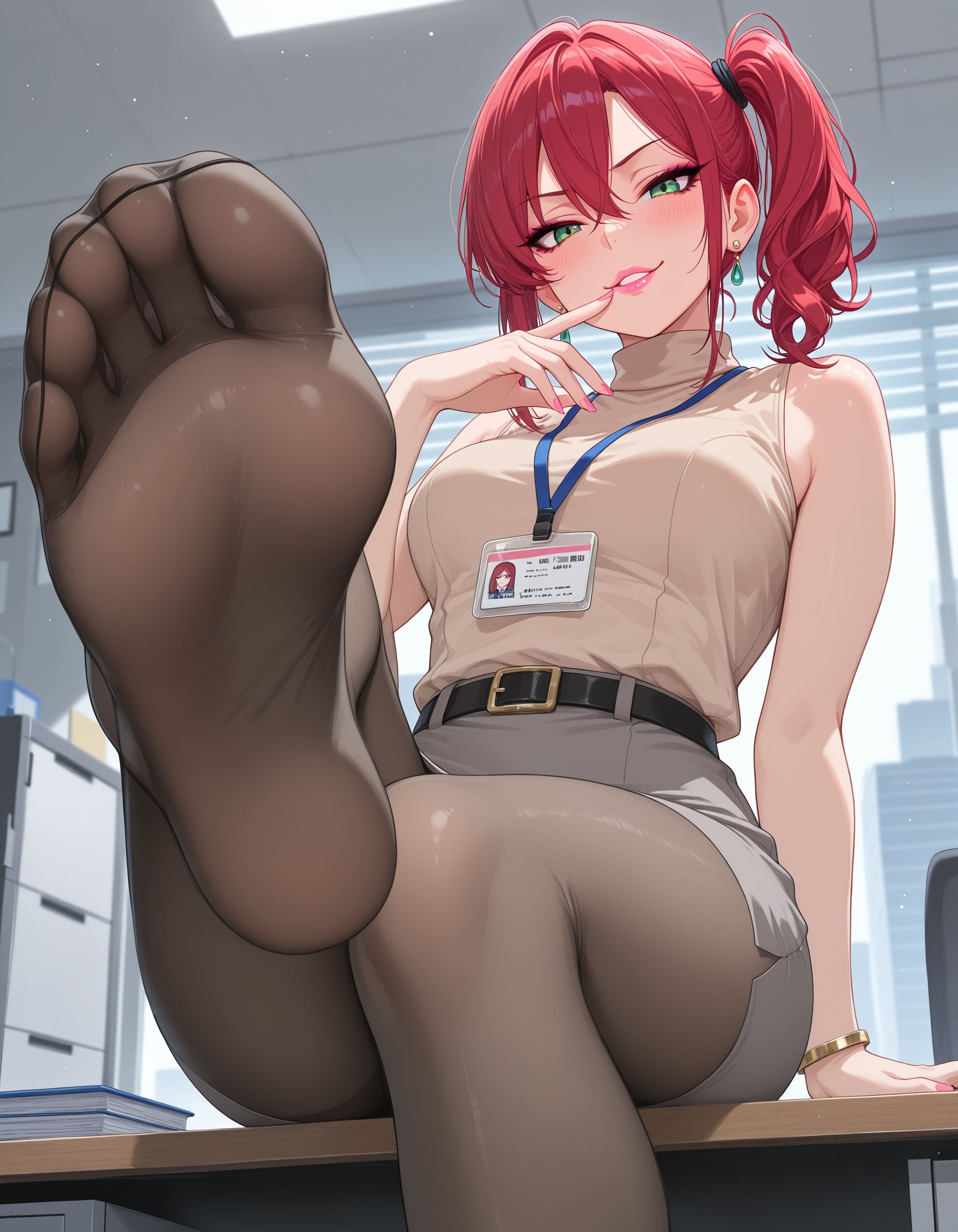
Top 5 AI Models for Trans NSFW Content in 2026
1. Pony Diffusion XL v6 — Best Overall
Pony Diffusion XL v6 is the best free model for trans and transgender adult content. Its training data includes diverse gender presentations, and it understands trans-related tags better than any other open-source model. The built-in anime support also makes it ideal for futanari content.
Why it wins:
- Built-in understanding of trans, shemale, and futanari tags
- Free to use on Hugging Face with ZeroGPU
- No email or signup required for basic generations
- 15-20 free generations per day on most platforms
- Strong anime and realistic styles in one model
- Massive LoRA library on Civitai for specific looks
Best prompts for trans content:
score_9, score_8_up, score_7_up, source_anime, source_pony, 1girl, solo, transgender, feminine body, confident expression, long hair, elegant dress, soft lighting, from front, medium shot

Best prompts for futanari:
score_9, score_8_up, score_7_up, source_anime, source_pony, futanari, 1girl, solo, feminine body, penis, detailed anatomy, bedroom setting, intimate lighting, from front, full body
Setup: Run on Hugging Face ZeroGPU, or download and run locally with ComfyUI or Forge. Use CFG 7, DPM++ 2M Karras, 28 steps, 1024×1024.
2. Pony Realism LoRA — Best for Photorealistic Trans Content
For photo-realistic transgender and trans adult content, the Pony Realism LoRA pushes Pony XL output toward believable skin texture, natural lighting, and authentic body details. It preserves the gender presentation tags while adding photographic quality.
Why it wins for realism:
- Transforms Pony XL from anime-adjacent to photorealistic
- Keeps trans and gender tags working correctly
- Natural skin texture and lighting on diverse body types
- Free download from Civitai
- Lightweight and easy to use
How to use:
- Download Pony Realism LoRA from Civitai
- Place it in your LoRA folder in ComfyUI or Forge
- Load it at strength 0.6-0.8 alongside Pony XL base model
- Add
photorealistic, dslr, 8k uhd, film grainto quality tags - Use trans-specific tags in the subject section
Recommended prompt:
score_9, score_8_up, score_7_up, source_pony, transgender woman, 30yo, feminine body, confident smile, long black hair, natural makeup, detailed skin texture, soft studio lighting, from front, portrait shot, photorealistic, dslr, 8k uhd

3. NSFW Flux Models — Best for Premium Quality
Flux by Black Forest Labs, combined with community NSFW fine-tunes, produces the highest quality trans and transgender adult images available in 2026. The natural language understanding handles complex gender descriptions better than tag-based models.
Why Flux wins for top quality:
- Best skin texture and anatomical accuracy
- Natural language prompts handle complex gender descriptions
- Community fine-tunes specifically for adult content
- No server filters when run locally
Downside: Needs more power. Minimum 12GB VRAM for local use, so most users run it through cloud services like RunPod.
Best prompt for Flux trans content:
masterpiece, best quality, 8k uhd, raw photo, photorealistic, a beautiful transgender woman in her late twenties with flowing auburn hair and striking green eyes, wearing a silk evening gown, standing in a modern apartment with city lights behind her, confident and elegant pose, soft ambient lighting, from front, medium shot, detailed skin texture, professional photography
Setup: Use RunPod or similar cloud GPU service. Set CFG 3.5-4.5, 30-50 steps, 1024×1024 or higher.
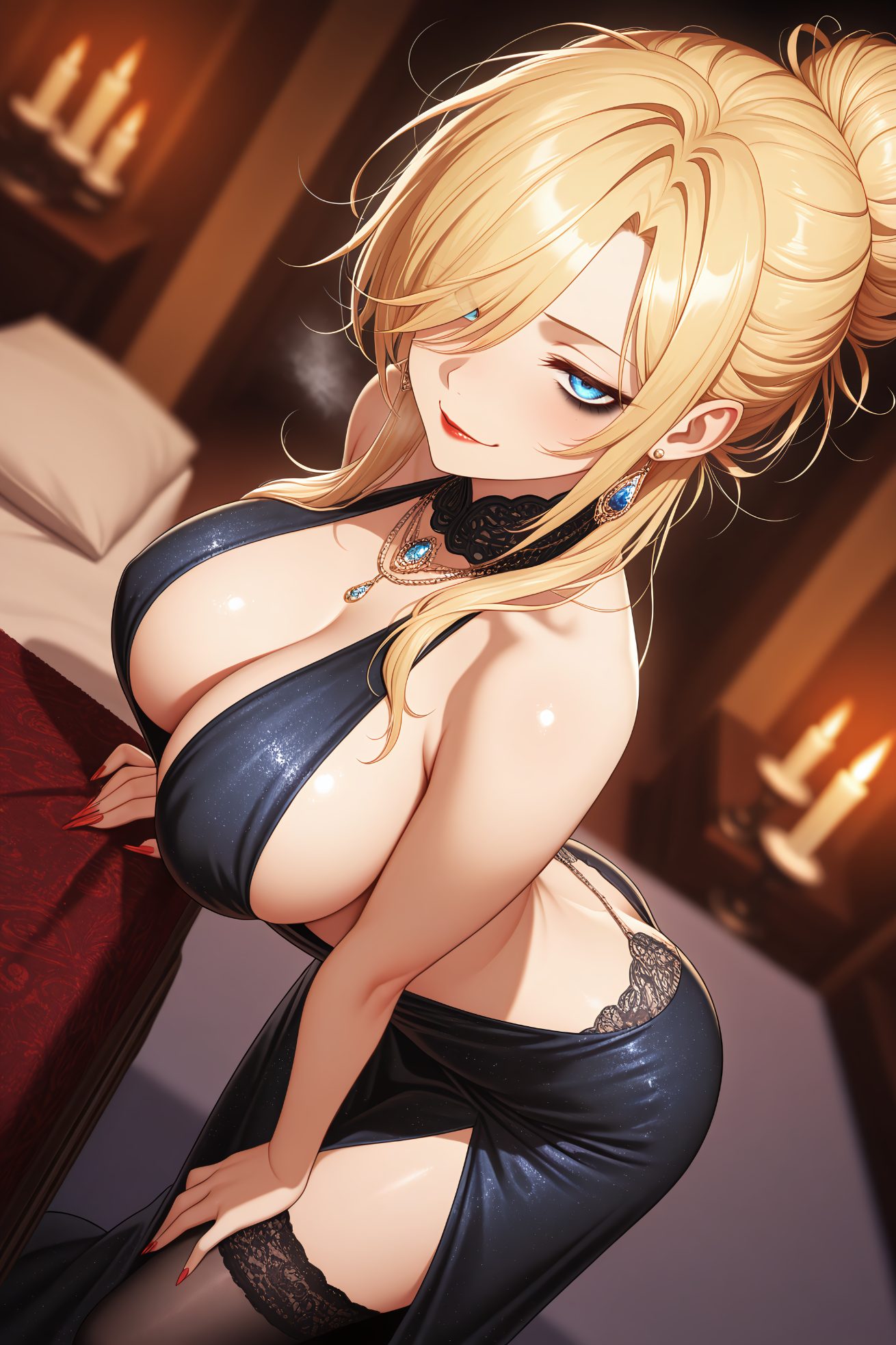
4. Trans-Specific LoRA Models — Best for Specific Looks
Civitai hosts dozens of LoRA models trained specifically on trans, transgender, and futanari content. These small files sit on top of Pony XL and push the output toward specific aesthetics: realistic trans women, anime futanari, or fantasy blends.
Why LoRAs matter:
- Target specific trans aesthetics that base models miss
- Lightweight — usually under 200MB each
- Free to download from Civitai
- Can be combined for unique blends
- Fix common anatomy errors in base models
How to find them: Search Civitai for “trans,” “transgender,” “futanari,” or “shemale.” Check the example images and community ratings. Download the LoRA file and place it in your ComfyUI or Forge LoRA folder.
How to use: Load at strength 0.5-0.7 alongside Pony XL. Higher strengths can cause distortion. Combine with Realism LoRA at 0.4 for photorealistic trans content.
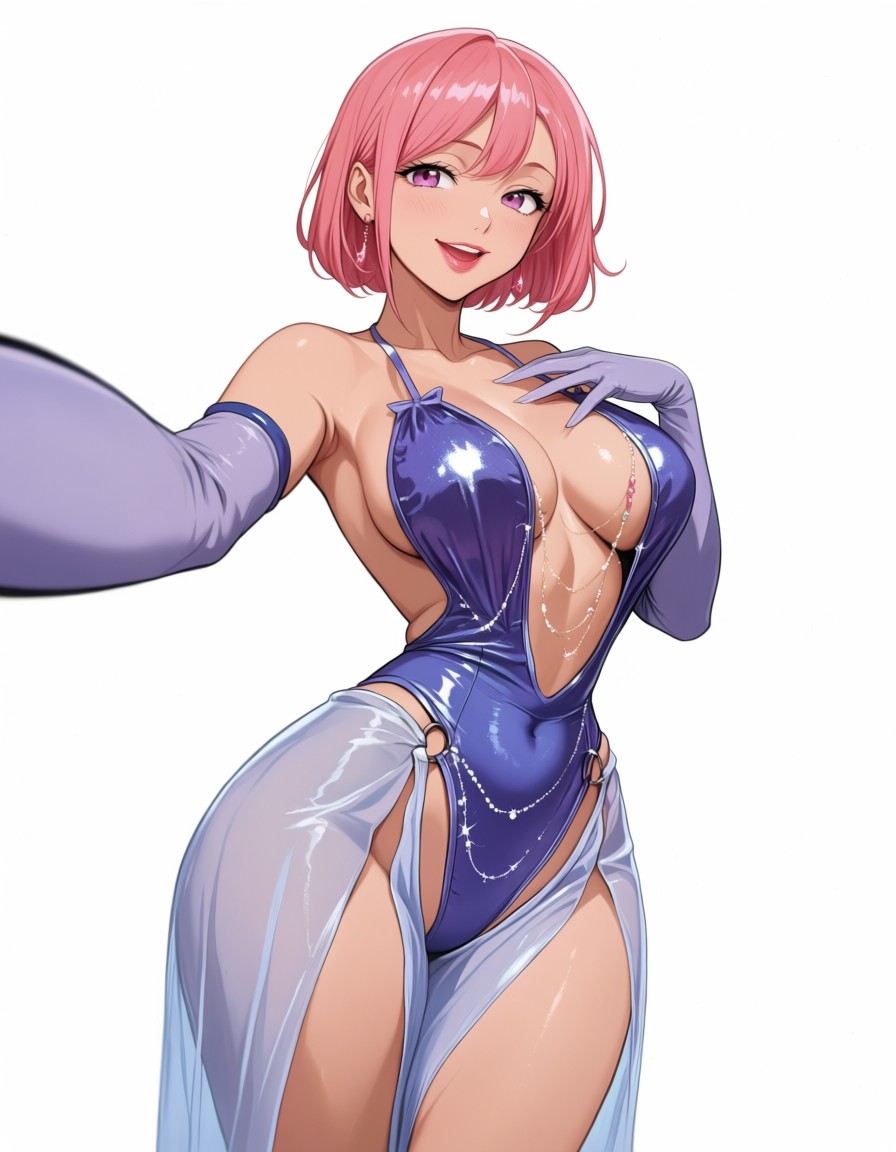
5. ADetailer + Pony XL — Best for Anatomy Accuracy
ADetailer is essential for trans and futanari content because AI often struggles with complex anatomy. It runs a second pass over the image, fixing distorted body parts and adding detail where the base model our dream ai failed.
Why you need it:
- Fixes distorted anatomy common in complex poses
- Adds detail to specific body regions
- Runs automatically after main generation
- Free and easy to install
- Works with any Pony XL setup
How to use:
- Install ADetailer extension in Forge or ComfyUI
- Enable it in your workflow ai video generator porn settings
- Set detection confidence to 0.5-0.7
- Use the same model for the detail pass
- Run generation normally — ADetailer fixes anatomy automatically
Prompt Templates by Content Type
Anime Trans
For anime-style transgender characters:
score_9, score_8_up, score_7_up, source_anime, source_pony, 1girl, solo, transgender, feminine body, long pastel hair, expressive eyes, school uniform, classroom background, soft lighting, anime style, detailed background
Realistic Trans
For photorealistic transgender portraits:
score_9, score_8_up, score_7_up, source_pony, transgender woman, 28yo, feminine body, natural makeup, long wavy hair, casual street clothes, urban background, golden hour lighting, from front, medium shot, photorealistic, dslr, detailed skin
Manhwa Style
For Korean digital comic aesthetics:
score_9, score_8_up, source_anime, source_pony, 1girl, solo, futanari, feminine body, detailed anatomy, manhwa style, digital painting, dramatic lighting, detailed background, vibrant colors, full body
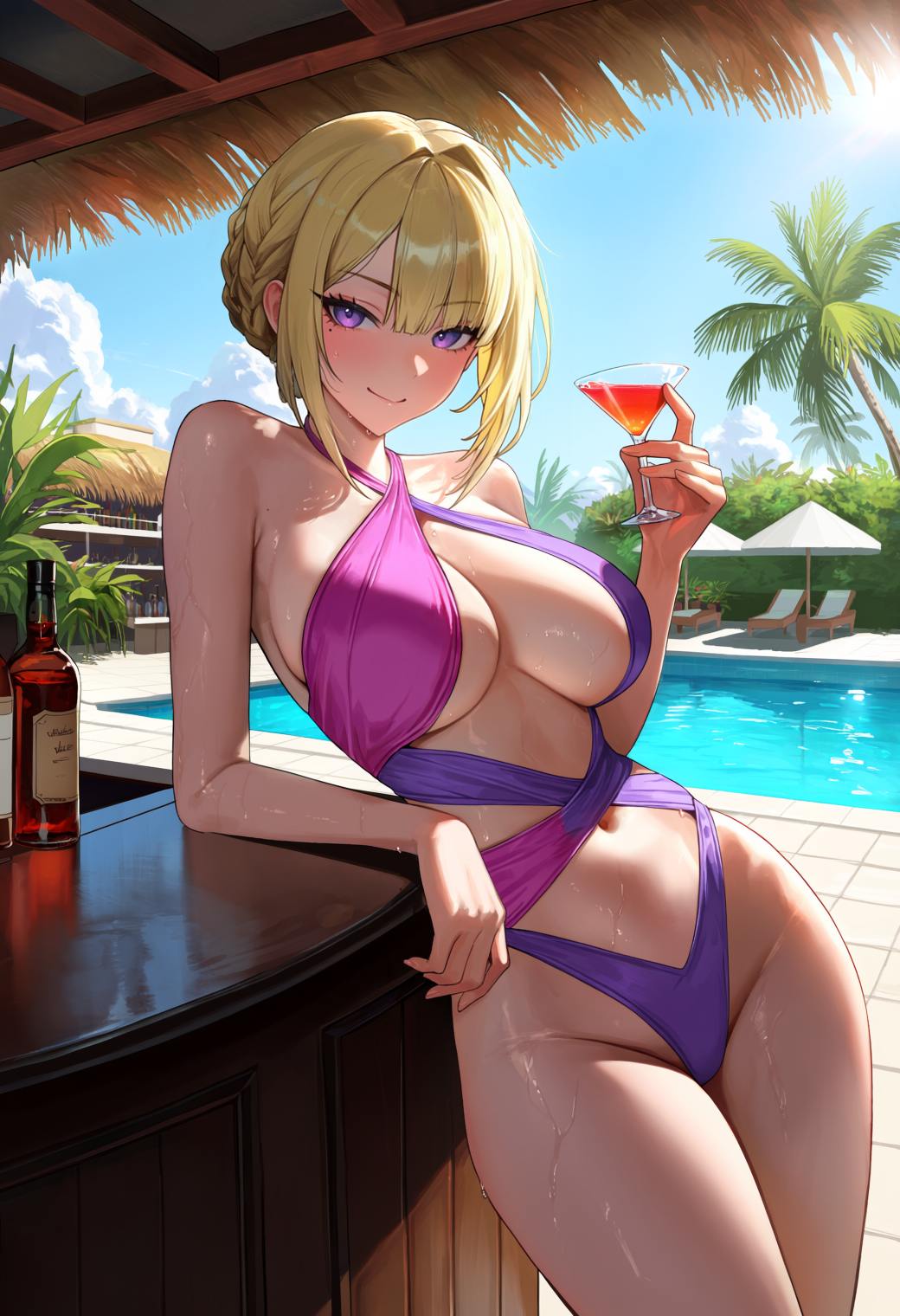
3D Render Style
For CG and 3D-looking output:
score_9, score_8_up, source_pony, 3d render, cg art, transgender character, detailed skin texture, realistic proportions, studio lighting, clean background, from front, full body, octane render, unreal engine
Trans + Furry Blend
For anthropomorphic trans characters:
score_9, score_8_up, source_furry, source_pony, transgender furry, feminine body, anthro fox, detailed fur, confident pose, forest background, natural lighting, from front, full body, furry art style
Common Problems and Fixes
| Problem | Cause | Fix |
|---|---|---|
| Body looks distorted or wrong anatomy | Complex gender tags confusing the model | Simplify tags, use ADetailer, add anatomy-specific LoRA |
| Face looks masculine when it should be feminine | Gender presentation tags too weak | Move feminine tags to front, add feminine face, soft features |
| Anatomy details missing or blurred | Model avoiding explicit content | Use uncensored model or add rating_explicit tag |
| Style looks inconsistent | Mixing anime and photo tags randomly | Pick one style: source_anime for anime, photorealistic for photos |
| Images look too similar | Same seed or too strong LoRA | Use random seeds, reduce LoRA strength, vary prompts |
| Dark or flat lighting | Missing lighting tags | Add specific lighting: soft natural light, studio lighting |
| Deformed hands or extra fingers | Common AI weakness on complex poses | Add bad hands to negative prompt, use ADetailer |
Step-by-Step: Creating Your First Trans AI Image
Step 1: Choose Your Base Model
Start with Pony Diffusion XL v6. It is free, handles trans tags natively, and works for both anime and realistic styles. Download from Hugging Face or Civitai.
Step 2: Add LoRAs for Specific Looks
Download trans-specific LoRAs from Civitai. Place them in your LoRA folder. Load at 0.5-0.7 strength. For realism, add Pony Realism LoRA at 0.6.
Step 3: Write Your Prompt
Use the four-part structure: quality tags first, then subject and gender tags, then outfit and pose, then environment and camera. See the templates above.
Step 4: Set Generation Parameters
- Resolution: 1024×1024 for portraits, 832×1216 for full body
- Steps: 25-30 for Pony, 30-50 for Flux
- CFG: 7 for Pony, 3.5-4.5 for Flux
- Sampler: DPM++ 2M Karras
- CLIP skip: 2 for Pony
Step 5: Generate and Refine
Run a batch of 4-6 images with the same prompt but different seeds. Pick the best one and refine. Adjust LoRA strength, tweak tags, or add ADetailer for anatomy fixes.
Step 6: Post-Process
Use hires fix for extra detail. Run an upscaler if needed. For anatomy issues, ADetailer handles most problems automatically.
Where to Find Resources
Civitai
The largest community for AI models and LoRAs. Search for “trans,” “transgender,” “futanari,” or “shemale” to find hundreds of user-uploaded models. Check example images before downloading. Most LoRAs are free.
Hugging Face
Download base models like Pony Diffusion XL v6 and run them through ZeroGPU for free generations. The model cards include recommended settings and example prompts.
Discord Communities
Many model creators run active Discord servers. Search for “Pony Diffusion NSFW” or “trans AI art” to find real-time help, prompt sharing, and LoRA recommendations.
Hardware and Setup
Minimum Requirements
- Pony XL: NVIDIA GPU with 8GB VRAM (RTX 3060 12GB recommended)
- Flux: 12GB+ VRAM, or cloud GPU via RunPod
- Storage: 10GB free space for models and LoRAs
- RAM: 16GB system RAM minimum
Free Cloud Options
If you lack a powerful GPU:
- Hugging Face ZeroGPU: Free daily quota for Pony XL
- Tensor.art: Free generations with Pony and LoRAs
- RunPod: Paid but affordable cloud GPU rental
Recommended Software Stack
- ComfyUI or Forge: Free interfaces for running models
- Pony Diffusion XL v6: Base model (free)
- Pony Realism LoRA: For photorealistic output
- Trans-Specific LoRAs: For targeted aesthetics
- ADetailer: For anatomy fixing (free)
Platforms to Avoid
These mainstream tools block or heavily restrict trans and adult content:
- DALL-E 3: Strict content policy blocks all adult themes
- Midjourney: Bans explicit content including most trans adult themes
- Google Gemini: Heavy safety filters on all body-related content
- Sber GigaChat: Russian platform with strict content rules
- Standard SDXL without LoRAs: Struggles with trans anatomy without specialized training
The only way to get consistent trans NSFW content is to use models built for adult content from the ground up. Pony XL and Flux with community fine-tunes are designed for this. Mainstream platforms treat adult content as a problem to block.
Frequently Asked Questions
What is the best free AI model for trans content?
Pony Diffusion XL v6. It is free, understands trans and futanari tags natively, and produces both anime and realistic styles. For photorealistic results, add the free Pony Realism LoRA from Civitai.
Do I need a powerful computer?
For Pony XL, an RTX 3060 with 12GB VRAM is enough. For Flux, 12GB+ is recommended. If you lack hardware, use Hugging Face ZeroGPU or Tensor.art for free cloud generation.
What is the difference between trans and futanari?
Trans refers to transgender people — real human identities. Futanari is a fictional anime trope combining male and female anatomy. Pony XL handles both but uses different tags. Use transgender for realistic trans content and futanari for anime fantasy.
Can I create realistic transgender portraits?
Yes. Use Pony XL with Realism LoRA at 0.6-0.8 strength. Add photorealistic quality tags and specific age and body descriptors. The results rival professional photography when prompted well.
Where do I find trans-specific LoRAs?
Civitai. Search for “trans,” “transgender,” or “futanari” in the LoRA section. Most are free. Check the preview images and community comments before downloading. Email verification is required on Civitai.
Is trans content allowed on AI platforms?
On uncensored platforms like Civitai and Hugging Face Spaces, yes. Fictional adult content is allowed. Mainstream platforms like DALL-E and Midjourney ban it. Always use platforms that explicitly allow adult content.
How do I fix distorted anatomy?
Use ADetailer for automatic fixes. Add anatomy-specific LoRAs. Simplify your prompt — too many conflicting tags confuse the model. Keep gender and body tags clear and consistent.
Can I combine trans content with other themes?
Yes. Pony XL supports blends like trans + furry, trans + fantasy, and futanari + sci-fi. Use combined tags and experiment with LoRA stacking. Keep total LoRA strength under 1.0 to avoid distortion.
What resolution should I use?
1024×1024 for portraits. 832×1216 for full body images. Use hires fix for extra detail. Never go below 768×768 or anatomy will distort.
Can I run this for free without a GPU?
Yes. Hugging Face ZeroGPU offers free daily generations. Tensor.art also provides free access with Pony XL and LoRAs. The trade-off is possible queues during peak hours and less control than local setups.
Final Verdict: Best AI Model for Trans NSFW in 2026
For most users, Pony Diffusion XL v6 with trans-specific LoRAs is the unbeatable combination. It is free, handles trans tags natively, and produces results across anime, realistic, and fantasy styles. The massive Civitai community means you can find a LoRA for almost any specific look.
If you want the absolute best photorealism, Flux with community NSFW fine-tunes delivers unmatched quality. But it needs more hardware or cloud GPU rental. For 90% of users, the Pony stack is more than enough.
The key to great trans AI art is not just the model — it is the combination of the right base model, targeted LoRAs, clear prompting, and anatomy fixing with ADetailer. Master these four elements and you will produce authentic, high-quality content within your first week.
Last updated: June 2026. Tested on Pony Diffusion XL v6, Pony Realism LoRA, Flux.1 Dev with NSFW fine-tunes, and various trans-specific LoRAs from Civitai.