
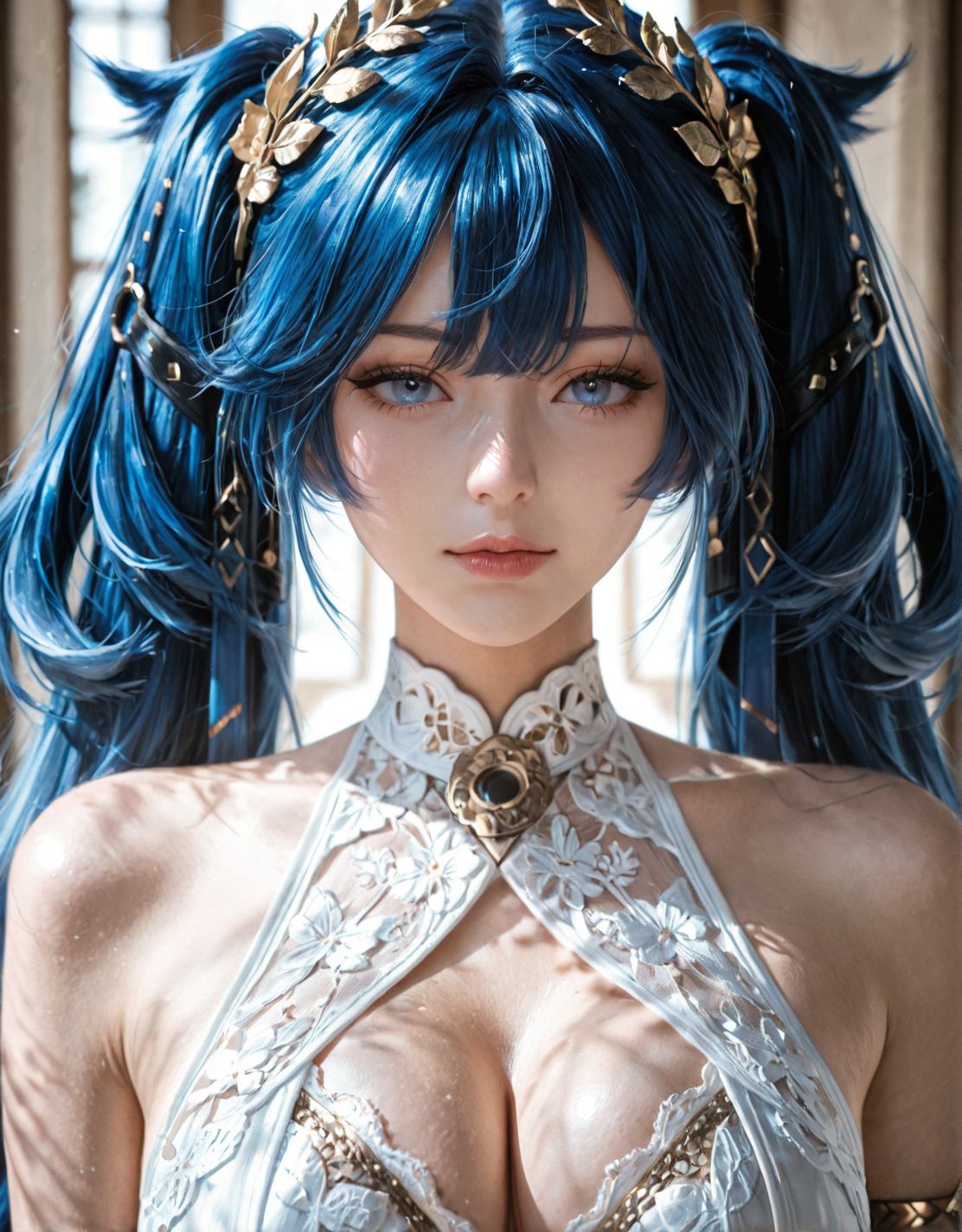

Flux is the most advanced open-source image generation model available in 2026. Developed by Black Forest Labs, the original team behind Stable Diffusion, Flux delivers superior quality for NSFW content creation. It produces more accurate anatomy, better lighting, more coherent multi-subject scenes, and sharper details than any SDXL-based model. This guide covers everything you need to know about using Flux for NSFW generation, from model variants to prompt techniques and hardware requirements.
Whether you are new to AI image generation or migrating from Stable Diffusion, this guide will help you get the best results from Flux. We will explain the different Flux variants, where to find NSFW models and LoRAs, how to set up ComfyUI or Forge, and how to write prompts that work specifically with Flux’s unique architecture.
What Makes Flux Different
Flux uses a Diffusion Transformer architecture instead of the U-Net used by Stable Diffusion. This fundamental difference changes how the model processes information and generates images. The transformer architecture allows Flux to handle complex prompts with multiple subjects, detailed descriptions, and precise spatial relationships more accurately than SDXL.
Flux also uses two text encoders simultaneously. CLIP handles basic image-text alignment, while T5-XXL processes the full depth and nuance of your prompts. This dual-encoder system means Flux understands context better, follows complex instructions more precisely, and produces more coherent results when you describe detailed scenes with multiple elements.
The practical impact for NSFW generation is significant. Flux renders hands, fingers, and body proportions more accurately than SDXL. Skin texture looks more realistic with natural pores and subtle imperfections. Lighting behaves more physically correct, with soft shadows and realistic reflections. Multi-subject scenes maintain consistency without the distortion common in SDXL outputs.

Flux Model Variants Explained
Not all Flux models are the same. Understanding the differences helps you choose the right one for your needs.
Flux.1 dev is the full-quality ai porn generation model. It produces the best results but requires the most VRAM and computing power. This is the model you want for professional-quality NSFW generation. Dev supports NSFW LoRA training and fine-tuning, making it the preferred base for custom content creation. The model file is about 23 gigabytes.
Flux.1 schnell is the fast variant. It uses distilled steps, producing images in 1 to 4 steps instead of 20 to 30. Schnell is released under Apache 2.0 license, making it fully open for commercial use. Quality is slightly below dev but still far ahead of SDXL. Schnell is ideal for quick generation, testing prompts, and high-volume workflows where speed matters more than absolute perfection.
Flux.1 merged and dedistilled versions are community modifications. Dedistilled models remove the distillation applied to free ai hentai generator schnell, restoring some of the quality lost in the speed optimization. These variants often work better with traditional CFG scales of 2 to 4 instead of the fixed guidance used by standard schnell. For NSFW work, dedistilled models can offer a good balance between speed and quality.
Where to Find NSFW Flux Models and LoRAs
The official Flux models are available on Hugging Face. Black Forest Labs hosts dev, schnell, and related components there. These are the base models you need before adding any NSFW customization.
For NSFW-specific content, Civitai is the primary community hub. Search for Flux.1 dev or Flux.1 schnell in the model section, then filter for NSFW content. You will find base models, merged variants, and thousands of LoRAs trained for specific styles, characters, and cuck chat concepts.
Types of NSFW LoRAs available for Flux include character LoRAs that teach the model specific fictional or stylized characters. Style LoRAs that apply consistent artistic styles across generations. Body type LoRAs that influence physical proportions and features. Pose and action LoRAs that control positioning and activities. Clothing and outfit LoRAs for specific garments and accessories.
Important note. Flux LoRAs are not compatible with SDXL LoRAs. The architectures are fundamentally different. You must use LoRAs specifically trained for Flux. Attempting to use SDXL LoRAs with Flux will produce broken or nonsensical results.

Setting Up Flux in ComfyUI
ComfyUI is the most flexible way to run Flux for NSFW generation. Here is how to set it up.
Step 1. Install ComfyUI if you have not already. The Portable version works best for beginners. Download it from the official GitHub repository and extract it to your preferred location.
Step 2. Download the Flux model files. You need the main diffusion model, which is the large 23GB file for dev or the smaller file for schnell. You also need the CLIP models, which include clip_l and t5xxl_fp16 or t5xxl_fp8 depending on your VRAM. You need the VAE file, which handles image encoding and decoding. Place these files in the appropriate ComfyUI models folders.
Step 3. Load a Flux workflow. ComfyUI requires a specific node setup for Flux that differs from SDXL workflows. You can download pre-made Flux workflows from community sources or build your own. The basic Flux workflow in ComfyUI uses a UNET loader for the main model, dual CLIP loaders for text encoding, a VAE loader for image processing, and standard sampling nodes.
Step 4. Adjust for your hardware. If you have 24GB VRAM, you can run Flux dev with FP16 precision for maximum quality. If you have 12 to 16GB VRAM, use FP8 or GGUF quantized models to reduce memory usage. If you have 8GB VRAM, use GGUF Q4 quantization. Quality drops but generation remains possible.
Setting Up Flux in Forge
Forge is a user-friendly interface based on AUTOMATIC1111 that supports Flux with a more familiar layout.
To use Flux in Forge, download and install Forge from its GitHub repository. Load the Flux model through the standard model selector. Forge handles the dual text encoder setup automatically. Configure sampling settings using the guidance scale instead of traditional CFG. Use Euler or dpmpp_2m samplers with simple or beta schedulers.
Forge is easier for users coming from Stable Diffusion web interfaces. However, it offers less flexibility than ComfyUI for complex workflows. For simple text-to-image generation, Forge is sufficient. For advanced techniques like multi-pass refinement, regional prompting, or custom node chains, ComfyUI is superior.
Hardware Requirements
Flux is demanding. Here is what you need for different quality levels.
For FP16 dev at full quality, you need 24GB VRAM. An RTX 3090 24GB or RTX 4090 24GB is the minimum. This produces the best possible results with no compromises.
For FP8 dev at reduced quality, you need 12 to 16GB VRAM. An RTX 4070 Ti Super 16GB or RTX 4080 16GB works. Quality is slightly softer than FP16 but still excellent for most uses.
For GGUF quantized models, you need 8 to 12GB VRAM. An RTX 3060 12GB can run Q8 quantization. An 8GB card can run Q4 or Q5 quantization. These are viable options for users who cannot upgrade their hardware.
For cloud GPU access, services like RunPod and Vast.ai offer RTX 4090 or L40S instances starting at about 50 cents per hour. This is a cost-effective way to access full-quality Flux without buying expensive hardware. Pre-configured ComfyUI templates are available on both platforms.
System RAM requirements are 32GB recommended, 16GB minimum. Storage needs are 100GB plus for multiple models, LoRAs, and workflows.
Prompt Writing for Flux
Flux handles prompts differently than SDXL. Understanding these differences improves your results significantly.
Flux understands natural language better. You can write descriptive sentences rather than tag lists. A prompt like a photorealistic portrait of a young woman, soft natural window light, shot on 35mm film, shallow depth of field, detailed skin texture, relaxed pose produces excellent results in Flux. The same prompt in SDXL might require heavy tag optimization.
Flux does not need quality boosters. Tags like masterpiece, best quality, and highly detailed that are essential in SDXL have minimal effect in Flux. The model assumes high quality by default. You can include them but do not rely on them.
Flux handles negative space well. You can describe what should not be in the image, and Flux will respect these instructions more reliably than SDXL. Negative prompts are still useful but less critical.
Danbooru-style tags work differently in Flux. While Pony and Illustrious models rely heavily on specific tag formats, Flux performs better with natural language descriptions. You can mix styles, but pure natural language usually produces the best results.
Example prompts that work well with Flux include detailed scene descriptions with lighting, camera angles, and mood. Character descriptions with specific physical traits, clothing, and expressions. Action descriptions that specify poses and interactions between subjects. Style references that mention artistic techniques or photographic approaches.

Sampling Settings for Flux
Getting the sampling settings right is crucial for Flux quality.
For Flux.1 dev, use Euler or dpmpp_2m sampler. Simple or beta scheduler works well. Steps should be 20 to 30 for full quality. Guidance scale is different from SDXL. Standard dev uses a fixed guidance of 1.0 internally. If your interface exposes guidance, use 3.0 to 4.0. For dedistilled models, use CFG scale of 2 to 4.
For Flux.1 schnell, use the distilled workflow with 1 to 4 steps. No CFG adjustment needed. The model is designed to work at fixed settings. Attempting to use traditional CFG with schnell often produces worse results.
Resolution should be 1024 by 1024 for standard generation. Flux supports native resolutions up to 2 megapixels. For portrait work, 832 by 1216 works well. For landscape, 1216 by 832 is effective. Upscaling to 2K or 4K is possible with latent upscale or UltimateSDUpscale in ComfyUI.
Common Problems and Solutions
Out of memory errors are the most common issue. Solutions include using FP8 or GGUF models instead of FP16. Enabling CPU offloading for text encoders. Reducing batch size to 1. Closing other applications that use VRAM. Using cloud GPUs if local hardware is insufficient.
Blurry or low-quality outputs usually mean insufficient steps or wrong sampling settings. For dev, use at least 20 steps. For schnell, verify you are using the correct distilled workflow. Check that your model file is not corrupted by verifying its hash against the official release.
LoRA not working indicates incompatibility. Ensure your LoRA was trained for Flux, not SDXL. Check that your ComfyUI or Forge version supports Flux LoRA loading. Update to the latest version if LoRA loading fails.
Slow generation is normal for Flux dev. Expect 30 to 60 seconds per image on an RTX 3090. Use schnell for faster results. Enable Teacache in ComfyUI to speed up repeated generations. Consider Hyper-LoRA for step reduction.
Optimization Techniques
Several techniques can improve Flux performance without sacrificing quality.
Teacache is a ComfyUI feature that caches intermediate results during sampling. This speeds up generation significantly when you are iterating on similar prompts. Enable it in the sampling node settings.
Hyper-LoRA reduces the number of steps needed for quality output. A Hyper-LoRA trained for Flux can cut generation from 25 steps to 8 to 12 steps while maintaining similar quality. This is especially useful for schnell workflows where you want dev-like quality at schnell speed.
FP8 precision reduces VRAM usage by about 40 percent with minimal quality loss. Most users cannot distinguish FP8 from FP16 outputs in blind tests. Use FP8 if you are VRAM-constrained.
GGUF quantization offers multiple quality levels. Q8 is nearly indistinguishable from FP16. Q6 and Q5 show minor quality loss but use significantly less VRAM. Q4 is the most aggressive compression, usable on 8GB cards but with noticeable softness. Choose the highest quality level your hardware can handle.
CPU offloading moves text encoder processing to system RAM instead of VRAM. This frees GPU memory for the diffusion model. The trade-off is slightly slower generation, but it enables Flux on lower-VRAM cards.

Flux vs SDXL for NSFW
For users deciding whether to switch from SDXL to Flux, here is a direct comparison.
Anatomy accuracy favors Flux significantly. Hands, fingers, and body proportions are consistently better. SDXL requires heavy negative prompting and inpainting to achieve similar results.
Skin texture is more realistic in Flux. Pores, subtle imperfections, and natural variation are rendered without the plastic-like smoothness common in SDXL.
Lighting and shadows behave more physically in Flux. Complex lighting scenarios that confuse SDXL are handled naturally by Flux’s transformer architecture.
Multi-subject scenes maintain coherence better in Flux. SDXL often merges features between subjects or distorts proportions when multiple people are present.
Prompt adherence is superior in Flux. Complex descriptions with multiple elements are followed more precisely. SDXL tends to ignore parts of long prompts or blend unrelated concepts.
Speed favors SDXL. Flux dev is significantly slower than SDXL on equivalent hardware. Flux schnell closes the gap but still trails optimized SDXL workflows.
VRAM requirements favor SDXL. SDXL runs comfortably on 8GB cards. Flux dev needs 24GB for full quality. Quantized Flux variants reduce this gap but still require more resources than SDXL.
Community ecosystem currently favors SDXL. More LoRAs, checkpoints, and tools exist for SDXL. The Flux ecosystem is growing rapidly but is still smaller. By late 2026, this gap is expected to close significantly.

Future of Flux for NSFW
Flux represents a generational leap in open-source image generation. The transformer architecture, dual text encoders, and superior training data combine to produce results that rival or exceed many commercial platforms.
For NSFW creators, Flux offers the best quality currently available in open-source AI. The ability to train custom LoRAs, run locally for privacy, and access the model through free tools like ComfyUI makes it the platform of choice for serious creators.
As the ecosystem matures, expect more specialized NSFW models, better quantization techniques, and improved speed optimizations. The gap between Flux and commercial alternatives will continue to narrow, while the privacy and control advantages of local generation remain unmatched.
Updated June 2026. Flux is evolving rapidly. Check for model updates and new optimization techniques regularly.