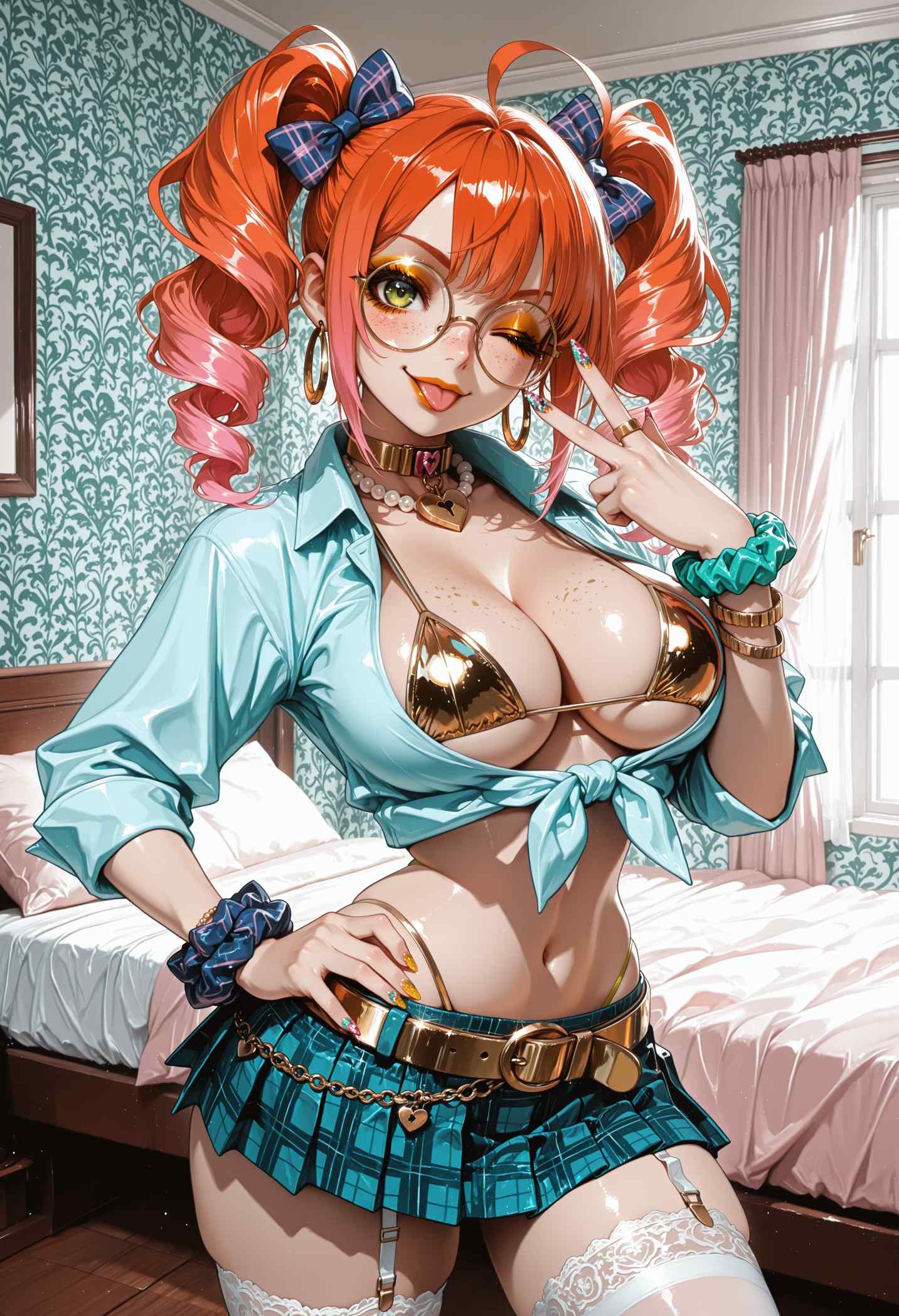

NSFW AI Character Generator Guide 2026
Meta clothes remover description: Learn how to create NSFW AI characters in 2026 with better prompts, reference images, LoRA training, character sheets, and consistency tests.
A NSFW AI character generator is useful only when the character can be recognized again. One strong image is easy compared with a full set of images that show the same face, body type, hair, style, and mood across different scenes. This is why character generation needs a workflow, not only a prompt.
This guide explains how to create better adult AI characters in 2026. It covers the difference between single-shot generation and consistent character generation, how to write a character sheet, when to use reference images, when to train a LoRA, and how to test the result before using it in a real project.
Single Image vs Consistent Character
A single image generator creates one image from one prompt. The result may look good, but the next seed may create a different person. A consistent character workflow tries to keep the same identity while changing pose, outfit, lighting, camera angle, and scene.
Most users who search for a NSFW AI character generator really want consistency. They may be building a visual novel, adult story series, AI model profile, creator brand, or image gallery. For these uses, a random new face in every image is a problem.
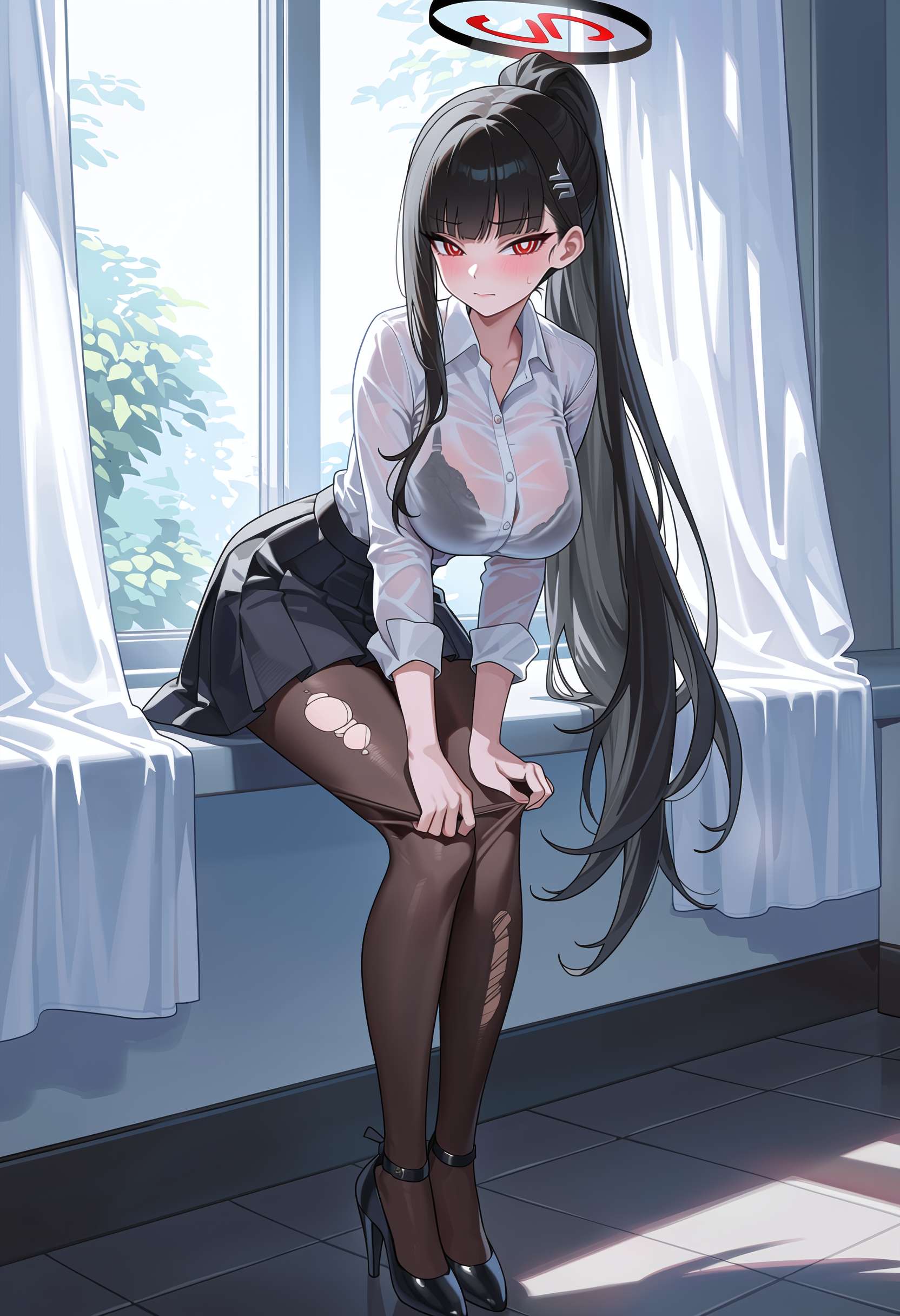
Write a Character Sheet First
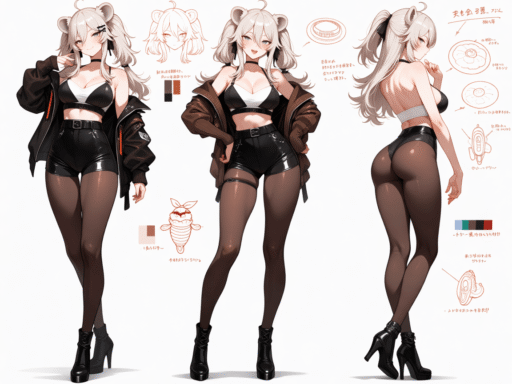
Before generating, write a short character sheet. Include only visible details that matter. Use age safe adult wording, hair, eyes, face shape, body type, clothing style, mood, color palette, and art style. This becomes the base prompt for future images.
A simple character sheet may look like this:
adult woman, short black hair, green eyes, athletic build, calm expression, modern black outfit, soft studio light, realistic portrait style
Keep the character sheet stable when testing. If you rewrite it every time, you will not know which words create the identity and which words break it.

Use Reference Images
Reference images help the model understand the character better than text alone. Some tools let you upload one reference image. Advanced workflows can use IP Adapter, FaceID, ControlNet reference, or a trained LoRA.
Reference images should be clear, legal, and adult. Do not use real people without consent. If the character is fictional, create your own reference set and keep the best images for future work. The cleaner your reference set is, the better your later outputs will be.
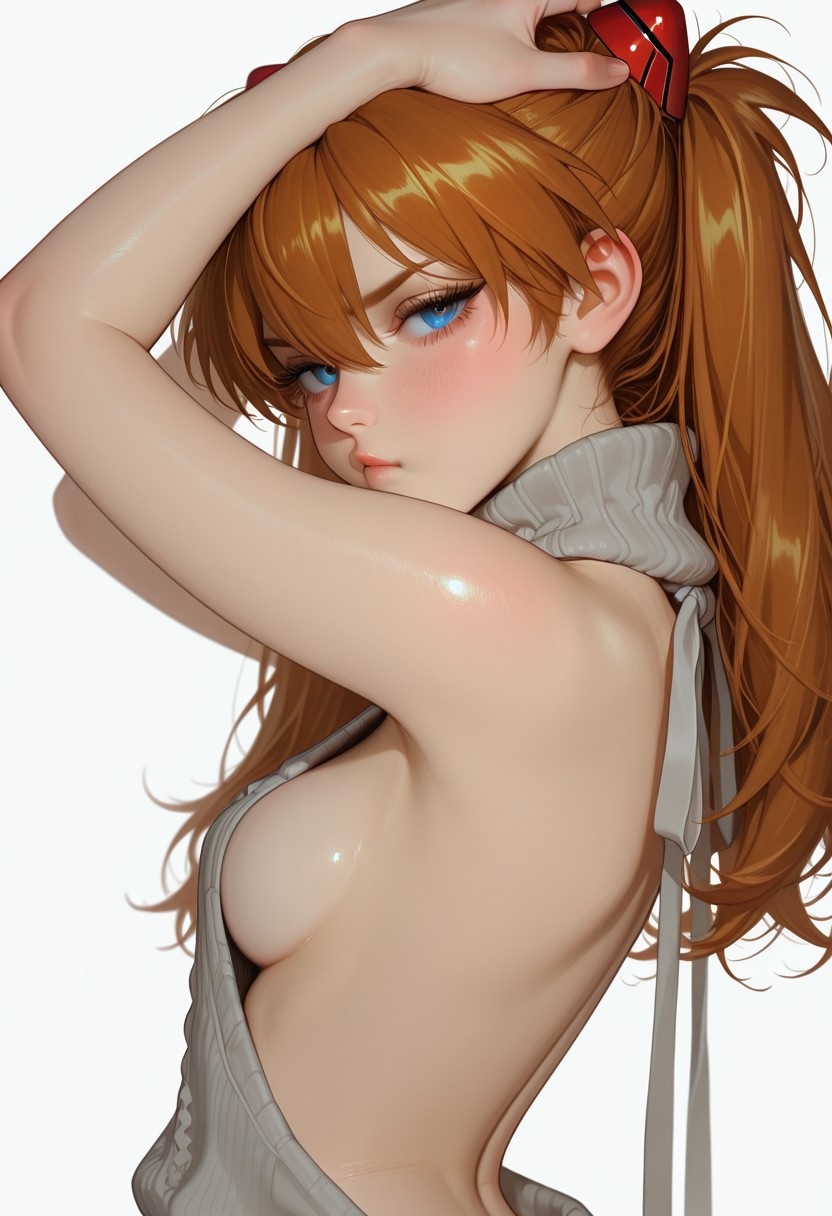
When to Train a LoRA
Train a LoRA when the character will appear many times. A LoRA stores the character identity in a small file and makes it easier to use the same character across different prompts. It is more work than a single reference image, but it is stronger for long projects.
Use 20 to 30 good reference images. Include different poses, lighting, and camera distances. Avoid images where the face is hidden or the body type is unclear. Caption the images with one unique trigger word and simple visible tags.
Prompt Layers for Character Images
A clean character prompt can be built in layers:
identity layer, outfit layer, scene layer, mood layer, camera layer, quality layer
The identity layer should stay mostly the same. The outfit and scene layers can change. The mood layer controls expression and tone. The camera layer controls close-up, half body, full body, or angle. This structure helps you keep the character stable while still creating variety.

Testing Character Consistency
Do not trust one good image. Test the character across several prompts. Try close-up, half body, full body, indoor light, outdoor light, different outfits, different expressions, and different backgrounds. If the face changes too much, the workflow is not stable enough yet.
| Test | What to check |
|---|---|
| Same prompt, different seeds | Face remains close |
| New outfit | Identity still reads the same |
| New background | Character does not drift |
| Close-up and full body | Both remain usable |
| Different expressions | Mood changes without losing identity |
Common Problems
If the character changes face often, the prompt may be too vague or the reference signal may be too weak. Add a better reference image, train a LoRA, or make the character sheet more specific. If the character always uses the same pose, your reference set may be too repetitive.
If the tool keeps changing body type, use more consistent reference images and add body type terms to the base prompt. If the style changes, keep the same model and avoid mixing many art style words in one prompt.
Best Use Cases
Character generation is useful for visual novels, adult story covers, recurring gallery characters, creator concepts, roleplay art, and brand mascots. The workflow is also useful for testing outfits, lighting, and scene ideas before creating final images.
FAQ
Can a prompt alone keep a character consistent?
Only to a limited degree. A detailed prompt helps, but reference images or LoRA training are stronger when you need the same character many times.
How many images do I need for a character LoRA?
Most character LoRAs work best with 20 to 30 clear images. More images help only when they add useful variety.
What is the best strength for a character LoRA?
Start around 0.7 and test from 0.5 to 1.0. The best strength depends on the base model, training quality, and prompt.
Conclusion
A strong NSFW AI character workflow starts with a clear character sheet and grows into reference images, LoRA training, and careful testing. If you only need one image, a prompt may be enough. If you need a real character series, build a repeatable system first.
Character Sheet Template
Use a simple template so every character has the same kind of detail. Include identity, body shape, hair, eyes, skin tone, clothing style, mood, art style, and setting notes. Do not make the sheet too long. The goal is to keep the character stable, not to describe every possible detail.
A useful template is: adult character, hair, eyes, face shape, body type, main outfit style, mood, color palette, image style. Keep this identity block at the start of every prompt. Add scene details after it.
Building a Reference Set
A reference set should show the character clearly. Use close-up, half body, and full body images. Include different expressions and lighting, but keep the core identity stable. Remove images where the face is unclear, the body type changes too much, or the style does not match the project.
If you plan to train a LoRA, a clean reference set is more important than a large one. Twenty strong images can train better than sixty mixed images. The model learns what you give it, including mistakes.

Scene Variation Without Losing Identity
After the character is stable, test scene variation. Move the character from a studio portrait to a bedroom, street, beach, office, or fantasy setting. Change lighting and outfit in small steps. If identity breaks after one change, the base workflow is not strong enough yet.
Use a repeatable prompt structure. Keep the identity layer stable, then add setting, outfit, pose, light, and camera. This makes the prompt easier to debug and easier to reuse.
Publishing Character Content
If character images are used on a website, organize them into useful pages. A gallery should include the character name, style, tool notes, and internal links to prompt or LoRA guides. Use image alt text that describes the character and image style without keyword stuffing.
For SEO, a character generator article should answer both tool choice and workflow. Many readers are not only asking which tool to use. They also want to know how to keep the same character across many images.
Common Reader Questions
Readers often ask why the same prompt gives a different face, why reference images do not fully work, and whether LoRA is worth the effort. Answer these questions directly in the article. This helps both user experience and search visibility.
Tool Features to Look For
A good character generator should support reference images, prompt reuse, seed control, negative prompts, and some form of editing. Better tools also support LoRA, face detail repair, pose control, and private galleries. These features matter more than a large public gallery of sample images.
If the tool cannot keep a character stable after three simple scene changes, it may not be the right tool for character work. Test before paying. Use the same character in a portrait, a full body image, and a new room. If all three look like the same person, the tool is worth deeper testing.
Character Workflow for Websites
For a website, a character generator page should include practical examples. Add a character sheet, a prompt template, a consistency test table, and a simple explanation of reference images versus LoRA. This gives the page more value than a thin tool list.
Search visitors often want a direct answer and a workflow they can copy. Use clear headings, short paragraphs, and internal links to deeper tutorials. A strong article should help the reader create the character, test the character, and improve the character.
Character Generator Buying Checklist
Before paying for a character generator, test whether it can keep the same character across at least five images. Try a portrait, full body, new outfit, new room, and different expression. If the face or body changes too much, the tool may be better for single images than character projects.
Also check export quality, private storage, reference image rules, and whether the tool allows commercial use. Character workflows often involve repeated use, so small platform limits can become big problems later.

Final Character Quality Review
Before using a generated character in a project, compare the best images in one folder. Look at face shape, eyes, hair, body type, style, and mood. If the images do not feel like the same person, the workflow needs more testing.
A character generator article should help readers make this judgment. It should not sextbots only list tools. It should explain how to know when the output is ready for real use.
The final quality test is recognition. If the same character is clear without reading the prompt, the workflow is working. If not, improve the reference set or training method.
This makes the guide more useful than a simple tool roundup.